 NEWS
NEWS
Apple Suddenly Confirms Surprise iPhone 12 Upgrade
 06/28/2020
 2426
2426
The all-new iPhone 12 already looks like the year’s most competitively priced smartphone, and that was before Apple suddenly confirmed how it will now save you even more money.
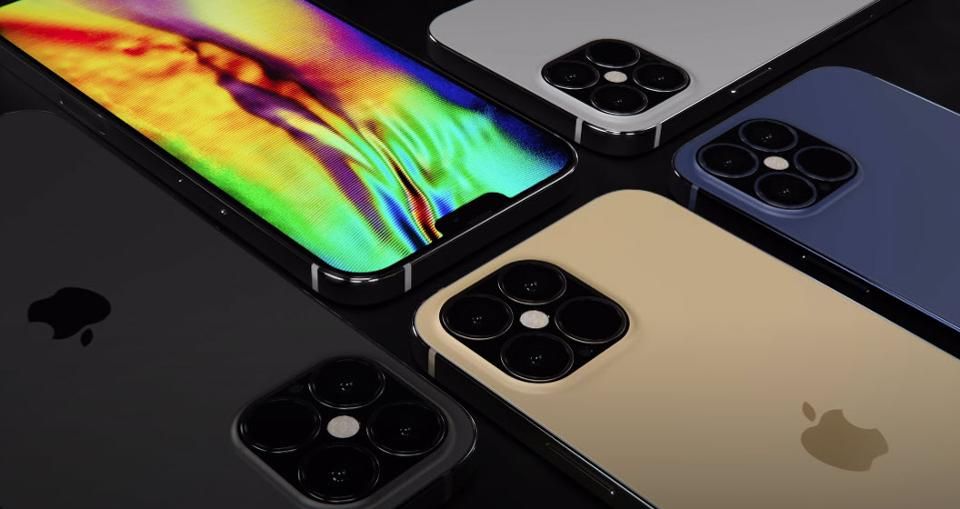
Following a leak earlier this week that Apple will surprisingly include a fast 20W charger with the iPhone 12 (a massive step up from the iPhone 11’s 5W charger), Apple itself has now confirmed the upgraded charger (and a second model) by submitting it for certification in multiple countries.
06/27 Update: more good news for the iPhone 12 line-up. Popular Samsung insider Ice Universe has revealed that the iPhone 12 Pro and iPhone 12 Pro Max are almost certain to have 120Hz ProMotion displays. Why would a Samsung leaker know this? Because Samsung Display supplies the vast majority iPhone screens and is expected to deliver all iPhone 12 Pro and iPhone 12 Pro Max panels. High refresh rate displays provide a significantly smoother and responsive user experience and have been a hit on rival devices, so this is an important catch-up move by Apple. Moreover, it could pave the way for Apple Pencil Support (tipped by many) which requires the 120Hz panel used in the iPad Pro range to reduce latency.
Spotted by MySmartPrice, the public certification process in Norway (NEMKO) has made the new Apple charger official and its model number (A2305) matches the iPhone 12 leak. NEMKO documentation reveals the 20W charger’s power delivery (9V x 2.22A), USB-C port (the 5W iPhone 11 charger is USB-A) and that it supports USB Power Delivery (USB-PD) specification so it should fast charge rival smartphones as well.
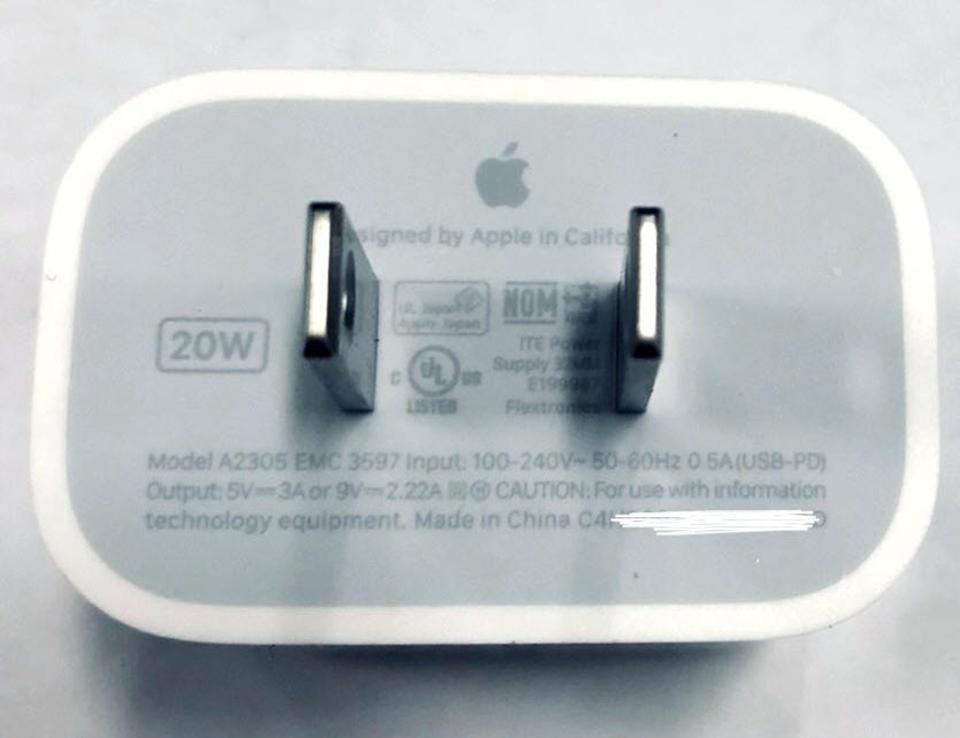
In addition to this, both NEMKO and Australia’s certification process have confirmed a second charger with identical specifications and the model number A2247. I suspect this will be assigned to 20W chargers Apple sells separately, though that is just a hunch.
But the big news here is savings. The iPhone 12 is already $50 cheaper than its predecessor and that phone required you to spend a further $50 for an Apple fast charger ($30 for the charger, $19 for the Lightning to USB-C cable). This year you’re getting a $100 total saving and Apple’s 2019 fast chargers were 18W, so there’s a 10-12% power boost coming as well.
Combine all this with the eye-opening display upgrades coming to the iPhone 12 and the newly-renamed iPhone 12 Max and their jump to 5G (shared by the price capped iPhone 12 Pro and iPhone 12 Pro Max, which also get 120Hz ProMotion support and LiDAR sensors) and Apple looks set to blow away competitors who have been crippled by chipset-mandated price increases in 2020.
Now the one remaining question is: will the range look as good as expected?
Source: Forbes









