 NEWS
NEWS
Kuo: Apple May not Include EarPods Headphones in iPhone 12 Box to Boost AirPods Sales
 05/21/2020
 3461
3461
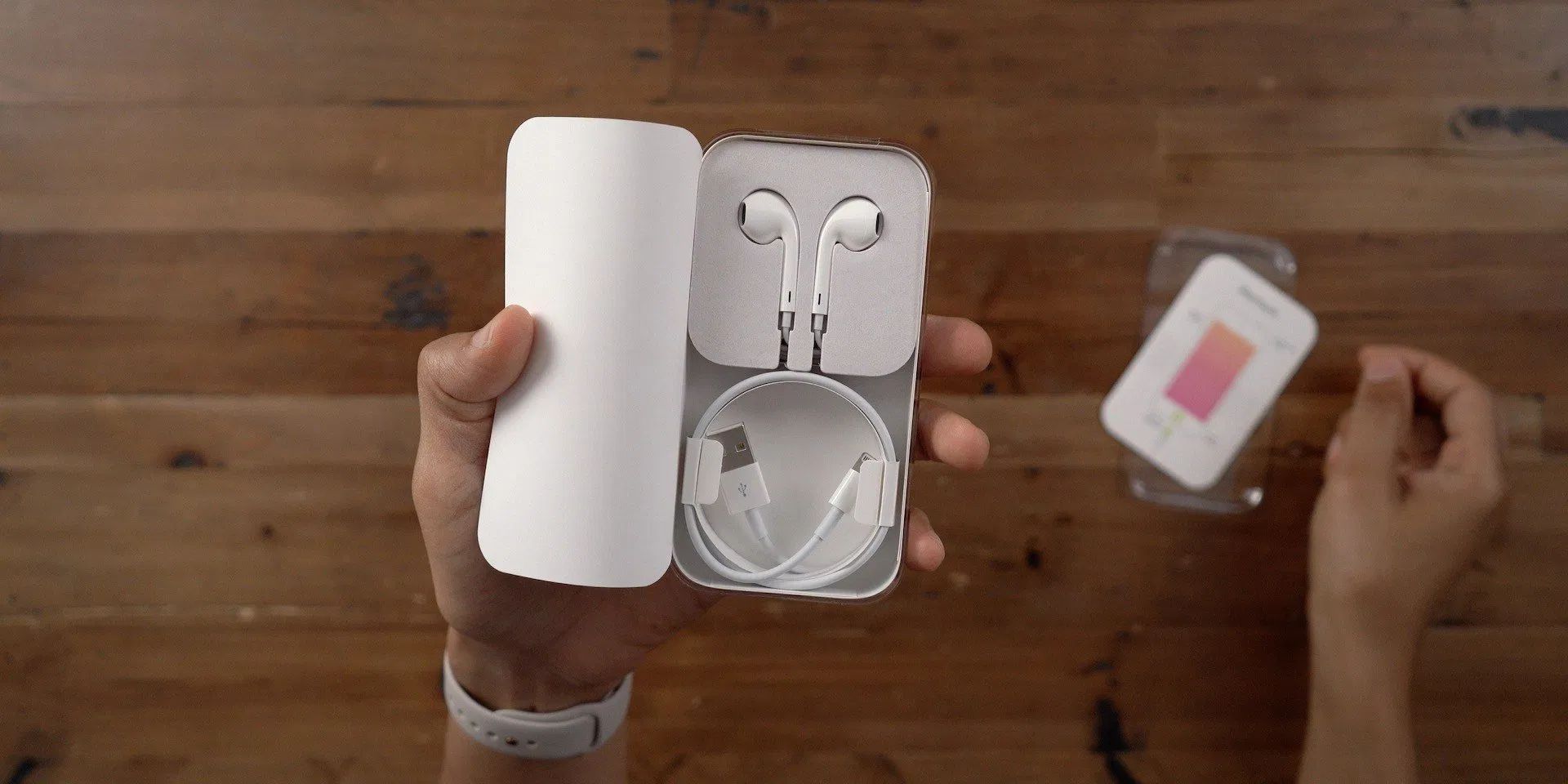
According to the latest report from analyst Ming-Chi Kuo, Apple may not include the wired EarPods headphones in the box of the iPhone 12. This would naturally drive sales of Apple’s second-generation AirPods, as customers would no longer be getting free headphones with their new phones.
Kuo suggests that Apple may heavily promote or discount the AirPods this holiday season, with no new models of AirPods or AirPods Pro expected until 2021.
When the iPhone 7 removed a headphone jack, the inconvenience was mitigated by the inclusion of EarPods in the box — most people just use the earbuds the phone comes with. If Apple no longer offers it, that means customers needing new earbuds will be forced to buy either MFi Lightning proprietary wired headphones like EarPods, or spend more on Bluetooth wireless options such as AirPods.
Although the epidemic led to a sales decline in the second of this year, he is expecting a rebound by the holiday shopping season including strong year-over-year sales growth of AirPods Pro. Kuo is further increasing his AirPods sales estimates for this year from 80 to 93 million units.
Last month, Kuo set rumor mill expectations by indicating that there would be no hardware revisions to AirPods or AirPods Pro this year.
With second-gen AirPods being about eighteen months old by the time the iPhone 12 launches, it is possible Apple drops the price further to incentivize add-on sales. However, supply analyst Kuo naturally has no firm details about the company’s marketing plans.
Through Apple retail, customers can buy a pair of EarPods for $29 and the base model AirPods start at $159.
For the last couple of years, there has been some speculation that Apple would offer a bundle of iPhone and AirPods for a combined discount. This could be one of the “promotion plan” strategies Kuo refers to.
Apple has included earbud headphones since the first iPhone (the first model also included other accessories in the box like a charging dock). The wired EarPods were introduced in 2012 alongside the iPhone 5, and Apple switched from 3.5mm to Lightning EarPods starting with the headphone-jack less iPhone 7. So, if true, this would be the first time that Apple does not include any headphones for free with an iPhone purchase.
In terms of other changes to bundled accessories, Apple began bundling a 3.5mm to Lightning dongle with the iPhone 7 to aid the transition away from the ‘old’ headphone jack. This lasted two generations but was removed from the box starting with the iPhone XS/XR generation. The other recent change to the boxed accessories was that Apple finally began shipping USB-C cables and higher wattage power adapters with the iPhone 11 Pro.
Source: 9to5mac









