 NEWS
NEWS
Apple's iPhone 12 May Finally Get a Faster Screen to Match the Speed
 05/12/2020
 2605
2605
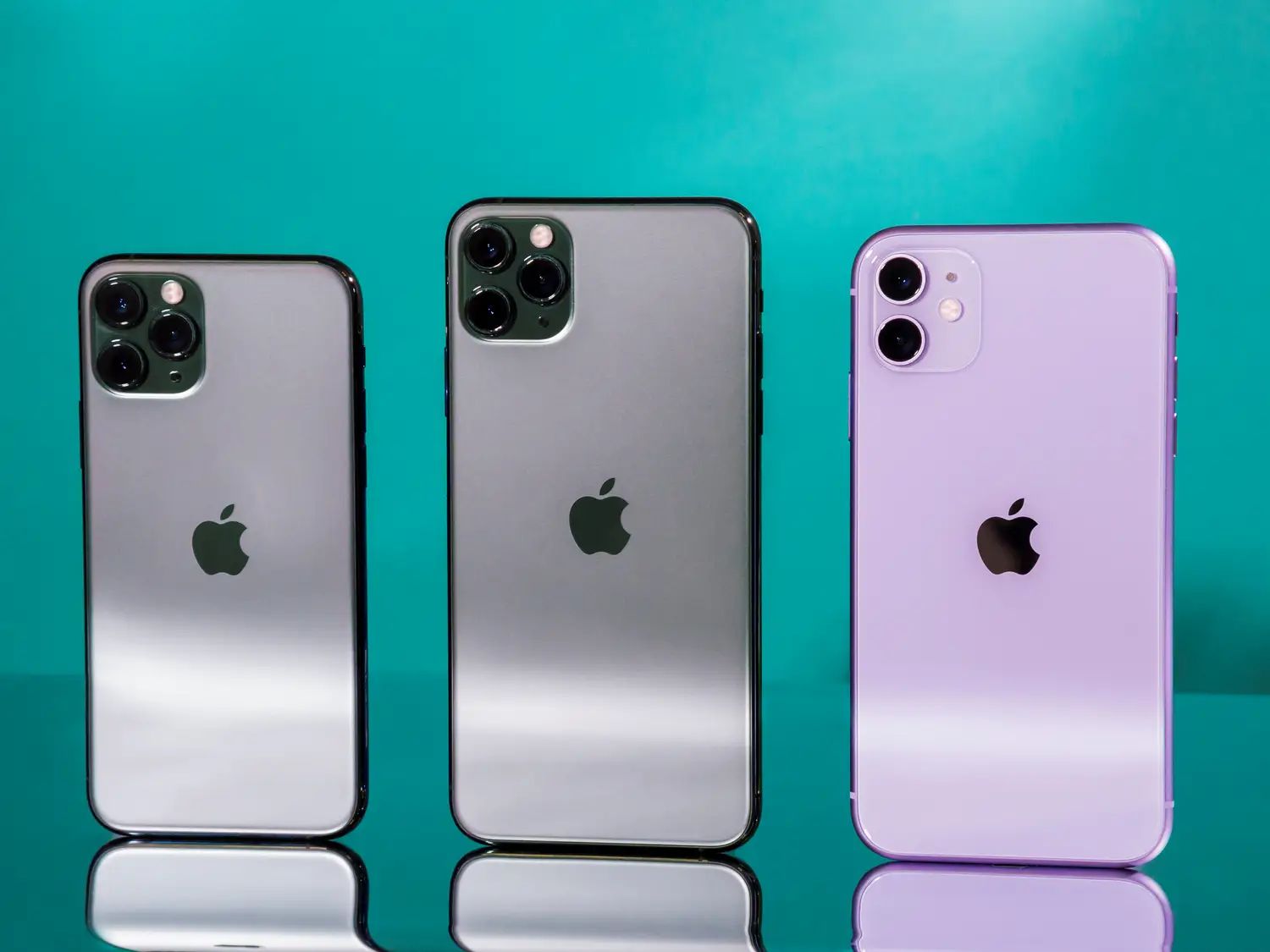
Some versions of the iPhone 12 may come with an upgraded screen with a 120Hz refresh rate, according to Everything Apple Pro.
The feature, which would make scrolling and animations feel smoother, would be available for Apple's more expensive new iPhones.
It's the latest feature Apple is said to be borrowing from the iPad Pro for its new iPhone 12, which is also rumored to come with the iPad Pro's Lidar sensor and a similar design.
Apple may equip some versions of its rumored iPhone 12 with an upgraded screen that features a higher refresh rate, which should make the display feel smoother and more responsive, according to the YouTube channel Everything Apple Pro.
The more expensive versions of Apple's next iPhones, rumored to be called the iPhone 12 Pro and iPhone 12 Pro Max, may come with a screen that has a refresh rate of 120Hz, says the report. Most smartphone displays typically run at a refresh rate of 60Hz.
The less expensive models are not expected to have this feature, although all versions are rumored to come with OLED displays instead of LCD panels. Apple's less expensive iPhones currently include LCD displays, which don't offer as much contrast or boldness as OLED panels.
Apple did not immediately respond to Business Insider's request for comment.
The move would come as displays with higher refresh rates are starting to become the norm on rival Android devices. Samsung's Galaxy S20 lineup, for example, features a 120Hz refresh rate, as does the OnePlus 8 Pro. Phones made by Asus and Razer that are marketed toward mobile gamers also have a 120Hz refresh rate.
Apple's iPad Pro tablets also include a feature called ProMotion, which boost the refresh rate up to 120Hz for better responsiveness and fluid scrolling. It sounds like the company could be planning a similar feature for the reported iPhone 12 Pro, although Everything Apple Pro notes that the phone will be able to switch between refresh rates depending on the task at hand to preserve battery life. It may only kick into 120Hz mode if you're playing a game or scrolling quickly, for example.
Other than the ability to support a 120Hz refresh rate on certain models, it sounds like the next iPhone will share some other similarities with the iPad Pro as well. Some models may come with a Lidar sensor much like Apple's pro-grade tablet, and the lineup is expected to feature a new flatter design with sharper edges much like the iPad Pro, according to Bloomberg.
Apple typically announces and releases its new iPhones in the fall. It's unclear if Apple will stick to its usual September time frame this year as some reports from analysts and Nikkei Asian Review have suggested the coronavirus pandemic could result in a delayed launch.
Source: Businessinsider









