 NEWS
NEWS
Apple Releases Third Developer Betas of iOS 13.5, MacOS 10.15.5, WatchOS 6.2.5, tvOS 13.4.5
 04/30/2020
 3424
3424
Apple is now on its third round of developer betas, with new builds of macOS 10.15.5, tvOS 13.4.5, and watchOS 6.2.5 now available to developers.
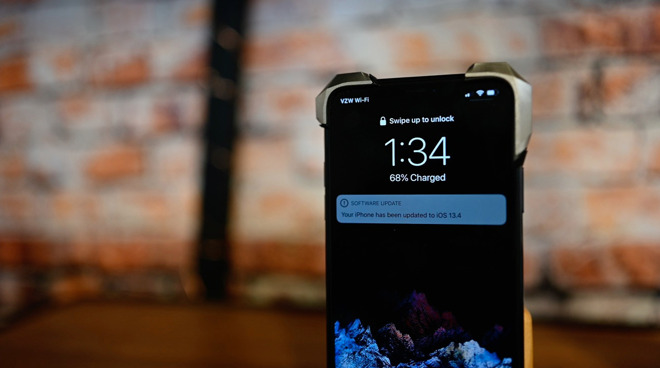
The latest builds can be acquired from the Apple Developer Center for participants in the Developer Beta program, as well as via an over-the-air update for hardware already used for beta software. Public beta versions of the developer builds are usually issued within a few days of their counterparts, and can be acquired from the Apple Beta Software Program site.
The third round including the renamed iOS 13.5 and iPadOS 13.5 takes over from the builds provided by Apple on April 15. The first batch of builds were issued on March 31 for iOS 13.4.5, iPadOS 13.4.5, and tvOS 13.4.5, while watchOS 6.2.5's build appeared on April 1.
Release notes for the builds haven't yet provided details of what major feature changes were made in each operating system, beyond the first support for coronavirus Exposure Notification in Wednesday's iOS 13.5 beta, with Apple otherwise only advising of the usual bug fixes and improvements. Given the version numbering, as well as relative proximity to WWDC 2020, it is plausible that it largely consists of a maintenance release.
Alone, the software hooks in iOS 13.5 for Exposure Notification don't do anything on their own, and require an app for functionality, which is not available at this time.
Examination of previous builds uncovered an option for Apple Music subscribers to share what they're listening to in Facebook and Instagram stories.
AppleInsider, and Apple itself, strongly recommend users don't install the betas on to "mission-critical" or primary devices, as there is the remote possibility of data loss or other issues. Instead, testers should install betas onto secondary or non-essential devices, and to make sure there are sufficient backups of important data before updating.
Source: Appleinsider









