
NEWS

WSJ: iPhone 12 Models on Track to Launch This Year, But Mass Production Pushed Back a Month

04/28/2020

3253

Apple plans to launch its iPhone 12 lineup this year, but mass production of the devices will be delayed by around a month due to the global health crisis, according to The Wall Street Journal. The report claims that Apple is also slashing the number of iPhones that it plans to make in the second half of this year by as much as 20 percent.
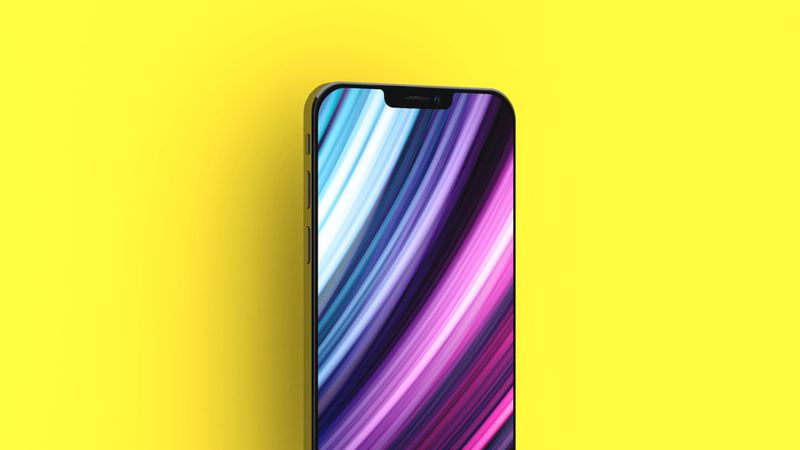
WSJ: iPhone 12 Models on Track to Launch This Year, But Mass Production Pushed Back a Month
Apple typically unveils new high-end iPhones in September. While a one month delay to production does not sound significant enough to impact that timeframe, rumors suggest that at least one model might not be available to order until October or November.


Apple is planning four 5G-enabled iPhones, including one 5.4-inch model, two 6.1-inch models, and one 6.7-inch model, according to analyst Ming-Chi Kuo and other sources. All four models are expected to feature OLED displays, flatter edges like recent iPad Pro models, and a smaller notch. High-end models are also expected to feature a LiDAR sensor.


Source: Macrumors

Windows
Mac OS
iOS
Linux
3uTools
Win 64-bit For this device
V9.0 2025-11-11
Download
Win 32-bit For this device
V9.0 2025-11-11
Download
3uTools
Intel Chip How to Identify Chip Type
V9.0 2025-12-02
Download
Apple Chip
V9.0 2025-12-02
Download
How to Identify Chip Type
1.  Click the Apple icon in the top-left corner of the screen and select About This Mac.
2.  Check the Processor or Chip field to determine if it is "Intel" or "Apple".
Please use the 3uTools PC client to install the iOS client:
1、 Install either the Windows or Mac version of 3uTools on your computer
2、 Open the PC client and connect your device to the computer via USB cable
3、 After the connection is successful, wait for the computer to automatically install the mobile app for the device, or locate “Install Mobile App” on the computer and manually click to install.
3uTools
deb file
V3.01 2025-11-20
Download
rpm file
V3.01 2025-11-20
Download
Windows
Windows
iOS
iOS
Android
Android
TV
TV
3uAirPlayer
Win 64-bit For this device
V6.0.2 2025-11-19
Download
Win 32-bit For this device
V6.0.2 2025-11-19
Download
iOS Device Mirroring (No App Required)
1、 Install 3uAirPlayer on the Windows PC
2、 Open Control Center and select Screen Mirroring
3、 From the list, choose your PC to start mirroring
4、 Or connect your iOS device to the PC via USB to begin mirroring
Scan to get "3uAirPlayer" App
3uAirPlayer TV V1.0.18
2025-11-28
TV System Requirements: Android 7.0 or later
Download the TV installation package, copy it to a USB drive, insert it into your TV or set-top box, then select the file from the home screen to install.




