NEWS

Apple Lists AirPods, Apple Pencil, iPad, And More in This Year’s Mother’s Day Gift Guide

04/22/2020

2549

Apple Lists AirPods, Apple Pencil, iPad, And More in This Year’s Mother’s Day Gift Guide

Mother’s Day isn’t until Sunday, May 10, but Apple is getting well ahead of the big day by launching its latest gift guide.


As is par for the course with Apple’s gift guides there are plenty of products to choose from, but don’t expect to see any major price discounts. You’ll find the 7th generation iPad, for instance, still priced starting at $329 in this year’s Mother’s Day gift guide. 


The AirPods Pro, meanwhile, is also part of the gift guide for 2020 priced at $249.00. The other AirPods options are listed as well, either with or without the wireless charging case.


Apple also lists the Apple Watch Series 5, the Apple Watch Series 3, the Sport Loop bands for the smartwatch, and even promotes customizing the wearable with the Apple Watch Studio.


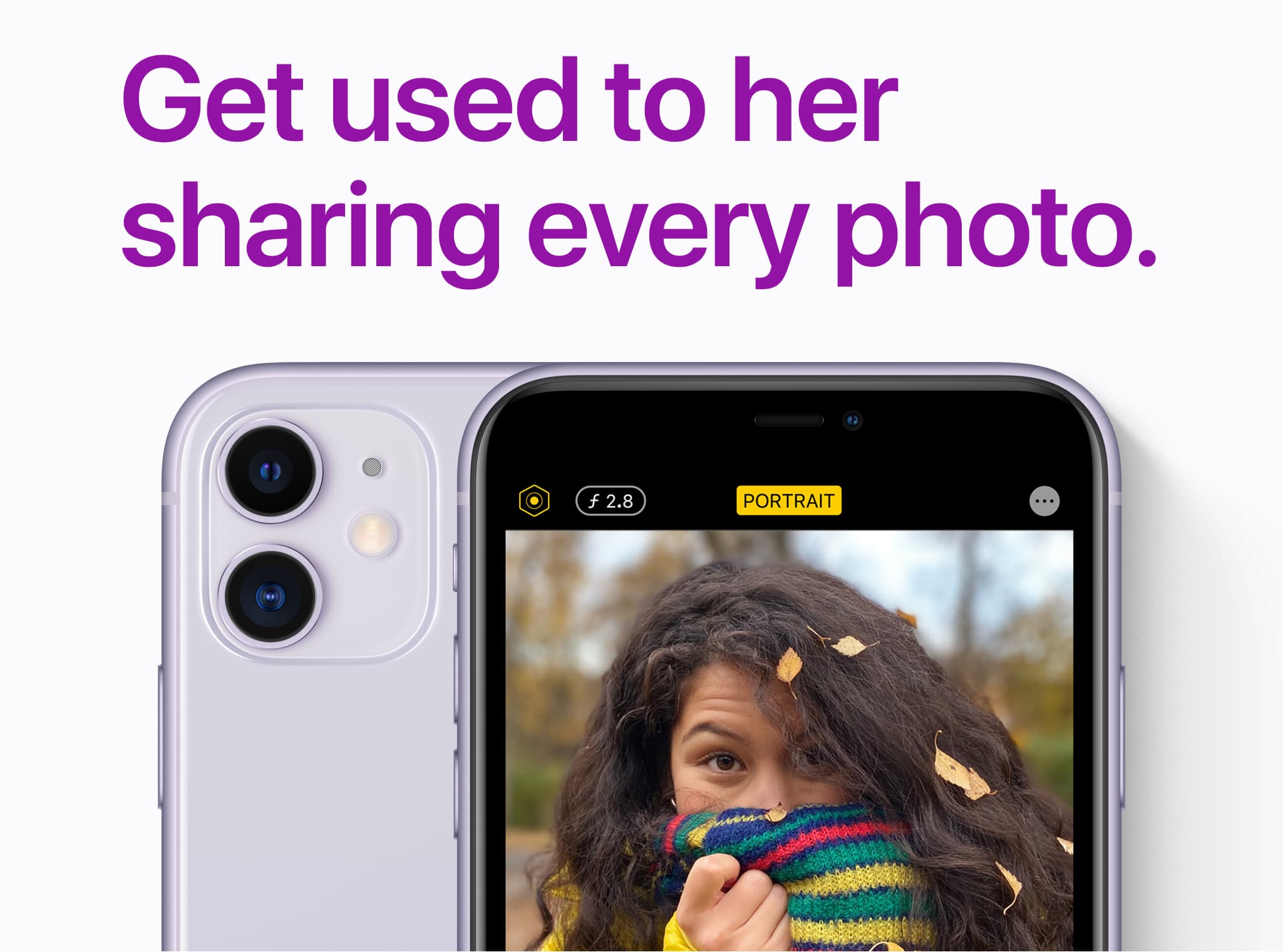
Apple’s promoting the first generation Apple Pencil, the Smart Keyboard, and the Smart Cover as well. Apple TV+ is part of the mix, as is the iPhone 11, iPhone 11 Pro, and the new iPhone SE. Silicone cases and leather cases make the grade this year as well. And if you thought Apple Card wouldn’t pop up in this year’s Mother’s Day gift guide, well, think again.


Apple has plenty of cute phrases throughout the guide to help “promote” Mother’s Day. Things like, “Gifts to truly make your Mother’s day”, and “A gift for the heart”.


Well, here’s Apple’s gift guide for Mother’s Day 2020. What do you think? Going to pick up any Apple-branded products for Mother’s Day?


Source: iDB

Windows
Mac OS
iOS
Linux
3uTools
Win 64-bit For this device
V9.0 2025-11-11
Download
Win 32-bit For this device
V9.0 2025-11-11
Download
3uTools
Intel Chip How to Identify Chip Type
V9.0 2025-12-02
Download
Apple Chip
V9.0 2025-12-02
Download
How to Identify Chip Type
1.  Click the Apple icon in the top-left corner of the screen and select About This Mac.
2.  Check the Processor or Chip field to determine if it is "Intel" or "Apple".
Please use the 3uTools PC client to install the iOS client:
1、 Install either the Windows or Mac version of 3uTools on your computer
2、 Open the PC client and connect your device to the computer via USB cable
3、 After the connection is successful, wait for the computer to automatically install the mobile app for the device, or locate “Install Mobile App” on the computer and manually click to install.
3uTools
deb file
V3.01 2025-11-20
Download
rpm file
V3.01 2025-11-20
Download
Windows
Windows
iOS
iOS
Android
Android
TV
TV
3uAirPlayer
Win 64-bit For this device
V6.0.2 2025-11-19
Download
Win 32-bit For this device
V6.0.2 2025-11-19
Download
iOS Device Mirroring (No App Required)
1、 Install 3uAirPlayer on the Windows PC
2、 Open Control Center and select Screen Mirroring
3、 From the list, choose your PC to start mirroring
4、 Or connect your iOS device to the PC via USB to begin mirroring
Scan to get "3uAirPlayer" App
3uAirPlayer TV V1.0.18
2025-11-28
TV System Requirements: Android 7.0 or later
Download the TV installation package, copy it to a USB drive, insert it into your TV or set-top box, then select the file from the home screen to install.