NEWS

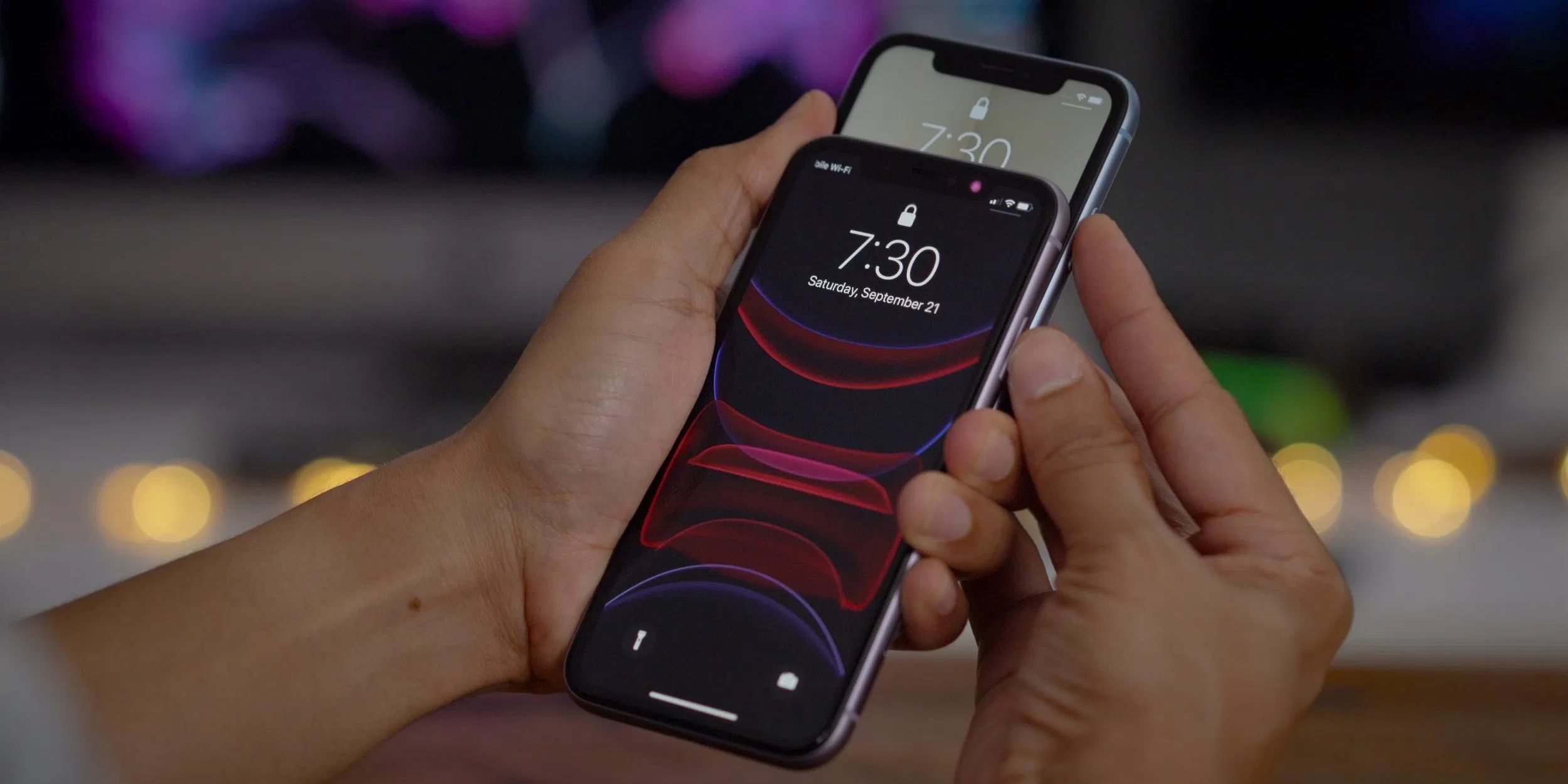
Apple Stops Signing iOS 13.2.2 Following Release of iOS 13.2.3

12/03/2019

3809

Apple Stops Signing iOS 13.2.2 Following Release of iOS 13.2.3


Following the release of iOS 13.2.3 on November 18, Apple has stopped signing iOS 13.2.2, which means downgrading to this version of iOS is no longer possible. 

iOS 13.2.2 was a bug fix update that addressed an issue that caused some apps to quit unexpectedly in the background, which led to more frequent than normal refresh times for apps like Safari, YouTube, and more. 

Apple routinely stops signing older versions of software updates after new releases come out in order to encourage customers to keep their operating systems up to date. 

iOS 13.2.3 is the current publicly available version of iOS, and is another bug fix update that includes fixes for search, the Messages apps, background downloading, Mail, and more. 

Developers and public beta testers can also download iOS 13.3, an upcoming update that introduces Communication Limits for Screen Time and a handful of other tweaks and changes.


Source: Macrumors

Windows
Mac OS
iOS
Linux
3uTools
Win 64-bit For this device
V9.01 2025-12-27
Download
Win 32-bit For this device
V9.01 2025-12-27
Download
3uTools
Intel Chip How to Identify Chip Type
V9.0 2025-12-02
Download
Apple Silicon
V9.0 2025-12-02
Download
How to Identify Chip Type
1.  Click the Apple icon in the top-left corner of the screen and select About This Mac.
2.  Check the Processor or Chip field to determine if it is "Intel" or "Apple".
Please use the 3uTools PC client to install the iOS client:
1、 Install either the Windows or Mac version of 3uTools on your computer
2、 Open the PC client and connect your device to the computer via USB cable
3、 After the connection is successful, wait for the computer to automatically install the mobile app for the device, or locate “Install Mobile App” on the computer and manually click to install.
3uTools
deb file
V3.01 2025-11-20
Download
rpm file
V3.01 2025-11-20
Download
Windows
Windows
iOS
iOS
Android
Android
TV
TV
3uAirPlayer
Win 64-bit For this device
V6.0.2 2025-11-19
Download
Win 32-bit For this device
V6.0.2 2025-11-19
Download
iOS Device Mirroring (No App Required)
1、 Install 3uAirPlayer on the Windows PC
2、 Open Control Center and select Screen Mirroring
3、 From the list, choose your PC to start mirroring
4、 Or connect your iOS device to the PC via USB to begin mirroring
Scan to get "3uAirPlayer" App
3uAirPlayer TV V1.0.18
2025-11-28
TV System Requirements: Android 7.0 or later
Download the TV installation package, copy it to a USB drive, insert it into your TV or set-top box, then select the file from the home screen to install.