 NEWS
NEWS
If you have an iPhone 6 or older, it's Finally time to Upgrade
 09/18/2019
 3425
3425
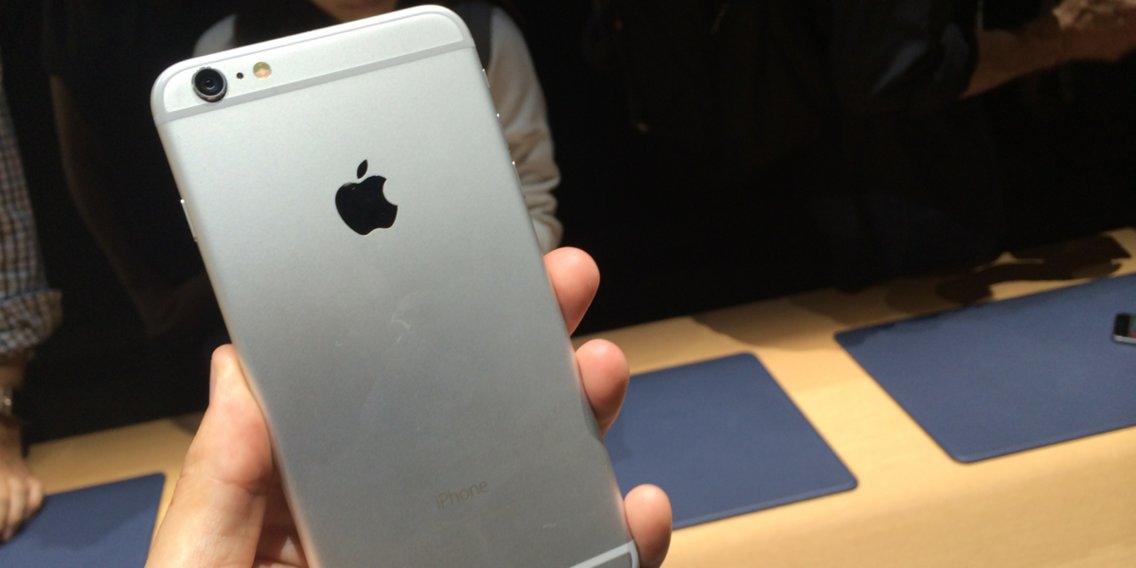
Apple's new iOS 13 operating system for smartphones launches September 19, and owners of the 2014 iPhone 6 or older iPhones may feel left out. Starting with iOS 13, they won't be getting any new features.
The 2015 iPhone 6S is the oldest iPhone generation to get Apple's latest iOS 13 update, which means the iPhone 6 and older iPhones won't advance any further than iOS 12.
That's not to say that the iPhone 6 itself is officially "obsolete," or even the iPhone 5S. Apple has its own list of devices it deems "vintage" that won't get official hardware support, like repairs or battery replacements. But it does mean that you'll be missing out on new features that come with every subsequent version of iOS. Here's what you'll be missing out on with iOS 13.
When it comes to security updates, however, Apple is more inclusive. Alongside security updates for iOS 12 that rolled out in July 2019, the company released a security update for iOS 10 that supports the "vintage" iPhone 5, and even iOS 9 for the iPhone 4S.
So, the iPhone 6 and older iPhones stuck on iOS 12 or past versions of iOS may get security updates to patch potentially harmful vulnerabilities, which is good news.
Regardless, if you have an iPhone 6 or older, it's not outlandish to suggest upgrading to a newer iPhone. And you don't have to upgrade to the $700 iPhone 11, or the $1,000 iPhone 11 Pro. Apple still sells the iPhone 8 starting at $450. And if you want to upgrade to something a little more modern, the $600 iPhone XR is a good choice, too.
Source: Businessinsider










