 NEWS
NEWS
2019 iPhones to Include New 'R1' Sensor Coprocessor Codenamed 'Rose'
 09/10/2019
 4060
4060
Apple is planning to add a new coprocessor, codenamed both "Rose" and "R1," to the A13 series chips in its upcoming iPhones set to debut on Tuesday. It is not clear if Apple will use the internal Rose and R1 codenames for marketing purposes or if it will match the A-series chip numbering scheme and release the first Rose coprocessor as R13.
Based on evidence from an internal build of iOS 13, the first iteration of the Rose coprocessor, the R1 (t2006), is similar to Apple's M-series motion coprocessor in that it helps inform iOS about where the iPhone is located in space and where it is headed by offloading the processing of that sensor data from the main system processor. 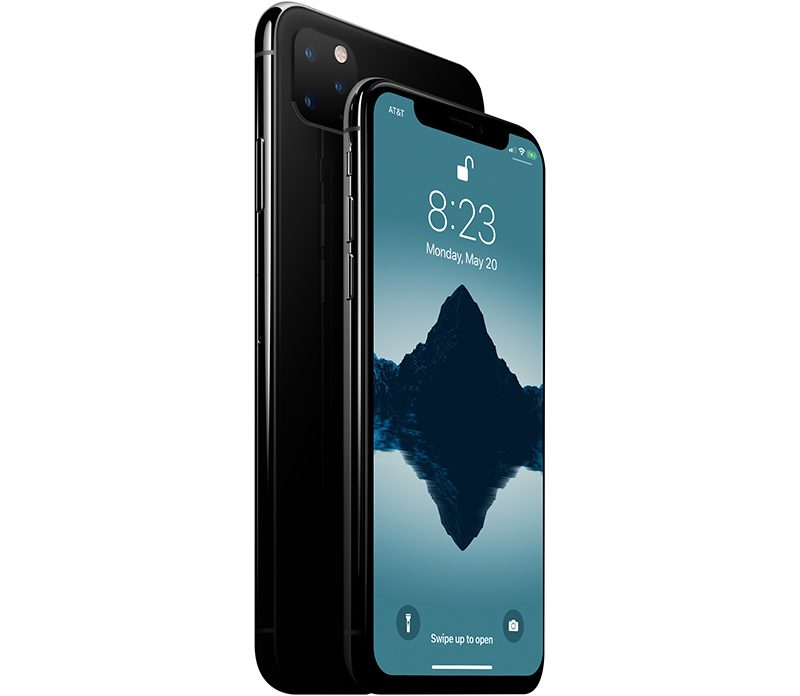
Where the R1 differs is that it integrates many more sensors than the motion coprocessor in order to produce a much more accurate picture of where the device is. The motion coprocessor currently integrates data from the compass, gyroscope, accelerometer, barometer, and microphones.
The Rose coprocessor will add support for an inertial measurement unit (IMU), Bluetooth 5.1 features, ultra-wideband (UWB) and camera (including motion capture and optical tracking) sensor data to not only tell where the device is but also fuse this sensor data together to find lost Apple Tags and aid in the processing of People Occlusion from ARKit. Given the overlap in sensor data collection and processing the Rose coprocessor may replace the M-series motion coprocessor.
The Angle of Arrival (AoA) and Angle of Departure (AoD) features of Bluetooth 5.1 enable Bluetooth direction-finding, and combining these with other sensor data by the R1 will aid in finding Apple Tags with high resolution. The 2018 iPhone XS, XS Max, and XR all have Bluetooth 5.0.
Source: MacRumors










