 NEWS
NEWS
Apple’s Creating Ultrasonic Tech to Make Your iPhone Work in the Rain
 08/12/2019
 2917
2917
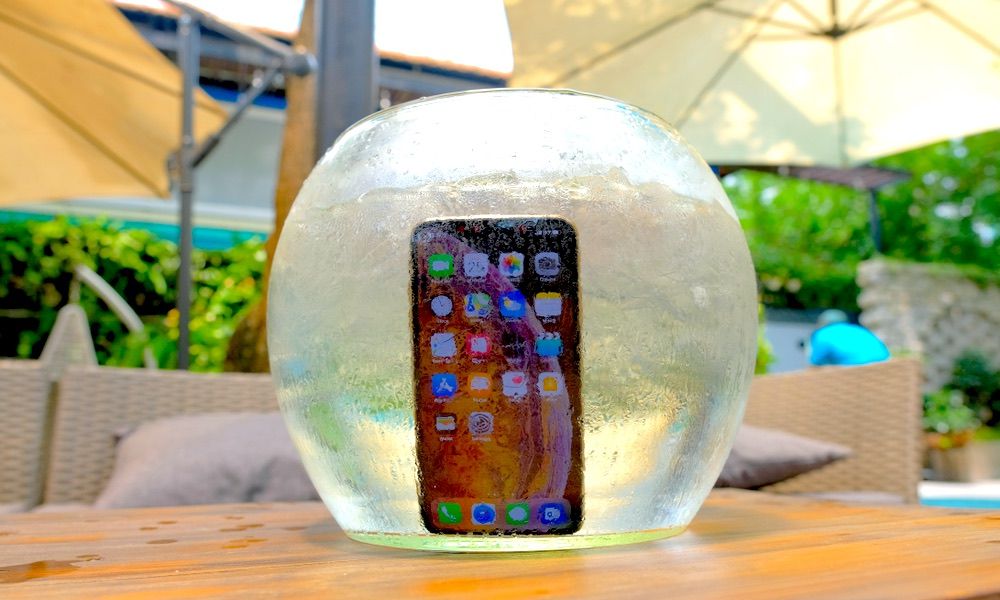
Apple is working on technology that will allow touchscreens to work better in the rain or in wet environments. The Cupertino tech giant has applied for a patent, published Thursday by the U.S. Patent and Trademark Office, describing ultrasonic detection technology that can tell the difference between water drops and finger touches. Here’s what you should know.
The Patent
In a nutshell, the patent describes an ultrasonic touch detection platform that could be integrated into a smartphone’s display.
This system would rely on multiple acoustic transducers that would emit ultrasonic waves across a display surface. Anything touching the display would interrupt these waves, allowing the system to determine a touch input.
Of course, that system would still have the same downsides of a traditional touch display: it can be inadvertently triggered by water drops or other false touches. But Apple has a clever solution.
By using another component called an ultrasonic polarizer, the system could differentiate between light touches — like a water drop — and firmer presses from a human finger.
Basically, the system would be able to detect water drops and reject those touch inputs. That may significantly improve the accuracy of a display if you’re using it in a wet environment.
How This Could Benefit You
Over the years, Apple’s devices have gotten a lot more water-resistant. The latest iPhones, for example, carry
The Apple Watch is even more water-resistant, meaning that users can take their wearables swimming with them with no issues.
But despite the fact that these devices can withstand water, they still don’t function normally when they’re wet. Just try to tap out a message with wet fingers or use your Apple Watch in the pool.
By implementing a system that could detect and reject inputs made by water drops, Apple could technically make a touchscreen display that just works better in wet environments.
You’d be able to use your Apple Watch more accurately while swimming or surfing. You could also be able to text in pouring rain without much problem.
Ultrasonic Detection Technology
It’s worth noting that this isn’t the first patent related to ultrasonic detection technology. It’s not the first patent aimed at improving functionality in wet environments, either.
Back in October, Apple applied for two “finger tracking in wet environment” patents detailing a system that determines whether a particular touch is intended by the user or not.
Other patents suggest that Apple is researching and developing ultrasonic transducer technology for fingerprint authentication. In other words, something akin to under-display Touch ID.
All of this suggests that Apple is seriously looking into ultrasonic monitoring and related technology for a couple of reasons. But, of course, there’s no guarantee that this tech will actually end up in a future iPhone.
Interestingly, a report from earlier this year suggests that Apple is working on a touchscreen display for its 2019 iPhones that could work completely underwater.
Source: idropnews










