
NEWS

Apple Music Names DJ Khaled As First 'Artist-in-Residence'

07/25/2019

2849

Apple Music has invited DJ Khaled to be its first "Artist-in-Residence," Khaled announced today on his Instagram account (via Billboard). 


Khaled says that as Artist-in-Residence, he will be taking over "the biggest playlists on the platform" every month while also debuting new artists. 
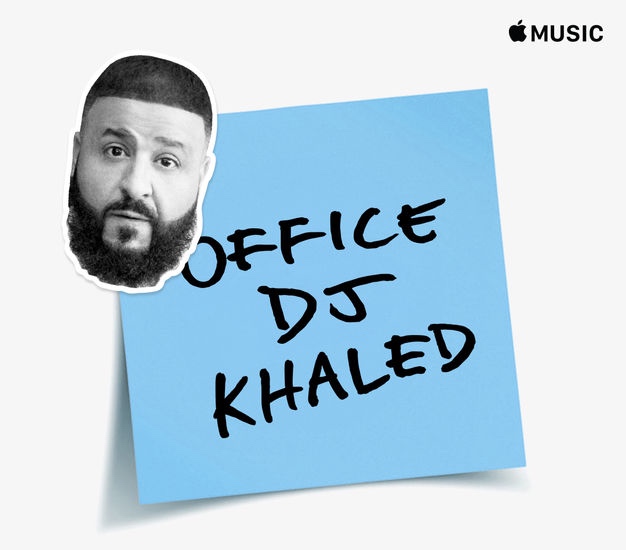
Apple Music Names DJ Khaled As First 'Artist-in-Residence'
Khaled called on record labels and artists to "hit him up" to collaborate, and he announced his first takeover playlist: Office DJ. Next month, Khaled says that he plans to debut a "Gymflow playlist vibe." 

Khaled posted a video on Instagram, depicting him on the phone saying he's "at work" and with an Apple badge. The artist says that his goal is to "break new artists" on the platform, and he has put out a call to all labels to contact him with suggestions.


Apple has increasingly turned to major artists and exclusives to attract people to Apple Music. Perhaps the best known example is Taylor Swift, who shot a series of commercials for the service, and whose album 1989 was exclusive to Apple Music for a time. Drake is also a common face for Apple Music.

DJ Khaled launched his We the Best show on Beats 1 in February 2016.


Source: MacRumors

Windows
Mac OS
iOS
Linux
3uTools
Win 64-bit For this device
V9.0 2025-11-11
Download
Win 32-bit For this device
V9.0 2025-11-11
Download
3uTools
Intel Chip How to Identify Chip Type
V9.0 2025-12-02
Download
Apple Chip
V9.0 2025-12-02
Download
How to Identify Chip Type
1.  Click the Apple icon in the top-left corner of the screen and select About This Mac.
2.  Check the Processor or Chip field to determine if it is "Intel" or "Apple".
Please use the 3uTools PC client to install the iOS client:
1、 Install either the Windows or Mac version of 3uTools on your computer
2、 Open the PC client and connect your device to the computer via USB cable
3、 After the connection is successful, wait for the computer to automatically install the mobile app for the device, or locate “Install Mobile App” on the computer and manually click to install.
3uTools
deb file
V3.01 2025-11-20
Download
rpm file
V3.01 2025-11-20
Download
Windows
Windows
iOS
iOS
Android
Android
TV
TV
3uAirPlayer
Win 64-bit For this device
V6.0.2 2025-11-19
Download
Win 32-bit For this device
V6.0.2 2025-11-19
Download
iOS Device Mirroring (No App Required)
1、 Install 3uAirPlayer on the Windows PC
2、 Open Control Center and select Screen Mirroring
3、 From the list, choose your PC to start mirroring
4、 Or connect your iOS device to the PC via USB to begin mirroring
Scan to get "3uAirPlayer" App
3uAirPlayer TV V1.0.18
2025-11-28
TV System Requirements: Android 7.0 or later
Download the TV installation package, copy it to a USB drive, insert it into your TV or set-top box, then select the file from the home screen to install.




