 NEWS
NEWS
Apple Releases iOS 9.3.6 and iOS 10.3.4 for Older Devices to Maintain Accurate GPS Location and Date
 07/23/2019
 6012
6012
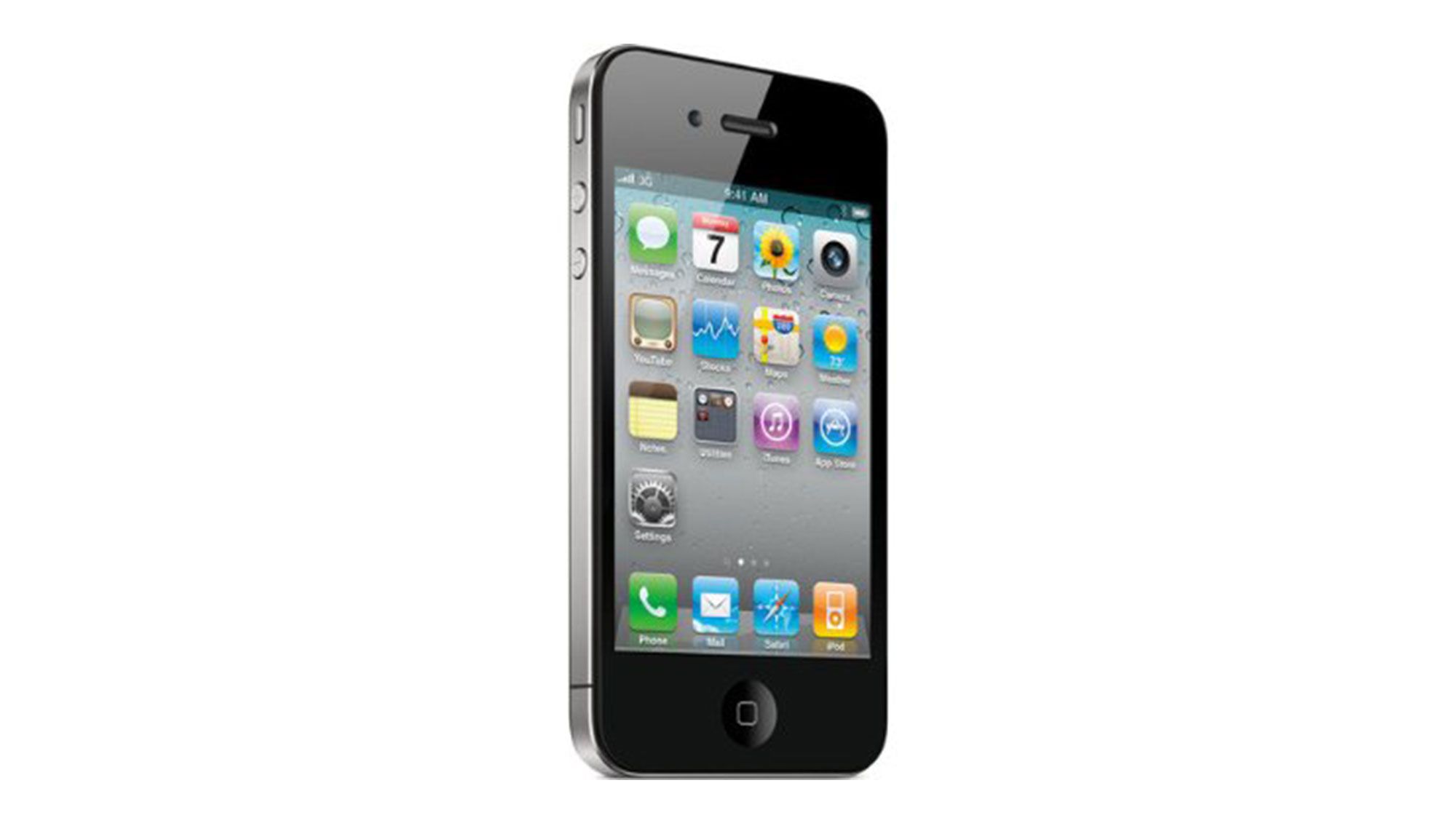
Apple released iOS 9.3.6 and iOS 10.3.4 for older devices alongside the release of iOS 12.4 today. The update includes a fix to maintain accurate GPS location and date/time.
Starting November 3, 2019, some iPhone and iPad models introduced in 2012 and earlier will require an iOS update to maintain accurate GPS location and keep the correct date and time. This is due to the GPS time rollover issue that began affecting GPS-enabled products from other manufacturers on April 6, 2019. Affected Apple devices are not impacted until November 3, 2019.
Here are the affected devices and their firmware updates:
iOS 10.3.4
● iPhone 5
● iPad (4th generation) Wi-Fi + Cellular
iOS 9.3.6
● iPhone 4s
● iPad mini (1st generation) Wi-Fi + Cellular
● iPad 2 Wi-Fi + Cellular
● iPad (3rd generation) Wi-Fi + Cellular
It should be noted that Apple released iOS 9.3.5 and iOS 10.3.3 in August 2016 and July 2017 respectively, which is two or three years ago. According to Apple's consistent practice, over time, old equipment will no longer be supported by the new system, and gradually stepped into the elimination ranks. But today's update shows that Apple has not forgotten this small number of old device users, and will continue to release security fixes after several years of stopping providing system updates.
If you are still using these old devices, you can upgrade them on your phone via OTA, or update with Easy Flash on 3uTools later.
You can find links to download iOS below...
● Where to Download iOS for iPhone
Source: iclarified










