NEWS

The UK Now Accepts Apple and Google Pay for Some Services

05/06/2019

2825

The UK Now Accepts Apple and Google Pay for Some Services


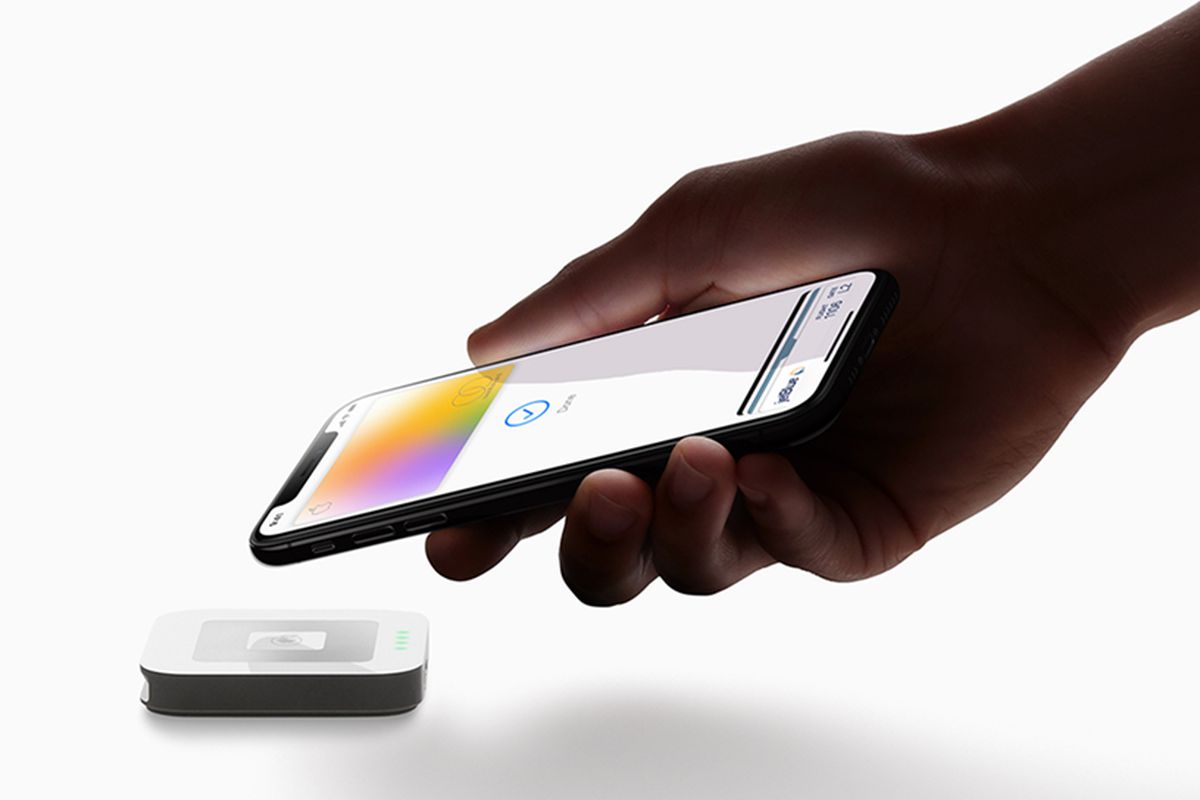
The British government is now accepting Apple and Google Pay for some services (via iTV and Apple Insider). Citizens can use their phones to pay for four services at present, with more to receive the capability later this year.


The effort is part of a trial service from the ministry. UK citizens can use their phone's payment systems to pay for fees with a fingerprint or via facial recognition related to the Global Entry Service (for expedited entry to the US), the Registered Traveller Service (for frequent travelers to the UK from non-EU countries), the Electronic Visa Waiver Service (for travelers from four Middle Eastern countries visiting the UK), and basic online disclosure and barring service (DBS) checks (fees for people attempting to work in certain job types).


Oliver Dowden, the UK Minister for Implementation, says that they're "focused on making access to government services as easy as possible," and that mobile transactions will be more secure. The ministry says that it plans to "roll mobile payments across further central government services, and later this year make it available for local government, police and NHS organizations."


Source: theverge

Windows
Mac OS
iOS
Linux
3uTools
Win 64-bit For this device
V9.0 2025-11-11
Download
Win 32-bit For this device
V9.0 2025-11-11
Download
3uTools
Intel Chip How to Identify Chip Type
V9.0 2025-12-02
Download
Apple Silicon
V9.0 2025-12-02
Download
How to Identify Chip Type
1.  Click the Apple icon in the top-left corner of the screen and select About This Mac.
2.  Check the Processor or Chip field to determine if it is "Intel" or "Apple".
Please use the 3uTools PC client to install the iOS client:
1、 Install either the Windows or Mac version of 3uTools on your computer
2、 Open the PC client and connect your device to the computer via USB cable
3、 After the connection is successful, wait for the computer to automatically install the mobile app for the device, or locate “Install Mobile App” on the computer and manually click to install.
3uTools
deb file
V3.01 2025-11-20
Download
rpm file
V3.01 2025-11-20
Download
Windows
Windows
iOS
iOS
Android
Android
TV
TV
3uAirPlayer
Win 64-bit For this device
V6.0.2 2025-11-19
Download
Win 32-bit For this device
V6.0.2 2025-11-19
Download
iOS Device Mirroring (No App Required)
1、 Install 3uAirPlayer on the Windows PC
2、 Open Control Center and select Screen Mirroring
3、 From the list, choose your PC to start mirroring
4、 Or connect your iOS device to the PC via USB to begin mirroring
Scan to get "3uAirPlayer" App
3uAirPlayer TV V1.0.18
2025-11-28
TV System Requirements: Android 7.0 or later
Download the TV installation package, copy it to a USB drive, insert it into your TV or set-top box, then select the file from the home screen to install.