 NEWS
NEWS
Apple Face ID Supplier Reveals new ‘Behind OLED’ Sensor that could ‘Eliminate the Bezel Entirely’
 01/08/2019
 4164
4164
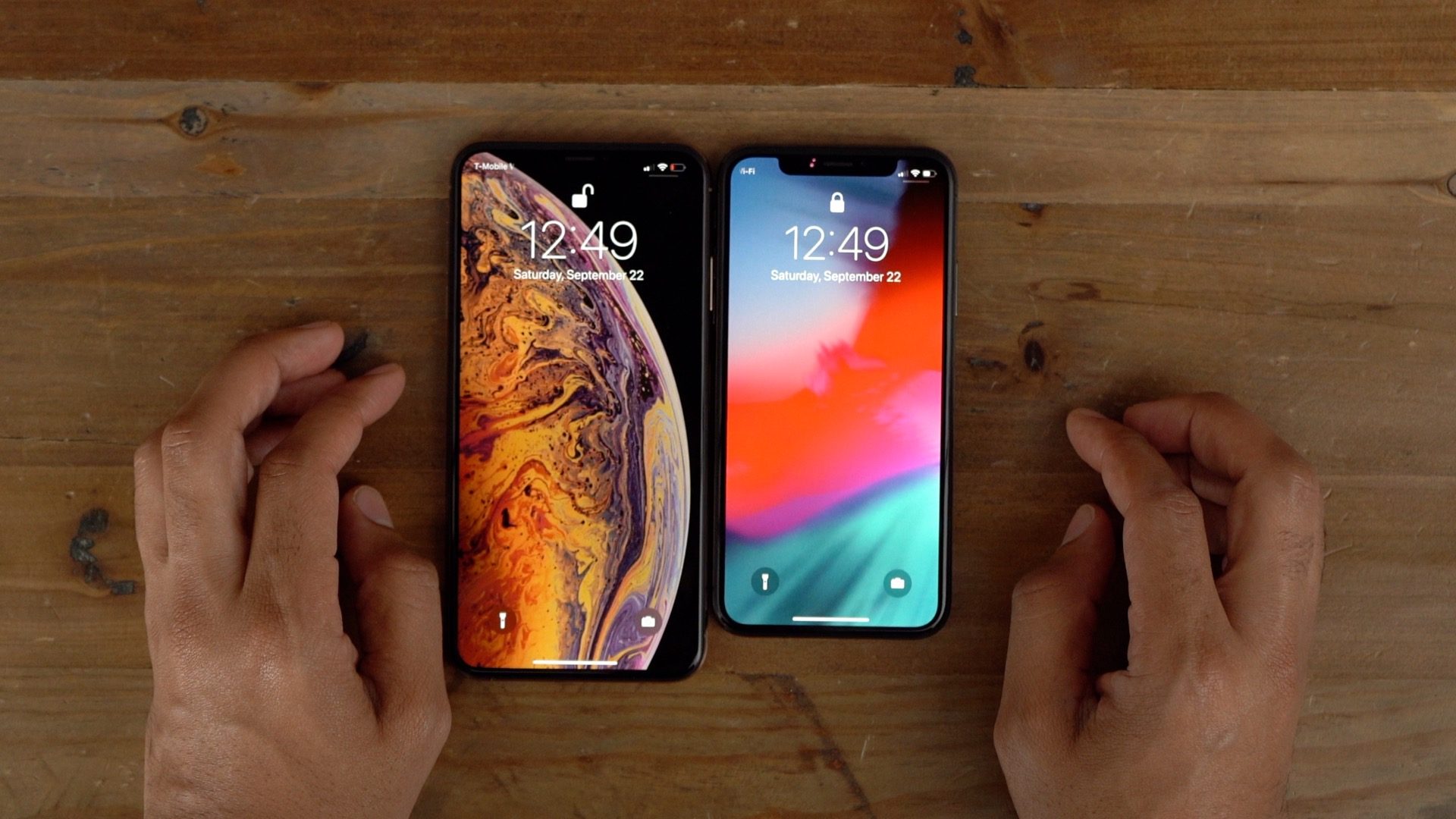
Apple supplier AMS, which provides optical sensors for face recognition features on the iPhone, today announced a new “behind OLED” light and infrared proximity sensor. As reported by Reuters, the new sensor could pave the way for completely bezel-less displays.
The new light and infrared proximity sensor is referred to as “behind OLED” as it is able to sit behind a smartphone’s display. Other details of the new sensor’s technology are unclear at this point.
In a statement, AMS explains that the “behind OLED” sensor will allow smartphone manufacturers to increase the display to body ratio even further. Ideally, this would mean that the sensors currently housed in the iPhone’s notch cutout would be able to sit behind the screen.
“By developing this ‘behind OLED’ ambient light/proximity sensor, AMS enables smartphone manufacturers to achieve the highest possible ratio of display area to body size,” AMS said in a statement on the launch of the new device, referring to the OLED display technology used in devices like the latest iPhones. “The TCS3701 enables phone designers to take this trend to a new level, potentially eliminating the bezel entirely.”
One thing that’s important to note is that Face ID consists of several different components. Namely, it is powered by an infrared camera, flood illuminator, an ambient light sensor, and a dot projector. While the AMS sensor likely isn’t enough to remove the notch altogether, it is a step in the right direction.
Further, the notch is also home to the front-facing camera on the iPhone, as well as the ear speaker and a microphone. Both of these would also have to be relocated if Apple removed the notch.
AMS, like a lot of Apple suppliers, does not directly list Apple as a customer. It is estimated, however, that Apple accounts for roughly 45 percent of AMS’ sales. Apple uses the AMS facial recognition components to power Face ID in the iPhone and iPad.
Source: 9to5mac










