 NEWS
NEWS
Apple Still Charging Customers Over $300 for iPhone 7 Microphone Defect
 12/18/2018
 3459
3459
In May of 2018, Apple acknowledged a microphone issue affecting some iPhone 7 and iPhone 7 Plus models running iOS 11.3 or later in an internal document made available to Apple Stores and Apple Authorized Service Providers.
An excerpt from Apple's document:
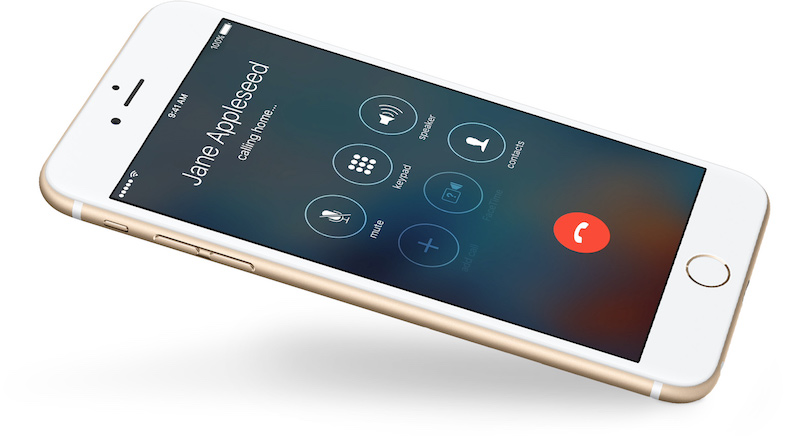
Some customers might report that after they've updated to iOS 11.3, the microphone on their iPhone 7 or iPhone 7 Plus doesn't work and the speaker button is grayed out when they make or receive a call.
Symptoms:
- The speaker button is grayed out during calls
- Other people are unable to hear the customer on cellular or FaceTime calls
- If a customer plays back a video or voice memo that they've made after installing iOS 11.3, there is no sound
Apple's document then provided troubleshooting steps for its service providers to follow, including disconnecting any Bluetooth headsets or accessories connected to the iPhone. If the issue persisted, and the iPhone was out-of-warranty, Apple advised service providers to "request a warranty exception" with the company.
For a short time, Apple Stores and Apple Authorized Service Providers were able to proceed with repairs at no cost to the customer.
"I just had my wife's iPhone 7 replaced this morning," wrote one MacRumors forum member on July 30, 2018, in a discussion topic about the issue. "Out of warranty and Apple took care of the bill. The mic on the device had failed."
The exemptions abruptly ended in July of 2018, though, when Apple deleted its internal document related to the microphone issue and prevented free repairs from being processed through its service portal. Since then, many Apple retail and support employees have refused to acknowledge the policy ever existed.
Apple did not respond to Macrumors original request for comment, so we've followed up today.
The microphone issue appears to remain a problem as of iOS 12.1.1, but Apple's document never identified a cause. Based on the number of users affected, it is almost certainly a hardware defect, so it's unclear why Apple is no longer offering free repairs and forcing customers to pay out of pocket for a fix.
Apple's out-of-warranty repair fee for this issue is over $300 in the United States, according to affected customers on the MacRumors forums and Twitter. iPhone 7 and iPhone 7 Plus devices still within Apple's limited one-year warranty period or covered by AppleCare+ remain eligible for a free repair.
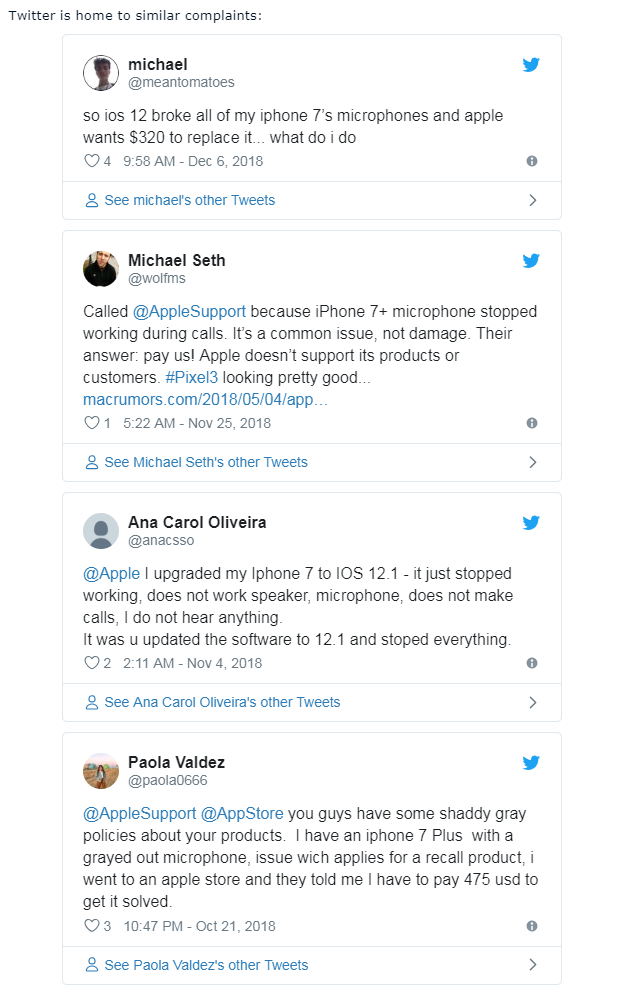
It's worth noting that a few customers have managed to argue their way to a free repair, but this is not the common result.
Apple has a track record of great customer service, and it offers several different public repair programs for hardware issues on various products, but it appears to be leaving customers in the dust here for reasons unclear. We'd love to hear Apple's side of the situation if the company chooses to respond.
In the meantime, repairs can be initiated by booking an appointment at a Genius Bar or at an Apple Authorized Service Provider via the Contact Apple Support page: iPhone → Repairs & Physical Damage → Unable to Hear Through Receiver or Speakers → Built-in Speaker → Bring In For Repair.
Source: macrumors









