 NEWS
NEWS
Kanye West’s iPhone Passcode is 000000
 10/12/2018
 3850
3850
Among any number of horrors coming out of the Oval Office meeting between Kanye West and Donald Trump is this three-second video clip of West unlocking his iPhone. In it, Kanye turns his phone on and types in his passcode. He does not have to move his thumb much because the passcode appears to be six consecutive 0’s. Please watch and scream with me.
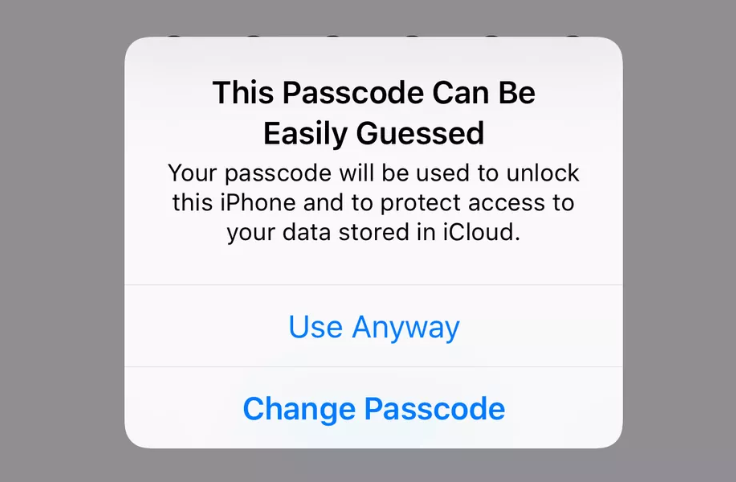
This is not a passcode worthy of a man so full of dragon energy. This is not a passcode worthy of anybody. It is a passcode that will make your phone very easy to crack into should it get lost or stolen or temporarily borrowed by your friends in a bar who just want to send a few texts and change your Facebook status. This is the iPhone equivalent of having “PASSWORD” for a password.
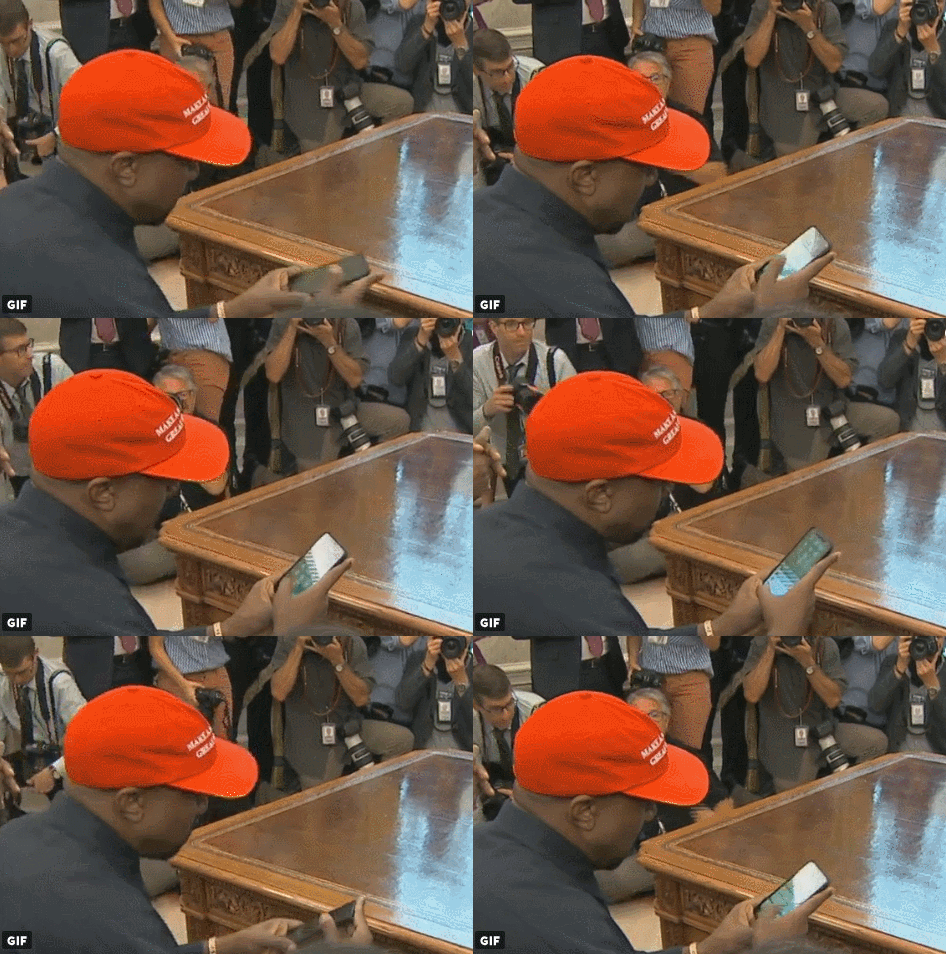
Fortunately for West, and for you if you’re reading this and thinking about your none-too-secure phone passcode, there are some easy fixes. First, and West is doing this right, make sure you’re using the six-character option. iOS phones used to default to a four-character passcode. This has changed, but you can revert back to the four-digit option. Don’t do that. Those extra two numbers make it harder to hack into your device. And then, make sure those six aren’t all the same character. Ideally, they’d all be different characters for maximum security, but repeating a few isn’t the end of the world. Finally, if numbers aren’t your thing, you can think of your passcode as a six-letter word. Rather than 9-3-3-9-8-9 think “YEEZUS.” While you’re making phone tweaks, we also suggest making Kanye West your lock-screen image.
Source: theverge










