NEWS
NEWS
Goldgenie Releases iPhone X Elite in 24-karat Gold to Commemorate the Royal Wedding
 05/21/2018
 4690
4690
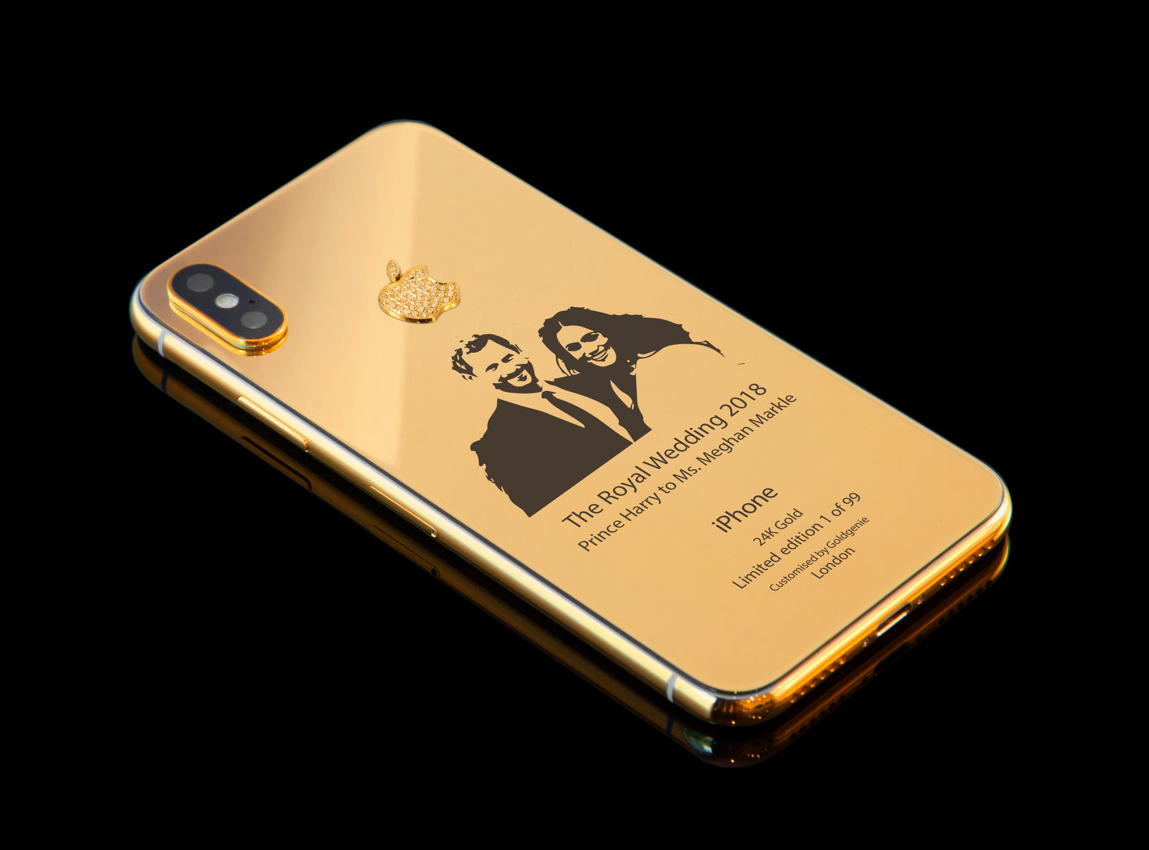
Goldgenie is marking this weekend's wedding of the UK's Prince Harry and actress Meghan Markle by selling a limited-edition iPhone X, one that is encased in 24-karat gold with a commemorative engraving of the couple, priced at just under $4,000.
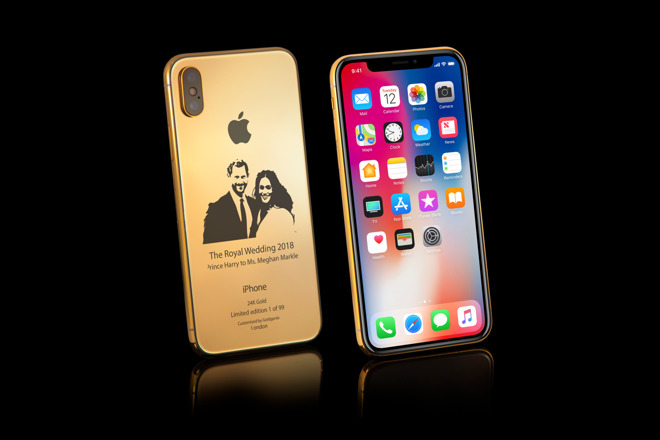
The iPhone X Elite is covered in gold around the sides and rear, with each of the 99 handsets individually numbered to show it as part of the limited edition collection. On the back is the etched image of Prince Harry and Markle below the Apple logo.
Aside from the precious metal used for the casing, the rest of the iPhone X is the same as the stock model. While Goldgenie does offer gold-encrusted versions of the iPhone X in both 64 and 256-gigabyte capacities, it is limiting the Royal Wedding commemorative devices to the higher 256-gigabyte model.
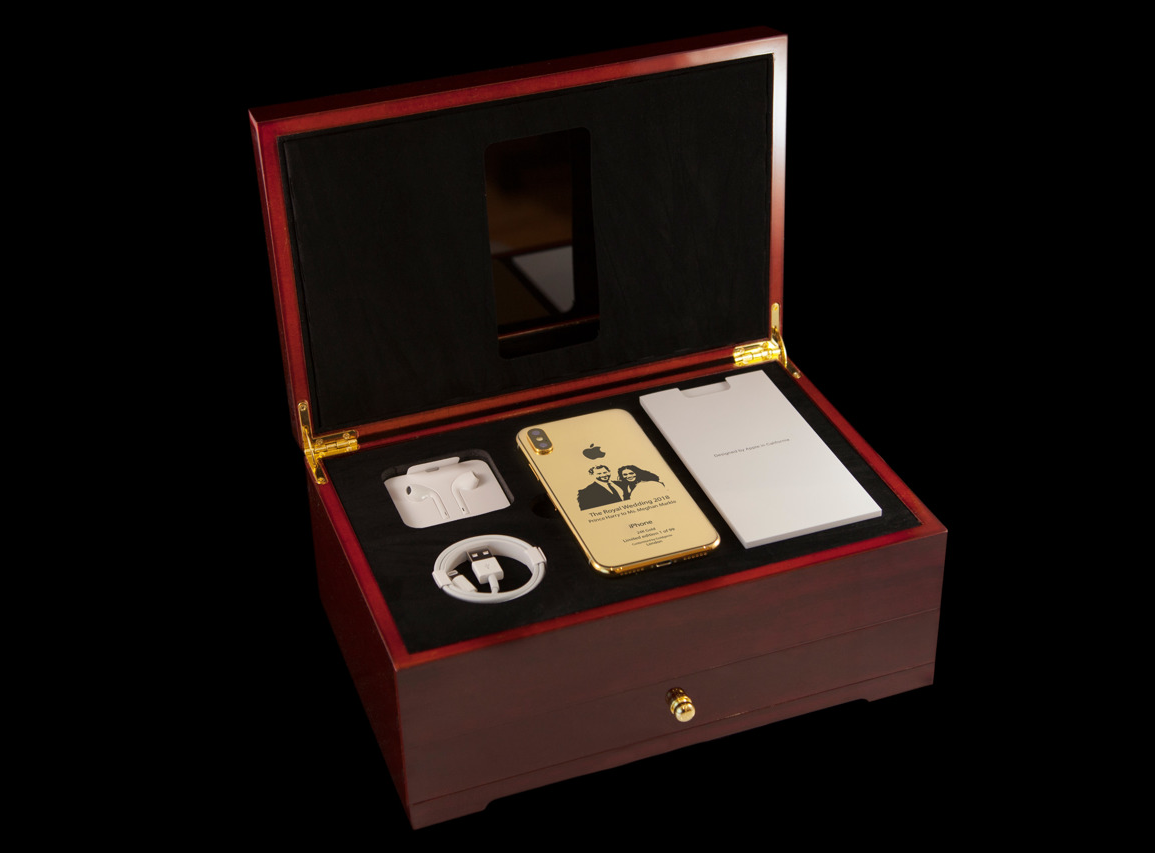
The high-priced device is sold in a luxury cherry oak finish presentation box, accompanied by a pair of white EarPods, the USB charging cable, a 5-watt USB power adapter, and its documentation. The company also installs Total Armour Protection on the iPhone X at the factory, intended to keep the iPhone X looking as pristine as possible.
The Gold iPhone X Elite limited-edition Royal Wedding handset is priced at $3964.16, but can be bought with a 50 percent up-front deposit.
There is an alternative option available for those who want to add more sparkle to their iPhone X, with a model that has VS1 brilliant-cut diamonds covering the rear Apple logo. Again, only offered in a 256-gigabyte capacity and limited to 99 devices, the diamond-decorated version costs $4604.18 in total.
Goldgenie has made a name for itself producing gold-decorated versions of various devices. As well as a gold-covered iMac and iPad, it has also produced a gold coffee machine, shoes, and an e-cigarette.