 NEWS
NEWS
Apple Says iPhone 8 and X Have ‘Hardware Updates’ that Address Battery issues
 02/07/2018
 2961
2961
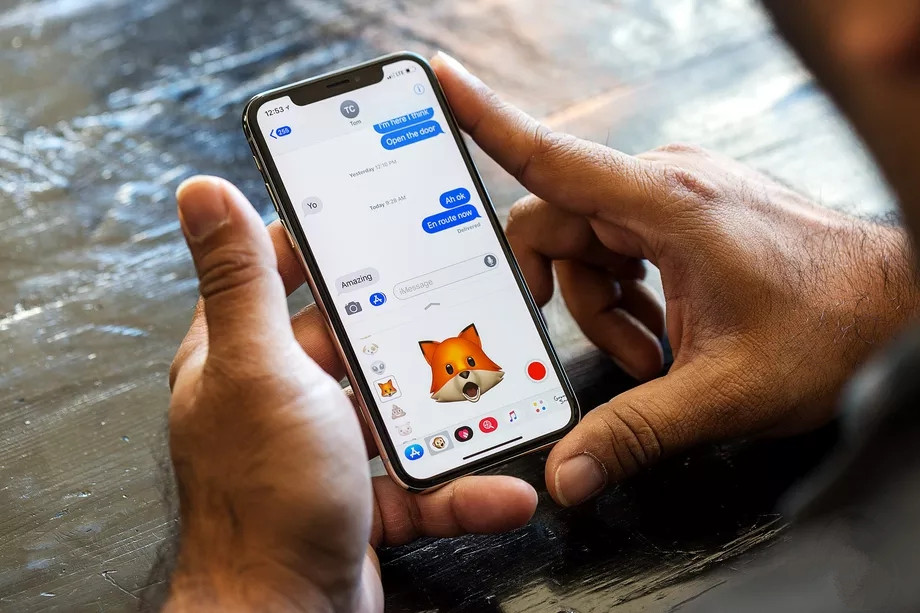
The iPhone 8, 8 Plus, and X might not need to significantly slow down their processors as their batteries age to avoid random shutdowns — at least not in the noticeable way that the iPhone 6, 6S, 7, and SE did.
In a letter responding to questions from Senator John Thune (R-SD) that was released today, Apple suggests that the throttling features it added to those phones might not be necessary on its newest models due to “hardware updates” that allow for better performance management in the first place.
Asked whether it would release a “similar software update ... for newer phone models,” Apple said this:
“iPhone 8, iPhone 8 Plus, and iPhone X models include hardware updates that allow a more advanced performance management system that more precisely allows iOS to anticipate and avoid an unexpected shutdown.”
The response doesn’t say that Apple won’t release an update that throttles the performance of its newest iPhones, but it certainly implies that it won’t — or that whatever it does release won’t be as dramatic as what happened to its last several phones.
It’s also a notable difference from Apple’s last statement on this subject. When Apple initially confirmed that it had added this behavior to iPhones, the company wrote that “[we] plan to add support for other products in the future.” Now Apple seems to be backing away from that language.
That all said, there’s reason to believe Apple is intentionally taking some middle ground here. In its response, the company also said that “all iPhones have basic performance management” features which are necessary for safety and to protect the phone’s components.
So the question is whether, with this new hardware, Apple can avoid the kind of noticeable performance throttling it added to older iPhones and instead limit speeds on a much more narrow basis. The statement seems to imply that Apple can do this thanks to better hardware monitoring. And given that iPhones before the 6 didn’t need this kind of throttling at all, it seems possible that Apple could have found a way to mostly avoid these issues on its latest phones. We’ve reached out to Apple for clarification.
Source: the verge











