 NEWS
NEWS
Apple’s First Korean Store Rises Colorful "Nice to Meet You" Banners
 01/09/2018
 2800
2800
Ahead of the opening of Apple’s first ever retail location in South Korea, colorful new banners have been installed to cover the store’s glass entryway from prying eyes. When translated from Korean, the banners read “Nice to meet you.”
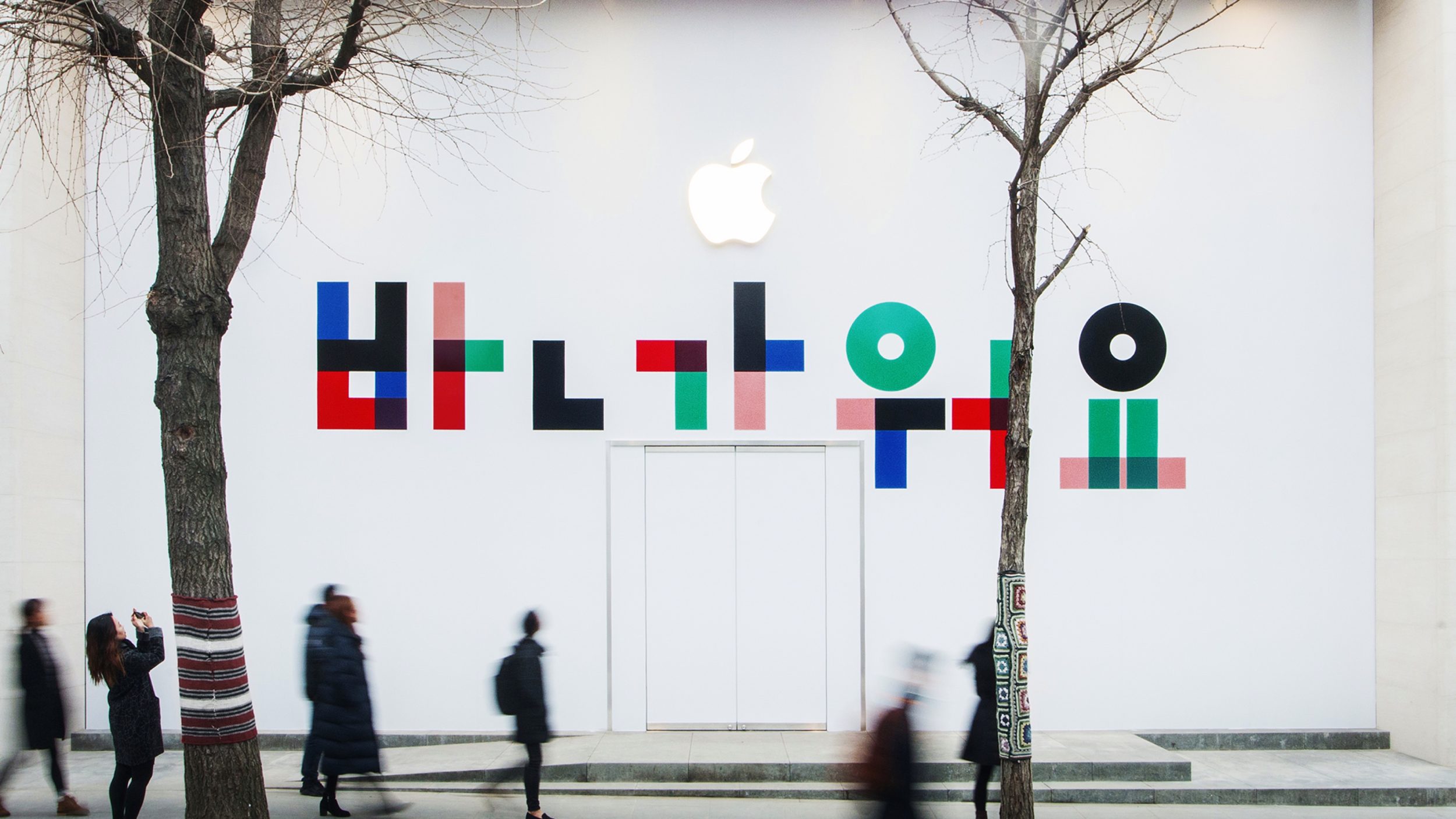
We first heard of Apple’s plans for a Korean retail store near Samsung’s headquarters back in the fall of 2016. Almost exactly a year ago, Apple confirmed that they would indeed be opening the location in Garosu-gil, a premium shopping district in Seoul.
In December, it was reported that the store could open as soon as the 30th of the month, but after the deadline passed, it became unclear how far construction had progressed. Today’s new image from Korean blog Back To The Mac (Google Translate) provides the first confirmation that the opening of the store is just around the corner, however no specific date has been given so far.
Apple has been aggressively opening new store locations and remodeling existing ones over the past year. Plans are in place for new store to open soon in Vienna, and Apple is set to complete a location in Saudi Arabia in 2019. In December, a new “global flagship” store was announced for Federation Square in Australia. Many of these plans come under the guidance of retail chief Angela Ahrendts, who has pushed initiatives like “Today At Apple” in recent months.
We’ll keep watching for an official announcement from Apple of a date and time for the store’s opening. Photos taken around the beginning of the year, seen above, indicate that construction work has only recently wrapped up, so an opening date could yet be several weeks or months away.
Source: 9to5mac










