 NEWS
NEWS
iPhone X's Camera Drives Consumer Sentiment, Finds Strategy Analytics
 12/26/2017
 3381
3381
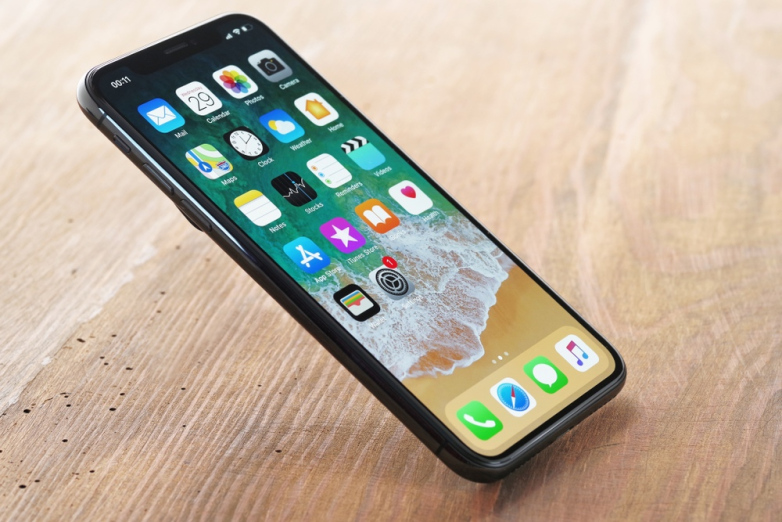
Analyzing early adopter reviews of Apple's iPhone X from major online retailers, a new report from the Consumer Sentiment Analysis (CSA) service at Strategy Analytics "Early Buyer Sentiment: iPhone X Consumer Sentiment High for Camera, Display, and Face ID" has found that its camera is the major driver among positive ratings and in particular, the front facing camera which allows Apple's new security feature, Face ID, is a key market differentiator.
Key report findings include:
Apple's upgraded front-facing TrueDepth camera has allowed new security and augmented reality features through Face ID and Animojis, respectively. In particular, Consumer sentiment surrounding Face ID is extremely positive.
Consumer sentiment for the display and battery is also positive. Around 80% of reviews for these core features are positive though sentiment remained greater for the camera.
Brand equity remains an important factor for the iPhone X. As an established brand with a loyal customer base, those already in the Apple ecosystem will continue to purchase these products.
Adam Thorwart, Lead Analyst and report author commented, "Overall, early adopters of the iPhone X are satisfied with the device. The combination of consumer sentiment for device features and Apple's brand reputation help this device become a standout product in the US Smartphone market."
Kevin Nolan, VP, UXIP added, "The iPhone X has upgraded virtually every core device feature so it stands to reason that iPhone consumers will likely be satisfied with the device. The upgrades to the camera are particularly noteworthy. It will be interesting to see how other manufacturers respond to the innovations bought about by Apple though this generation of iPhone."
Source: cision









