 NEWS
NEWS
YouTube Vlogger Provides A Quick Hands-On with iPhone X From Inside Apple Campus
 10/25/2017
 3667
3667
A YouTube vlogger uploaded a video on the platform earlier this week which featured her going hands-on with the upcoming iPhone X for a few minutes. YouTuber Brooke Peterson managed to spend some time with the iPhone X during her visit to the Apple campus where presumably her father works.
In the video, her father seems to be using the iPhone X as his primary device and he even pulls it out to use Apple Pay for a transaction at Cafe Macs, a cafe inside Apple’s campus. The father then passes the iPhone X to her daughter who promptly shows it on camera for a few seconds.
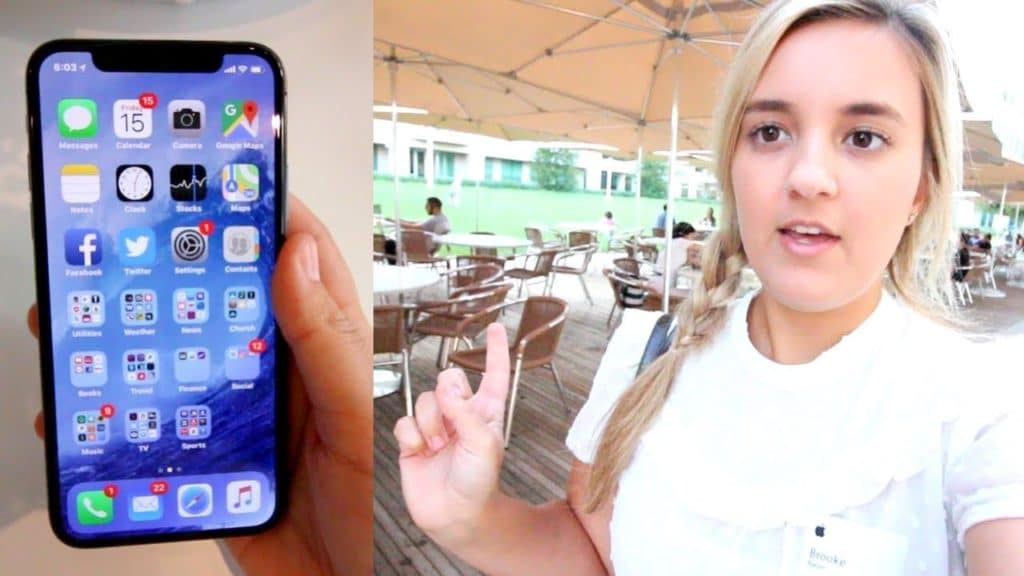
The short hands-on sees vlogger Brooke Peterson pulling down the Cover Sheet which surprisingly also includes a shortcut to the Torch and Camera app. A swipe from the left edge of the iPhone X screen brings up the notification list. Peterson then follows it up with a quick overview of the design and camera of the iPhone X. His father also takes this opportunity to show off the new Animoji feature on iPhone X which uses the front-facing TrueDepth camera to create custom animated emoji based on one’s facial expressions. Jump over to 2:30 mark in the video for the hands-on with the iPhone X part.
The iPhone X goes up for pre-order on October 27 and hit the retail stores on November 3.
Source: iPhonehacks









