
NEWS

First Shipment of Apple's iPhone X Limited to Just 46,500 Units

10/17/2017

3067

Apple's main assembly partner, Foxconn, recently sent out its first shipment of the iPhone X —but that batch included just 46,500 units, according to one report.
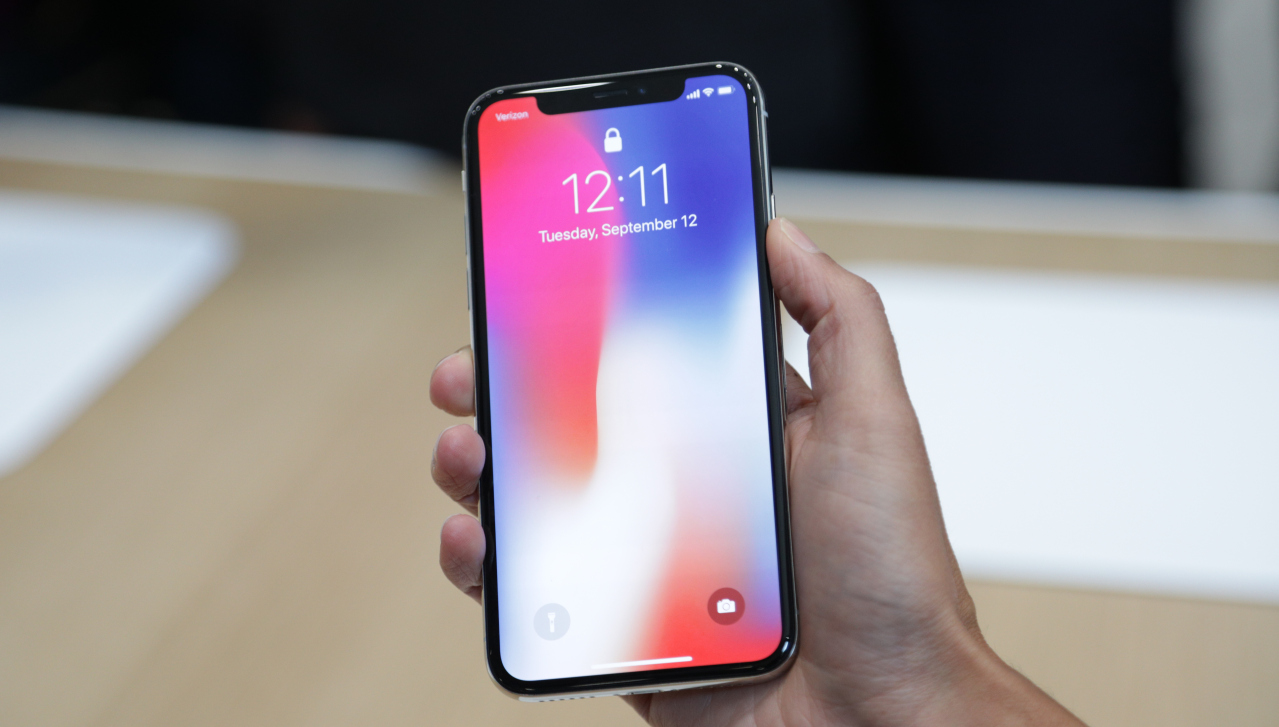

First Shipment of Apple's iPhone X Limited to Just 46,500 Units


The units traveled from Zhengzhou and Shanghai to the Netherlands and the United Arab Emirates, said China's Xinhuanet.com, quoted by DigiTimes. Both of those countries are among the 50-plus markets where Apple will launch the iPhone X on Nov. 3.


Foxconn has allegedly ramped up its production from 100,000 units per week to 400,000, but that number is unlikely to match demand even with the phone's $999 pricetag. Sales of the iPhone 8 and 8 Plus have been softer than past iPhone launches, likely because the people who can afford an X are waiting to buy one or at least see reviews. Preorders start on Oct. 27.


A string of reports have indicated that the main production obstacle is the TrueDepth camera, which handles tasks like Face ID and animoji. Most recently Nikkei narrowed the issue down to the dot projector, which casts over 30,000 points of light on a person's face in order to generate a depth map.


Analyst forecasts have called for iPhone X shipments to slot between 30 million and 36 million in 2017, and hinted that supply won't match demand until sometime next year. That could translate into weeks- or months-long shipping delays within minutes of preorders starting.


Source: appleinsider

Windows
Mac OS
iOS
Linux
3uTools
Win 64-bit For this device
V9.0 2025-11-11
Download
Win 32-bit For this device
V9.0 2025-11-11
Download
3uTools
Intel Chip How to Identify Chip Type
V9.0 2025-12-02
Download
Apple Chip
V9.0 2025-12-02
Download
How to Identify Chip Type
1.  Click the Apple icon in the top-left corner of the screen and select About This Mac.
2.  Check the Processor or Chip field to determine if it is "Intel" or "Apple".
Please use the 3uTools PC client to install the iOS client:
1、 Install either the Windows or Mac version of 3uTools on your computer
2、 Open the PC client and connect your device to the computer via USB cable
3、 After the connection is successful, wait for the computer to automatically install the mobile app for the device, or locate “Install Mobile App” on the computer and manually click to install.
3uTools
deb file
V3.01 2025-11-20
Download
rpm file
V3.01 2025-11-20
Download
Windows
Windows
iOS
iOS
Android
Android
TV
TV
3uAirPlayer
Win 64-bit For this device
V6.0.2 2025-11-19
Download
Win 32-bit For this device
V6.0.2 2025-11-19
Download
iOS Device Mirroring (No App Required)
1、 Install 3uAirPlayer on the Windows PC
2、 Open Control Center and select Screen Mirroring
3、 From the list, choose your PC to start mirroring
4、 Or connect your iOS device to the PC via USB to begin mirroring
Scan to get "3uAirPlayer" App
3uAirPlayer TV V1.0.18
2025-11-28
TV System Requirements: Android 7.0 or later
Download the TV installation package, copy it to a USB drive, insert it into your TV or set-top box, then select the file from the home screen to install.




