 NEWS
NEWS
iPhone X Billboards Appear Various Cities Around the World
 10/16/2017
 5055
5055
We're just over two weeks away from the pre-order date of the iPhone X on October 27, meaning it's just over three weeks until the first group of customers will finally have Apple's next-generation iPhone in their hands on November 3. As these dates near, Apple has begun to put up billboards for the new device all over the world in cities like Toronto, London, Tokyo, San Francisco, and more.
This week, Redditor turnaround_ shared an image of workers painting a new iPhone X ad in Toronto.
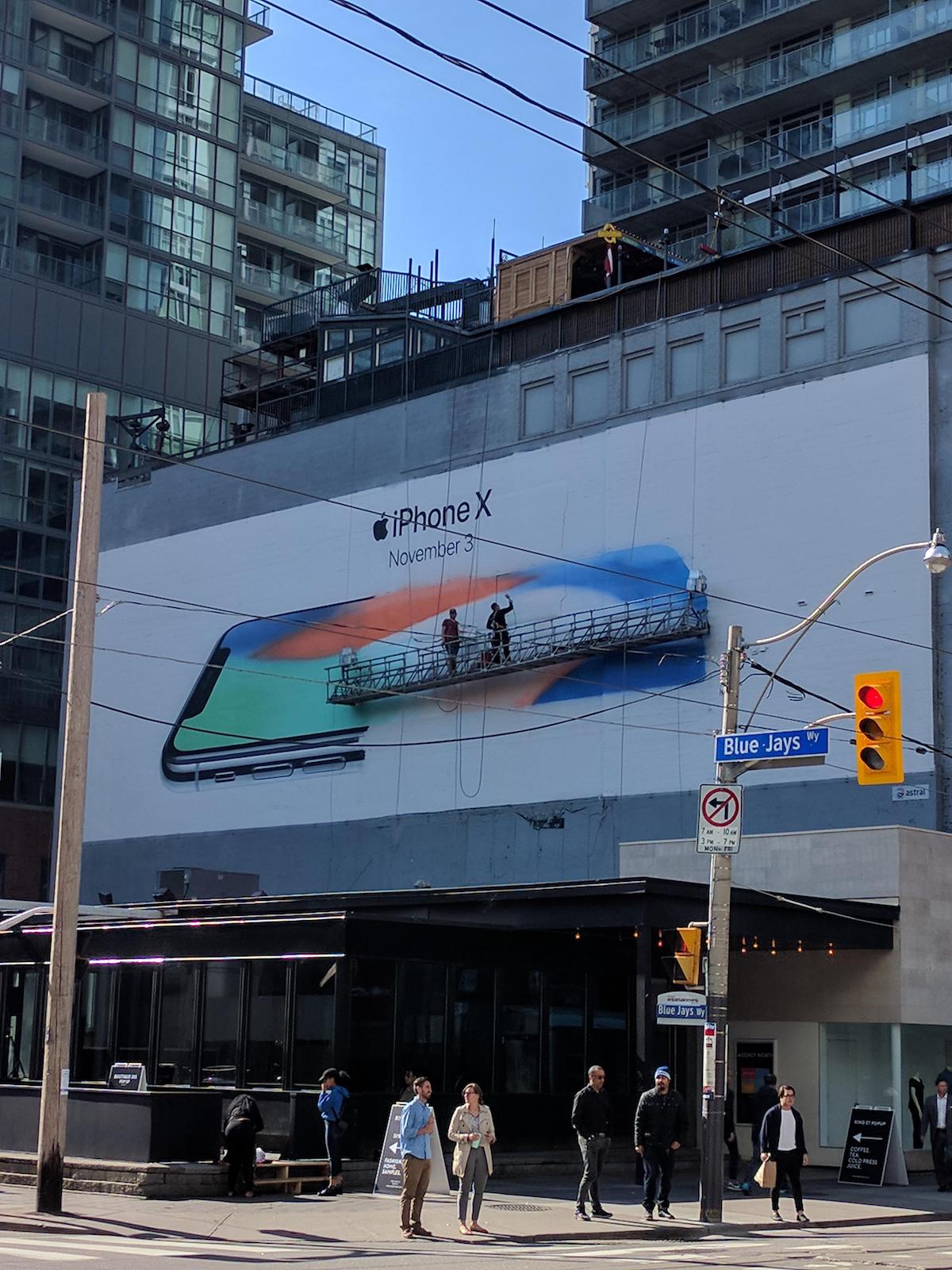
Image via Redditor turnaround_
Earlier in October, a second iPhone X billboard was spotted going up nearby in the city by Financial Post reporter Josh McConnell. Both billboards are located in Downtown Toronto.
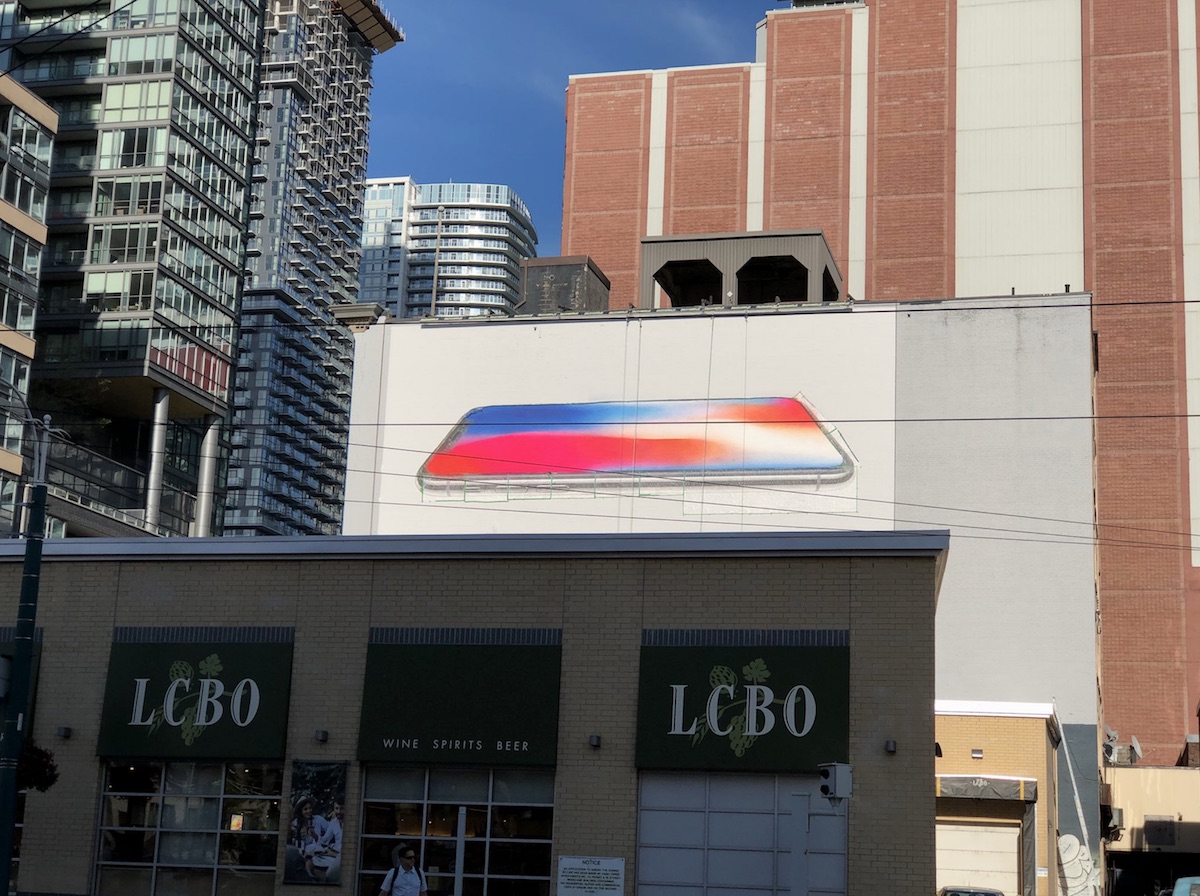
Image via Josh McConnell
In London, a billboard was spotted at Boxpark Shoreditch, a pop-up mall in East London that was constructed in 2011 using refitted shipping containers. The area is known for its shopping, galleries, cafes, restaurants, and nearby there's an Apple reseller called "Shoreditch Macs" that offers repairs, part exchanges, and refurbished Macs.
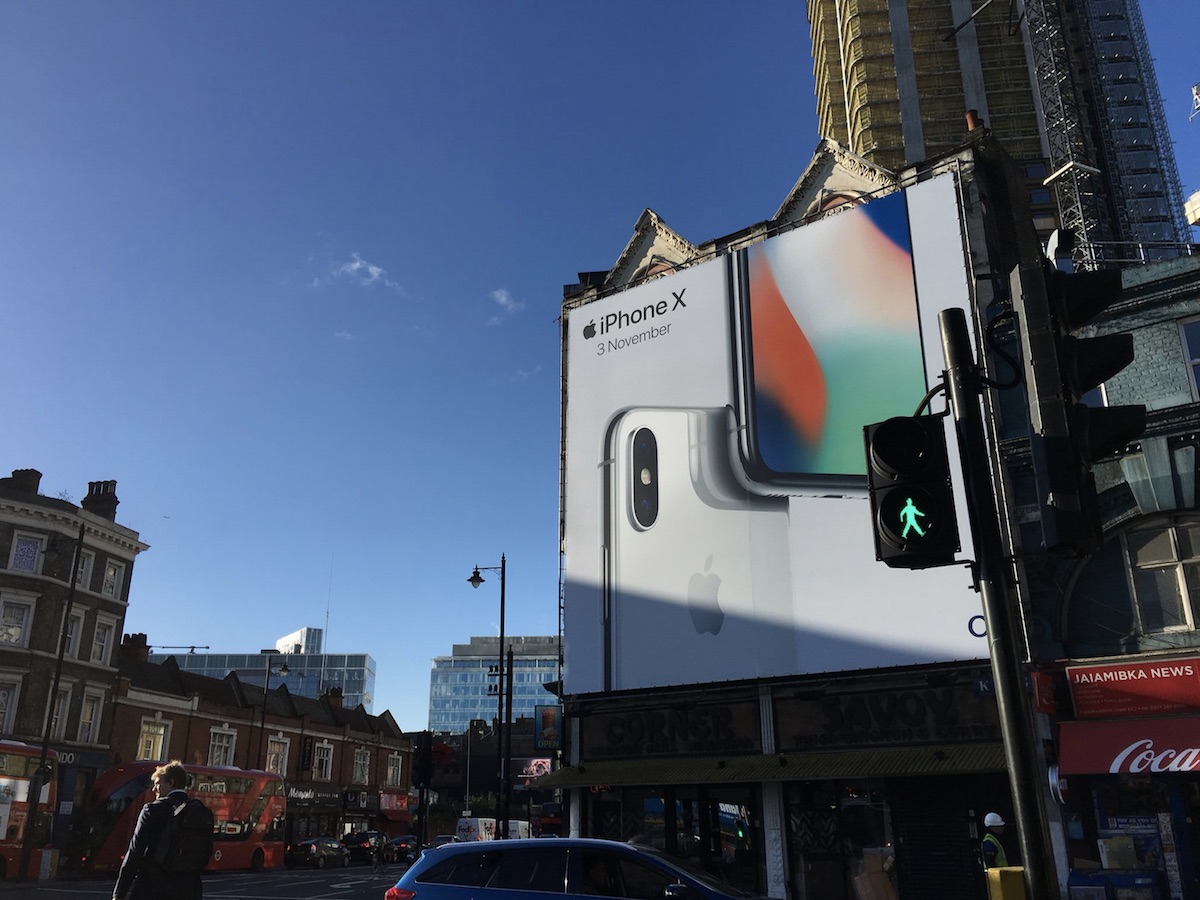
Image via FarrugiaJose
Below the city, Apple has also put up iPhone X billboards in the London Underground.
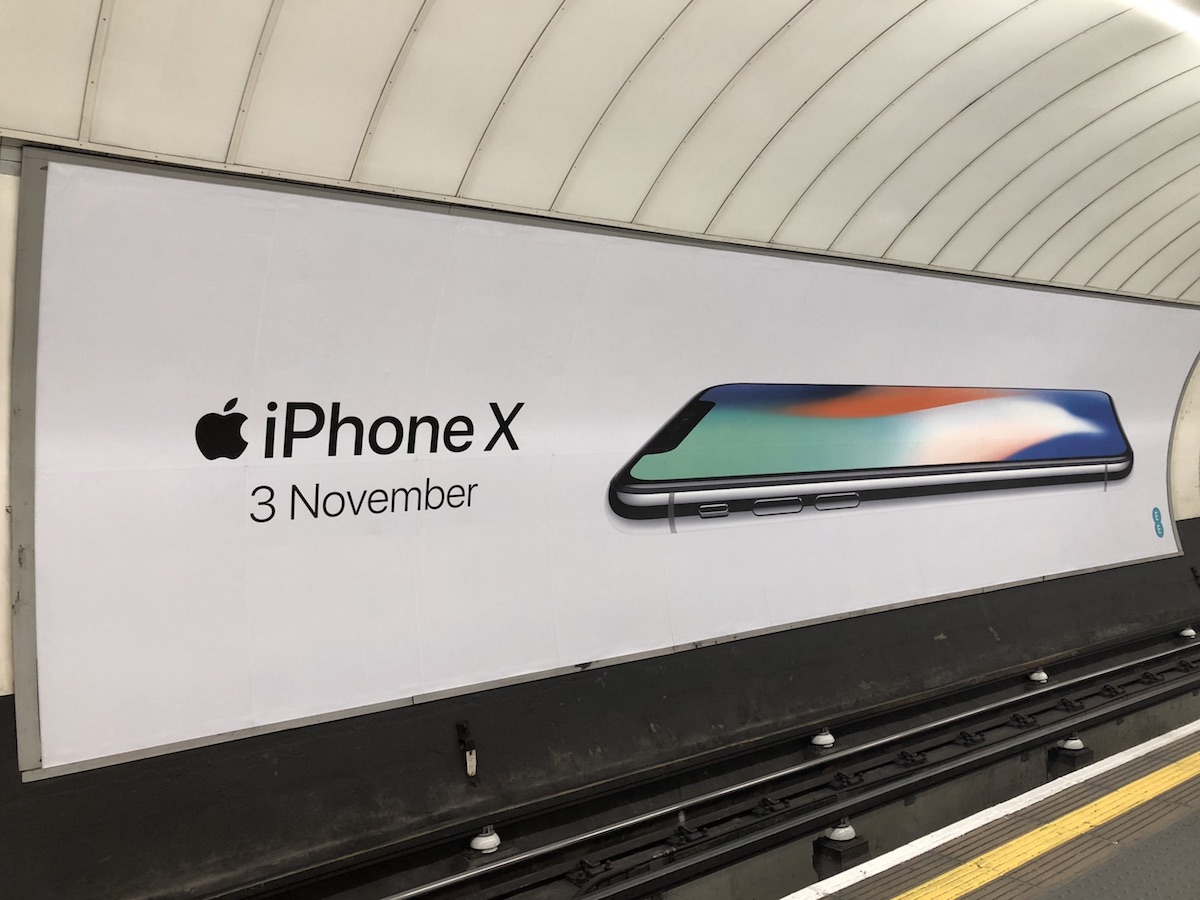
iPhone X ads are lined up in the Harajuku district of Shibuya, Tokyo. Similar to Apple's advertising targets in London and Toronto, Harajuku is locally known for attracting visitors to its wide variety of retail locations -- ranging from locally-owned boutique shops to international chain stores -- as well as multiple cafes and restaurants.
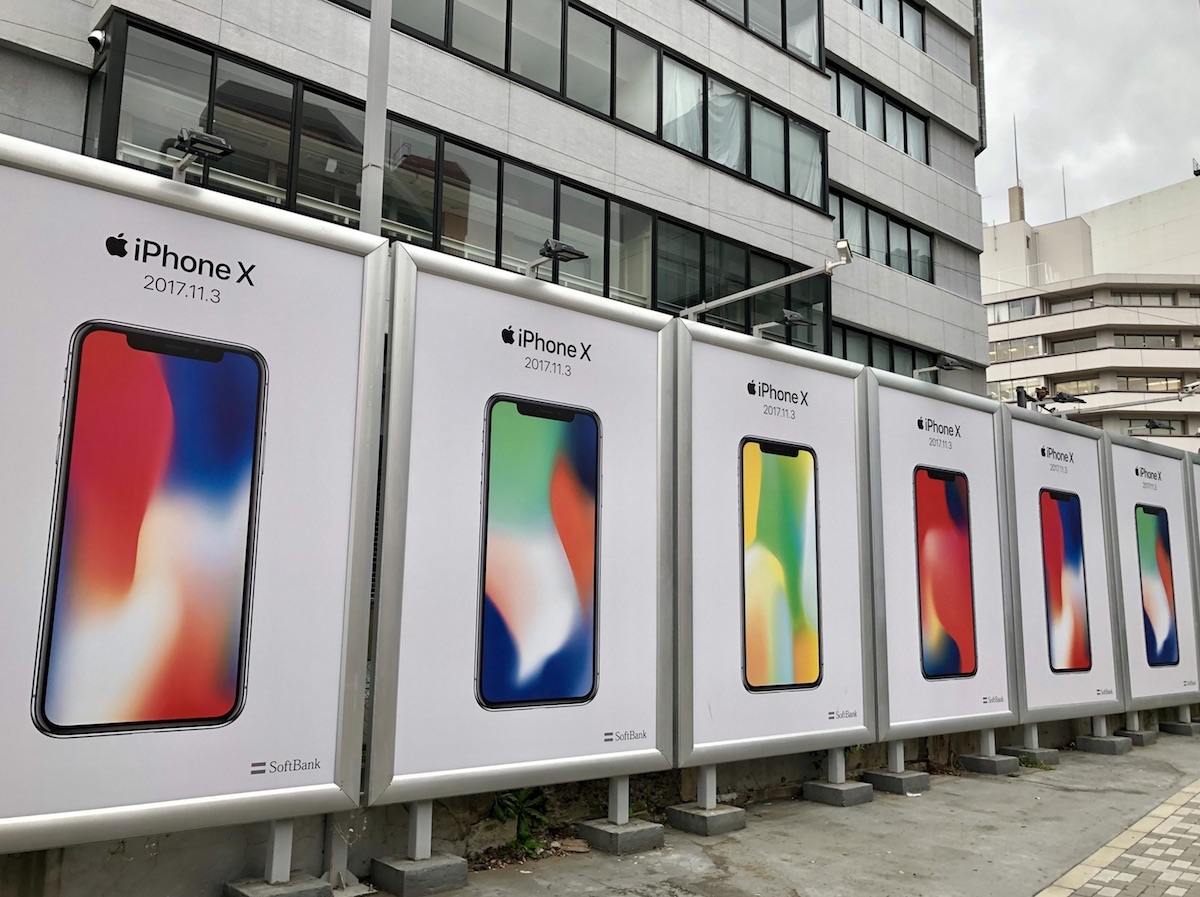
Closer to Apple's home in California, billboards have also appeared outside of San Francisco. As the launch of the iPhone X grows nearer, more billboards, commercials, and other pieces of advertising for the new smartphone are expected to continue sprouting up around the world and online.
Likewise, the iPhone X itself has begun appearing in the wild as Apple employees test out the device in the weeks leading up to the public launch.
Source: macrumors









