 NEWS
NEWS
Apple Can Fix Its Awful Pre-ordering System?
 09/18/2017
 3890
3890
If you were like me last night, you set your alarm for the dead of night. Then when the alarm went off, you wiped the crust from your eyes, opened your MacBook, hit refresh a bunch of times, looked at the clock, cursed Apple, switched to your iPad, spend a bunch of money, and went back to bed.
This is how it’s been for quite some time now. It’s the same horrible process every September, as predictable as a mountain of leaves on your front lawn or a pile of snow in your driveway. There’s no way around it. If you want a shot at owning Apple’s products before anyone else, this is what you need to do.
Listen, I get it, no one is forcing me to get up at 3 a.m. for the privilege of spending hundreds of dollars. But Apple has designed this system for maximum attention at the expense of its most loyal customers. And it needs to change.
You’d have to look pretty hard to find another company with such a draconian, hostile pre-ordering system built to punish its biggest fans. Even Nintendo doesn’t force customers to wake up before dawn to preorder a product that might not show up for weeks.
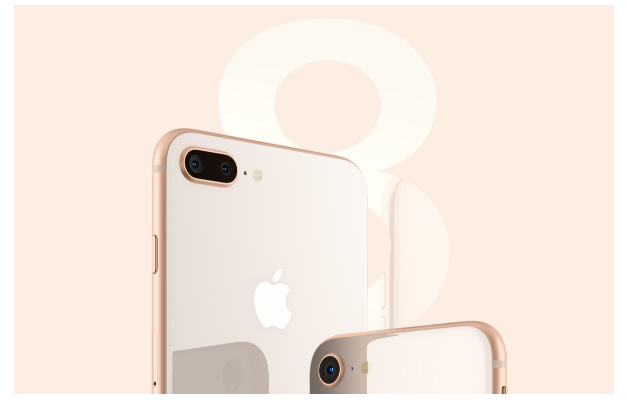
According to Apple.com’s estimates, there isn’t a LTE model that will ship before October, and Twitter is failed with disappointed pre-orderers looking at 3-4 week delays. So if you couldn’t stay up or didn’t wake up to order one, you’re out of luck.
And even if you were awake, your window of opportunity might have been impacted by the device you used. For the past several overnight preorders, the Apple Store iOS apps have gotten preference over the website. After I had placed my order for my Apple Watch, the Apple.com storefront was still displaying its “We’ll be back” message.
Which begs the question—what’s with that? Why does one of the most innovative companies need to completely shut its store for for 6-7 hours just to refresh it with new products? At one point it was probably a successful marketing tactic, but now it feels cheap and manipulative. We know new stuff is coming. Theres’s no need to tease us with a digital black curtain.
Source: macworld










