NEWS

You Should Update Your Apple Devices Immediately to Fix a Major Security Flaw

07/24/2017

3348

You Should Update Your Apple Devices Immediately to Fix a Major Security Flaw


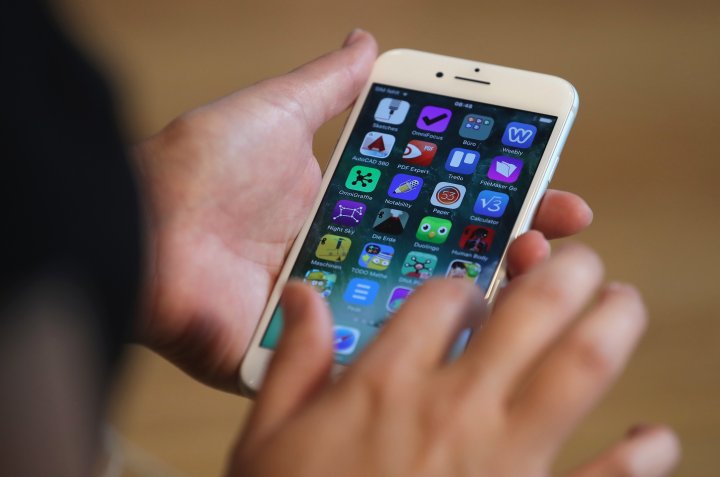
Apple has released a new software update for iOS and MacOS. For users of iPhones, iPads and Mac computers, downloading the patch is critical to avoiding a potential hacking.


The update fixes a key vulnerability referred to as Broadpwn, which allows hackers to "execute arbitrary code" — or take over your device — via WiFi chips embedded in the device's main processor. A hacker can target these devices so long as they are in range, according to Nitay Artenstein, a security researcher at Exodus Intelligence who first exposed the flaw.


Fortunately, there's an easy fix with the arrival of the new patch. For iPhone or iPad users, head to the Settings menu and select General. From there, you'll see an option called Software Update. Clicking on it should prompt the installation of iOS 10.3.3.


If you're on a Mac, head to the App Store and select the Updates tab. A prompt for macOS Sierra 10.12.6 should load from there.


The same issue was detected in Android devices as well. Google patched the bug for the platform earlier this month.


Source: Fortune

Windows
Mac OS
iOS
Linux
3uTools
Win 64-bit For this device
V9.0 2025-11-11
Download
Win 32-bit For this device
V9.0 2025-11-11
Download
3uTools
Intel Chip How to Identify Chip Type
V9.0 2025-12-02
Download
Apple Chip
V9.0 2025-12-02
Download
How to Identify Chip Type
1.  Click the Apple icon in the top-left corner of the screen and select About This Mac.
2.  Check the Processor or Chip field to determine if it is "Intel" or "Apple".
Please use the 3uTools PC client to install the iOS client:
1、 Install either the Windows or Mac version of 3uTools on your computer
2、 Open the PC client and connect your device to the computer via USB cable
3、 After the connection is successful, wait for the computer to automatically install the mobile app for the device, or locate “Install Mobile App” on the computer and manually click to install.
3uTools
deb file
V3.01 2025-11-20
Download
rpm file
V3.01 2025-11-20
Download
Windows
Windows
iOS
iOS
Android
Android
TV
TV
3uAirPlayer
Win 64-bit For this device
V6.0.2 2025-11-19
Download
Win 32-bit For this device
V6.0.2 2025-11-19
Download
iOS Device Mirroring (No App Required)
1、 Install 3uAirPlayer on the Windows PC
2、 Open Control Center and select Screen Mirroring
3、 From the list, choose your PC to start mirroring
4、 Or connect your iOS device to the PC via USB to begin mirroring
Scan to get "3uAirPlayer" App
3uAirPlayer TV V1.0.18
2025-11-28
TV System Requirements: Android 7.0 or later
Download the TV installation package, copy it to a USB drive, insert it into your TV or set-top box, then select the file from the home screen to install.