 NEWS
NEWS
Apple TV May Get Amazon Video App This Fall
 05/08/2017
 3727
3727
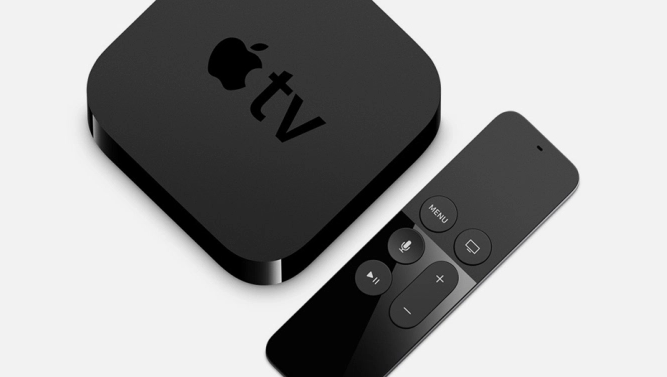
Apple TV may finally get an app for Amazon’s Prime Video service in the third quarter. This would make it possible to watch Amazon’s shows, including titles like “Transparent” and “The Man in the High Castle,” on Apple TV, where this fare has been notably absent. It would also be a first step towards ending a long-ranging dispute between Apple and Amazon, which could potentially help Apple to sell more Apple TV devices.
Amazon has been one of the few video providers that hasn’t built an app for Apple TV, and Amazon stopped selling Apple TV devices two years ago, when the company also banned Google’s Chromecast streaming stick from its store.
As the time, Amazon said that it wanted to avoid confusing consumers who might expect any device sold on their site to also offer access to Prime Video — a curious argument, since it was Amazon’s decision not to build such an app for Apple TV.
The real reason for these animosities comes down to business terms. Apple has been taking a cut of 30 percent for all digital sales facilitated through its devices, which Amazon likely wasn’t willing to pay. In addition, Amazon was looking to push its own Fire TV devices, which prominently feature Amazon’s own shows and other video content, to its customers.
Here’s another wrinkle to the story: Apple is expected to introduce a 4K HDR version of its Apple TV later this year. But there still isn’t all that much 4K HDR content available to customers, and one of the more notable suppliers of this type of content is Amazon — so it would make a lot of sense for Apple to strike a deal with Amazon that would allow it to bring a Prime Video app to its device.
Source: variety










