 NEWS
NEWS
Apple Pay to Rule over Samsung, Android Rivals?
 04/12/2017
 3843
3843
Juniper estimates that the number of people using these mobile payment systems, including Apple Pay, Samsung Pay and Android Pay, will exceed 100 million for the first time during the first half of 2017 and will surpass 150 million by the end of this year. According to the study, the combined market share of Apple, Samsung and Google (via Android Pay) increased from 20 percent in 2015 to 41 percent in 2016, as a proportion of total mobile contactless payment users.
The forecast sees that rising to 56 percent by 2021, "as the trio's combined user base exceeds 500 million," with PayPal expected "to rapidly deploy a portfolio of contactless payment and loyalty solutions that will allow it to compete effectively for market share."
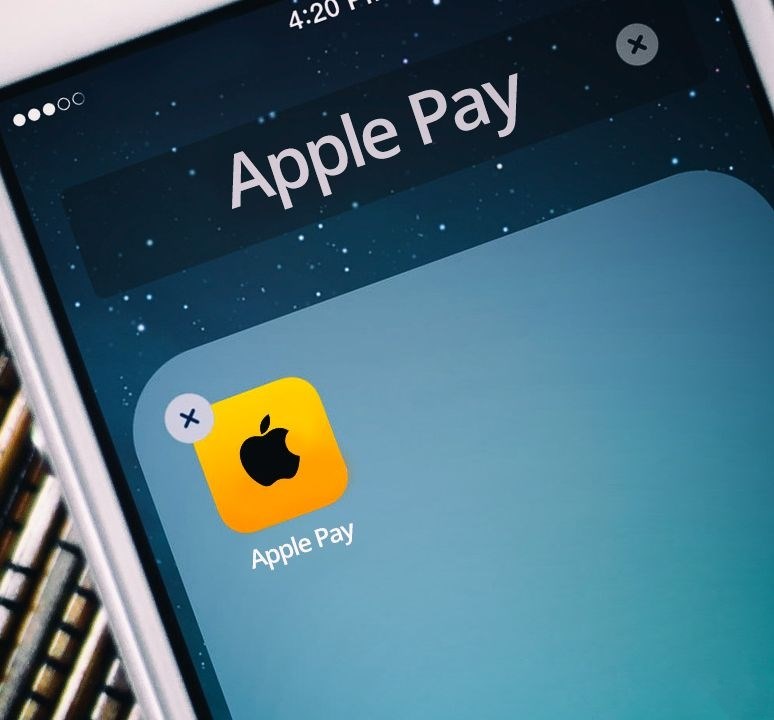
Apple Pay & the US Wallet Opportunity
The research found that Apple Pay, and the alternative wallets that have followed in its wake, are set to establish themselves as the primary contactless mechanisms of choice in the US. However, the challenge facing Apple and its rivals is to ensure that the infrastructure is in place for consumers to make in-store payments.
“We believe that as contactless usage gains traction and consumers/merchants recognise the speed and convenience it offers, then, as in European markets, there will be a further and significant increase in availability at the point-of-sale”, added research author Nitin Bhas. Indeed, according to Apple, the proportion of US retailers supporting Apple Pay rose from 4% in 2014 to 35% in late 2016.
HCE Adoption to Rise 5-Fold Over the Next 4 Years
The research found that 2015/16 were watershed years for HCE (Host Card Emulation) in terms of commercial service rollouts. Juniper estimates that at least 194 banks had introduced such services by the end of 2016. Juniper expect PayPal, already near ubiquitous in the online space, to rapidly deploy a portfolio of contactless payment and loyalty solutions that will allow it to compete effectively for market share.
Source: cnet










