 NEWS
NEWS
4-year-old Gets Siri To Help Save Mom's Life
 03/24/2017
 4756
4756
A UK child unlocks his unconscious mother's iPhone by pressing her thumb to the home button and asking Siri to call for help. Presence of mind isn't something you automatically associate with 4-year-olds.
Yet here's Roman and the story of what he did when his mother collapsed at home in Croydon, UK, on March 7. As London's Metropolitan Police explainedon Wednesday, Roman was in the house with his twin brother and younger brother.
His mother lay on the floor. Roman realized that he needed to get help, but how? "It later emerged that the boy used his mum's smartphone to get in touch with police. He firstly managed to unlock it by pressing her thumb on the phone and then used the 'Siri' function to ask for help and it dialed 999 to put him through to emergency services," said the police. 999 is the UK's emergency number.
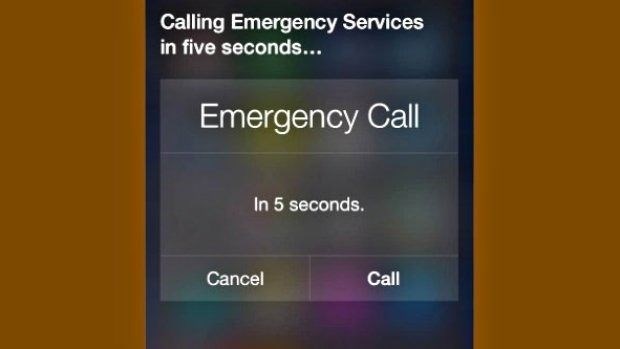
The police released a recording of Roman's phone call with the emergency dispatcher. On it, he explained that his mom was "dead." When the dispatcher asked what he meant, he replied: "It means she's closing her eyes and she's not breathing."
The dispatcher managed to get Roman to tell her his address. Police and paramedics arrived at Roman's house 13 minutes later, broke in and began to administer first aid. His mother regained consciousness at home, the police said, before being taken to hospital.
"Hearing this call brings home the importance of teaching your young child their home address and how to call police or emergency services in an emergency situation," said Superintendent Ade Adelekan of the Metropolitan Police.
"It's an amazing story," Adelekan added, "and thanks to his quick thinking and by asking 'Siri' for help, this little boy saved his mum's life and it means she is still here and can be extremely proud of him and his brothers."
Apple didn't immediately respond to a request for comment.
One can only imagine what Roman's mother must think every time she looks at him -- or her phone.
Source: cnet










