 TUTORIALS
How to Reinstall Cydia on Electra Jailbreak?
 03/02/2018
 14987
14987
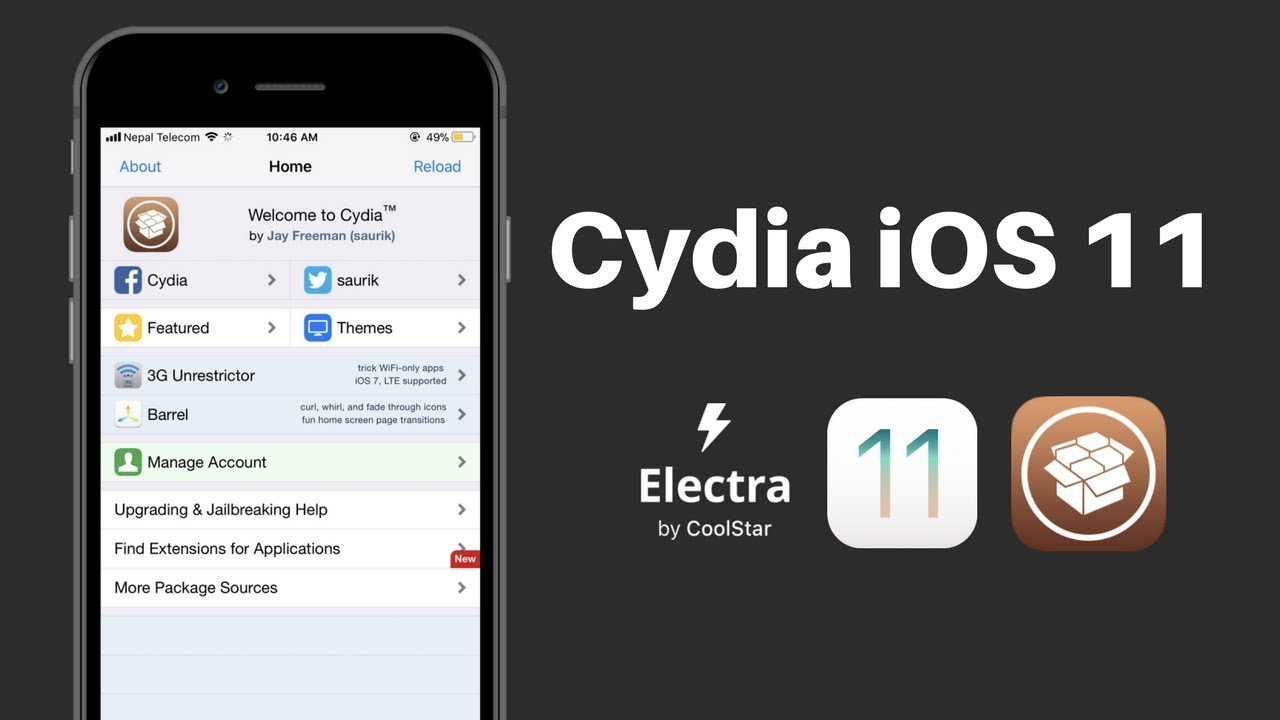
Some iOS users may meet some problems after jailbreaking their iOS device with electra jailbreak tool. For example, Cydia crashes. This tutorial aims to introduce an unofficial tool that allows you to reinstall Cydia on Electra.
Requirements:
☛ A compatible device running Electra
☛ A computer running Windows, Mac or Linux
☛ 7Zip
☛ WinSCP SFTP utility
☛ Putty
☛ iTerminal (on-device)
☛ Filza file manager (on-device)
☛ ZipApp free (on-device)
Step 1 Firstly, remove any and all tweaks you installed before from your device’s filesystem. Secondly, ensure your device is in jailbreak mode or else SFTP and SSH will not work.
Step 2 Download delectra shell script from this link.
Step 3 Extract the ZIP file and transfer the unjailbreak.sh file to the desktop on your PC. If you don’t have a PC, use ZipApp free app available on the official App Store.
Step 4 Establish an SFTP session via WinSCP (on computer) over Wifi. Alternatively, you can use the FilzaEscaped file manager if you don’t have access to a PC or laptop.
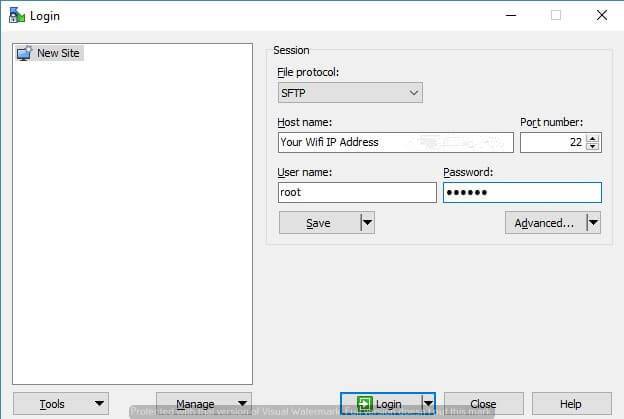
Step 5 Transfer the unjailbreak.sh script to the root folder (/) of your device.
WinSCP – Navigate to desktop and transfer the script to your device.
Filza – Search for “unjailbreak”, select the script file and select Copy present at the bottom of the screen.
Step 6 Start an SSH session using Putty (computer) or iTerminal (on-device) using the following details.
IP Address – Your Wifi IP address present in your device’s Settings
Port – 22 or 2222
Username – root
Password – alpine
Step 7 Once you can access the terminal, run the script.
bash /unjailbreak.sh
Step 8 Re-jailbreak your device with Electra toolkit.









