TUTORIALS

This Tweak Protects Jailbroken Devices from the Telugu Character Bug

03/02/2018

4457

This Tweak Protects Jailbroken Devices from the Telugu Character Bug


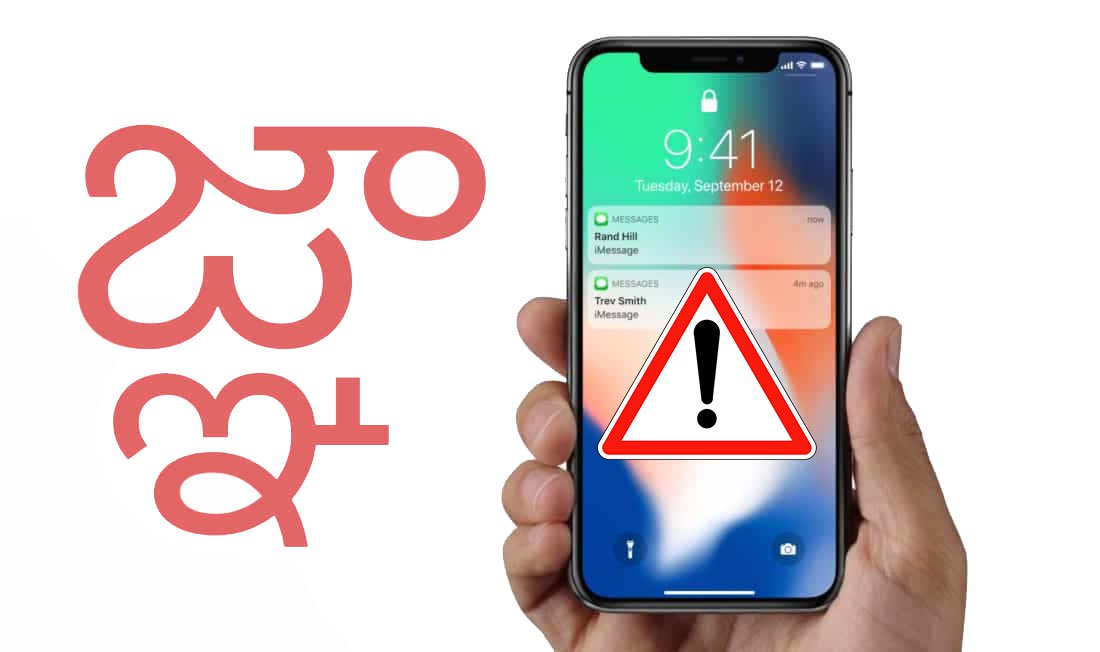
If you’ve been paying attention to the news lately, then you might’ve caught wind about a severe bug that crashes iPhones and iPads when a particular Telugu character gets sent or received in emails or text messages.


Apple released iOS 11.2.6 to fix this bug, but firmware updates aren’t ideal for jailbreakers that depend on older firmware versions, and that’s where a new free jailbreak tweak called NotTodaySatan by iOS developer Zack Hankewycz comes in.


NotTodaySatan safeguards jailbroken devices from SpringBoard crashes and boot loops that can befall those who send or receive said Telugu character.


The tweak takes a smart approach to prevent these hindrances from occurring. It replaces all instances of the forbidden character with the placeholder text “This Tweak Protects Jailbroken Devices from the Telugu Character BugRemovedThis Tweak Protects Jailbroken Devices from the Telugu Character Bug” instead. That said, any jailbroken device with this tweak installed on it becomes immune to unethical pranksters.


Given the immense gravity of the situation, we’d recommend that every jailbreaker go ahead and install this tweak to protect their device. After all, it might save your jailbreak from being lost forever under unfortunate circumstances.


If you’d like to download NotTodaySatan, then you will find it available for free from Cydia’s BigBoss repository. The tweak works on all jailbroken devices running iOS 9 through iOS 11.


Source: iDB

Windows
Mac OS
iOS
Linux
3uTools
Win 64-bit For this device
V9.05 2026-03-28
Download
Win 32-bit For this device
V9.05 2026-03-28
Download
3uTools
Intel Chip How to Identify Chip Type
V9.03 2026-03-27
Download
Apple Silicon
V9.03 2026-03-27
Download
How to Identify Chip Type
1.  Click the Apple icon in the top-left corner of the screen and select About This Mac.
2.  Check the Processor or Chip field to determine if it is "Intel" or "Apple".
Please use the 3uTools PC client to install the iOS client:
1、 Install either the Windows or Mac version of 3uTools on your computer
2、 Open the PC client and connect your device to the computer via USB cable
3、 After the connection is successful, wait for the computer to automatically install the mobile app for the device, or locate “Install Mobile App” on the computer and manually click to install.
3uTools
deb file
V3.01 2025-11-20
Download
rpm file
V3.01 2025-11-20
Download
Windows
Windows
iOS
iOS
Android
Android
TV
TV
3uAirPlayer
Win 64-bit For this device
V6.0.3 2026-03-11
Download
Win 32-bit For this device
V6.0.3 2026-03-11
Download
iOS Device Mirroring (No App Required)
1、 Install 3uAirPlayer on the Windows PC
2、 Open Control Center and select Screen Mirroring
3、 From the list, choose your PC to start mirroring
4、 Or connect your iOS device to the PC via USB to begin mirroring
Scan to get "3uAirPlayer" App
3uAirPlayer TV V1.0.18
2025-11-28
TV System Requirements: Android 7.0 or later
Download the TV installation package, copy it to a USB drive, insert it into your TV or set-top box, then select the file from the home screen to install.