 TUTORIALS
Rootless Vs Full Root Jailbreak: What’s the Difference?
 02/21/2019
 14352
14352
If you are involved in the world of iOS jailbreaking in any shape or form whatsoever, then you may have heard people chatting about the recently released rootlessJB for iOS 12 from Jake James. If that has caused you confusion, then you aren’t alone and we are going to try and shed some light on what it is and what it definitely is not.
The iOS jailbreak community is currently alive with enthusiasm and positivity due to the fact that there has been a lot of activity in recent weeks.
That is definitely a good thing but there is also some confusion around certain topics, such as the existence of rootlessJB, what it is meant to be and, perhaps more importantly, how it differs from full-root jailbreak that might be released for iOS 12 in coming days. Let’s take a look at a couple of areas which should hopefully clear up the confusion.
What is a regular jailbreak?
For those new to the concept, jailbreaking is defined as “privilege escalation for the purpose of removing software restrictions imposed by Apple,” and the basic definition goes on to say that “jailbreaking permits root access.” That bit is extremely important as we generally assume that any public-facing full jailbreak will grant full access to “/” and therefore give us the ability to download and install additional packages and extensions without any interference from Apple’s stock limitations. Obviously, there is a lot more to jailbreak than this but this is an extremely high-level view of what we expect a “jailbreak” to offer.
So, what is rootless jailbreak?
A rootless jailbreak isn’t intended to compete with regular standard jailbreaks. Any device liberated using a rootless jailbreak, such as rootlessJB, will not yield access to root or “/”. Instead, the lowest level to which access is provided is the /var directory. This is generally considered to be a lot safer as nothing can modify or change system files to the extent that huge amounts of unrepairable damage can be caused. Due to the nature of this type of jailbreak, third-party App Store apps that are known for blocking access on jailbroken devices wont be able to detect such a jailbreak on the device and as such will work without issues, however don’t expect many tweaks to work on rootless jailbreak due to the nature of how the tweakinjection is set up.
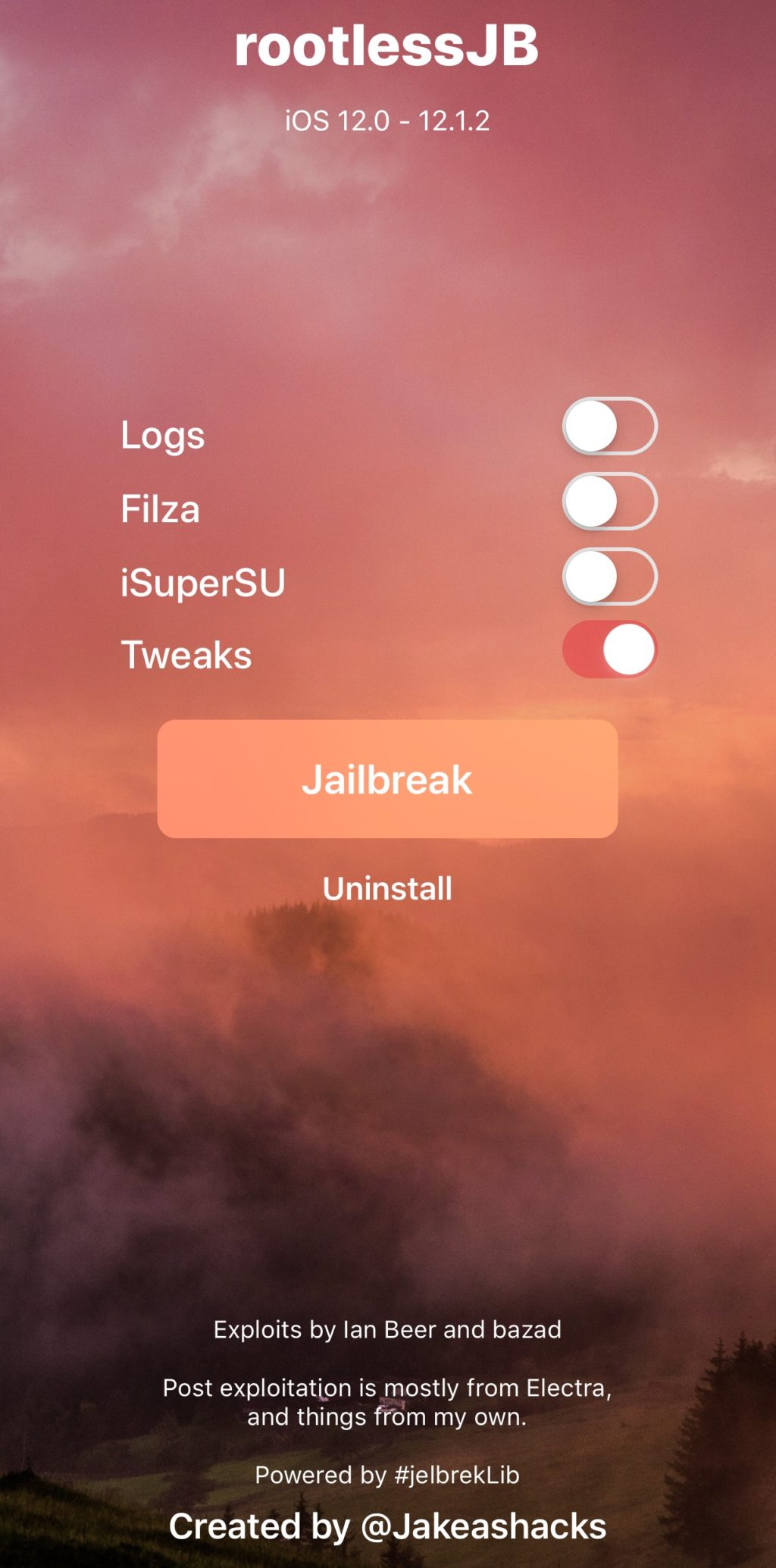
So, in essence, rootless has everything a full regular jailbreak would have except that it allows writing in /var instead of / which makes it safer but also a bit limited than full root and standard jailbreak. Also, in case if it isn’t clear yet, rootless doesn’t mean without root, it means without ability to write in the root partition.
Rootless could be the foundation that allows us to progress into a full iOS 12 jailbreak by our previously accepted definition, or, it could be the start of something new altogether.










