TUTORIALS

doubleH3lix for iOS 10 - 10.3.3 64-bit Jailbreak with Cydia

07/27/2018

68339

iOS hackers Siguza and Tihmstar have just released a new iOS 10.3.3 jailbreak. Here’s how you can install doubleH3lix to jailbreak your device by 3uTools.

doubleH3lix for iOS 10 - 10.3.3 64-bit Jailbreak with Cydia


doubleH3lix is a jailbreak tool developed for 64-bit devices running iOS 10-10.3.3 firmware. It is developed by Siguza and Tihmstar. It is based on Siguza’s v0rtex exploit, KPP bypass, and a patchfinder that provides support for all versions out-of-the-box. We will think it as a 64-bit version of the original h3lix jailbreak.


Update(March 5th): 

RC6:

  • Fixed incomplete kernelpatch

  • Fixed appcrash on offsetfinder error

  • Fixed crash on some 10.0.2 devices


Compatibility

For the following devices running at iOS 10 - 10.3.3


iPhone

  • iPhone 5s

  • iPhone 6

  • iPhone 6 Plus

  • iPhone 6s

  • iPhone 6s Plus

  • iPhone SE


iPad

  • iPad Air

  • iPad Air 2

  • iPad Pro

  • iPad mini 2

  • iPad mini 3

  • iPad mini 4


iPod

  • iPod touch 6


Preparations

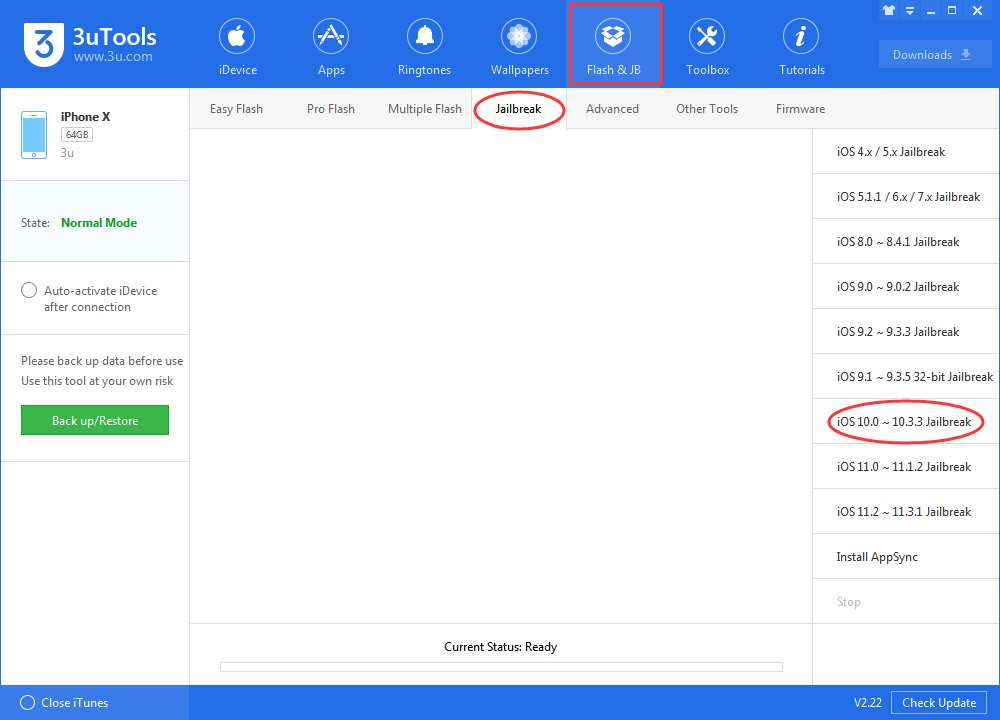
Download 3uTools on your PC, and choose the jailbreak from Flash&JB in 3uTools. Please be patient to wait the process is done.

doubleH3lix for iOS 10 - 10.3.3 64-bit Jailbreak with Cydia


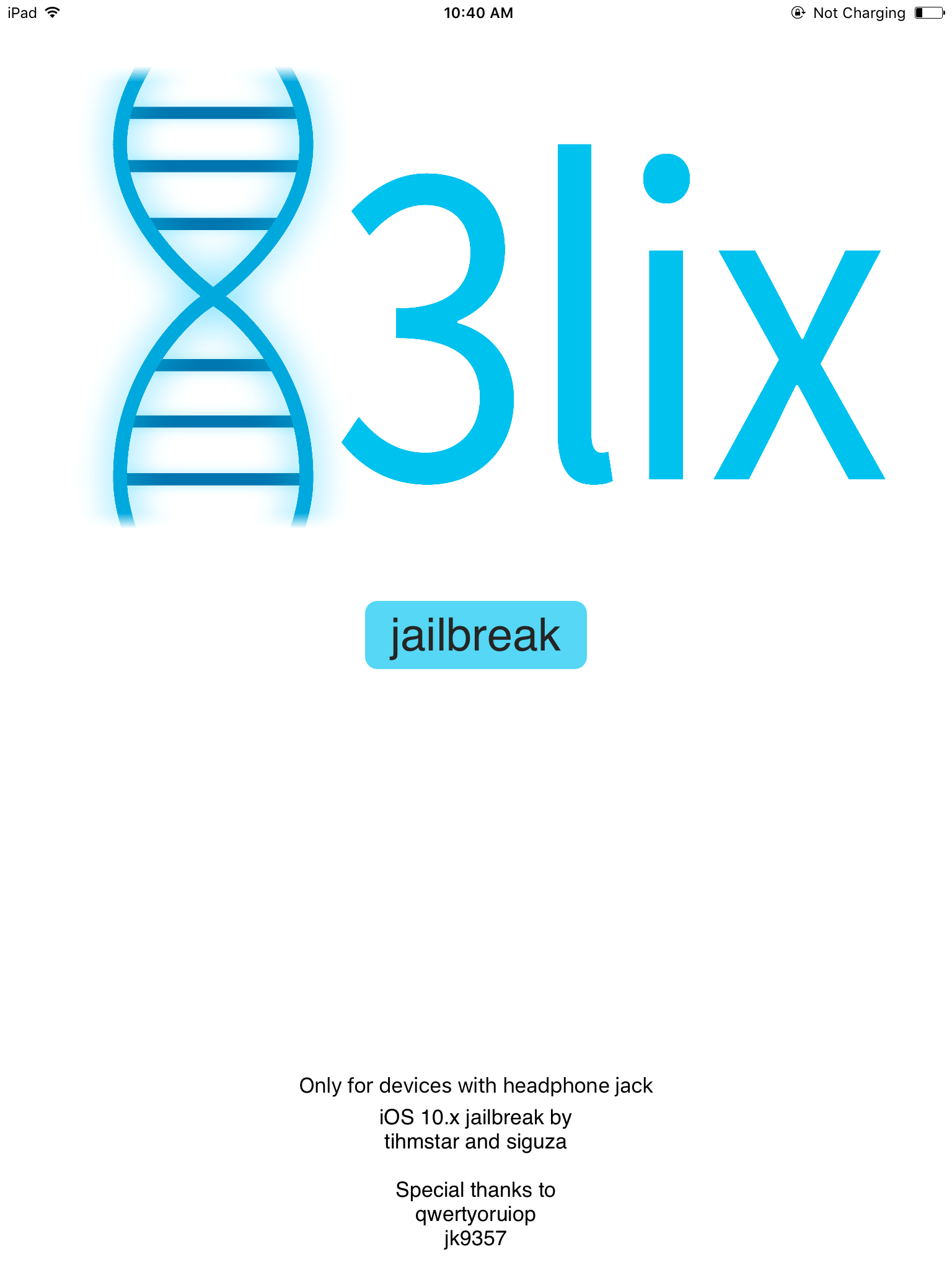
Process on your device


Step 1 Enter the Apple ID and password.


Step 2 Navigate to Settings > General > Profiles & Device Management. Tap your Apple ID email and “trust” the app.


Step 3 Tap the jailbreak button to start the exploitation process. Once it’s done, Cydia will appear on your screen.

doubleH3lix for iOS 10 - 10.3.3 64-bit Jailbreak with CydiadoubleH3lix for iOS 10 - 10.3.3 64-bit Jailbreak with Cydia


Till now, there are not many compatible tweaks for doubleH3lix jailbreak.  
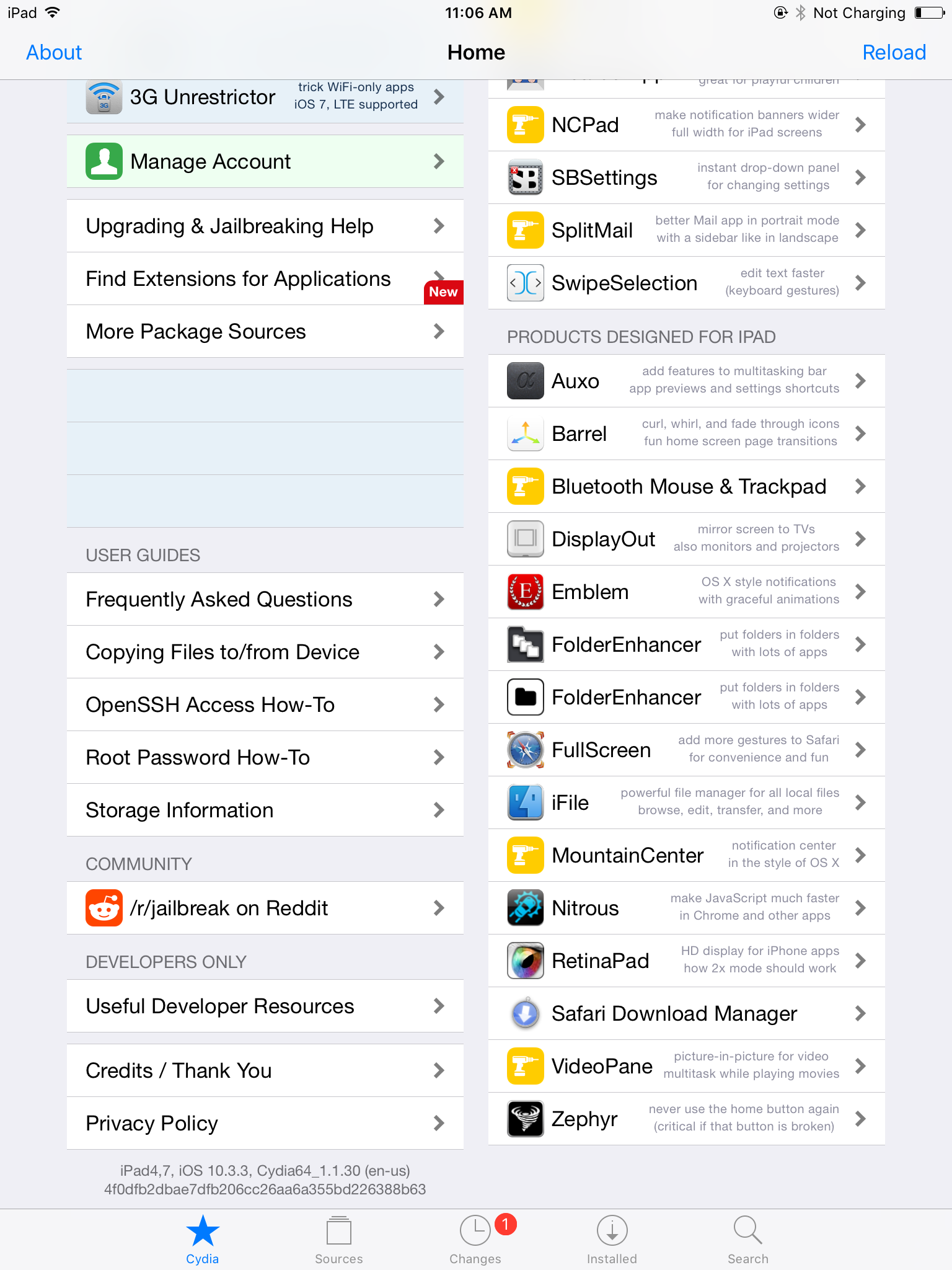

doubleH3lix for iOS 10 - 10.3.3 64-bit Jailbreak with Cydia


Check another detailed jailbreak tutorial for 32-bit devices:


Jailbreak 32-Bit iOS 10.X Using 3uTools



Windows
Mac OS
iOS
Linux
3uTools
Win 64-bit For this device
V9.0 2025-11-11
Download
Win 32-bit For this device
V9.0 2025-11-11
Download
3uTools
Intel Chip How to Identify Chip Type
V9.0 2025-12-02
Download
Apple Silicon
V9.0 2025-12-02
Download
How to Identify Chip Type
1.  Click the Apple icon in the top-left corner of the screen and select About This Mac.
2.  Check the Processor or Chip field to determine if it is "Intel" or "Apple".
Please use the 3uTools PC client to install the iOS client:
1、 Install either the Windows or Mac version of 3uTools on your computer
2、 Open the PC client and connect your device to the computer via USB cable
3、 After the connection is successful, wait for the computer to automatically install the mobile app for the device, or locate “Install Mobile App” on the computer and manually click to install.
3uTools
deb file
V3.01 2025-11-20
Download
rpm file
V3.01 2025-11-20
Download
Windows
Windows
iOS
iOS
Android
Android
TV
TV
3uAirPlayer
Win 64-bit For this device
V6.0.2 2025-11-19
Download
Win 32-bit For this device
V6.0.2 2025-11-19
Download
iOS Device Mirroring (No App Required)
1、 Install 3uAirPlayer on the Windows PC
2、 Open Control Center and select Screen Mirroring
3、 From the list, choose your PC to start mirroring
4、 Or connect your iOS device to the PC via USB to begin mirroring
Scan to get "3uAirPlayer" App
3uAirPlayer TV V1.0.18
2025-11-28
TV System Requirements: Android 7.0 or later
Download the TV installation package, copy it to a USB drive, insert it into your TV or set-top box, then select the file from the home screen to install.