 TUTORIALS
DopeSettings is An iOS Jailbreak Tweak that Allows Users to Add Custom Tags to Settings
 12/05/2017
 6248
6248
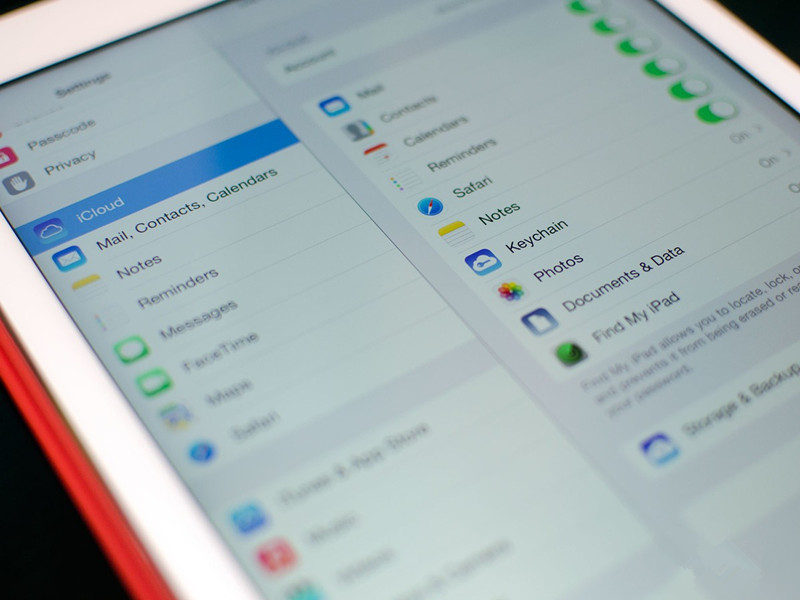
If you've ever wanted to customize the settings panes in iOS and change each label then DopeSettings is your answer.
Jailbreaking your iPhone has always provided a more customized feel to iOS. Some changes are made out of necessity, some out of convenience and some out of sheer boredom. A free jailbreak tweak called DopeSettings could fall under any of the three categories depending on your needs. Upon installation, the application renames the Settings app's panes into a variety of alternative phrases.
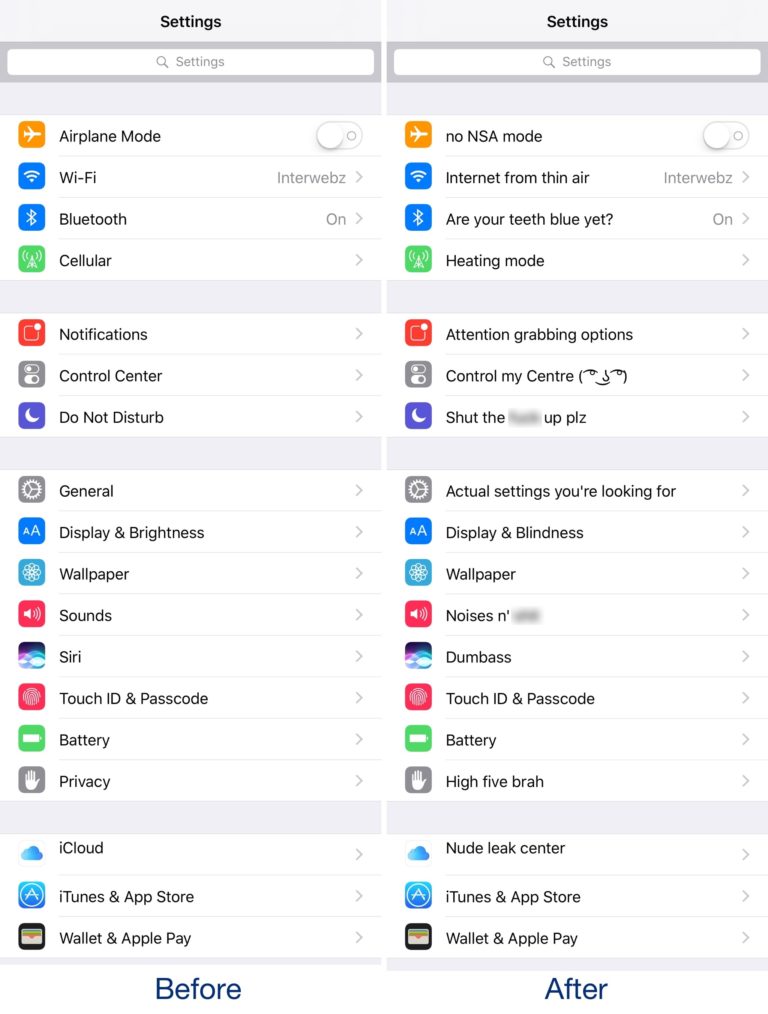
The developer obviously put some thought into each change, but most users will likely opt to change them to something of their choosing. No NSA mode is probably the only keeper.
You can change the name of each setting yourself by navigating to /private/var/mobile/Library/Preferences/xyz.xninja.dopesettings.plist with a filesystem browser like Filza and opening the .plist file.
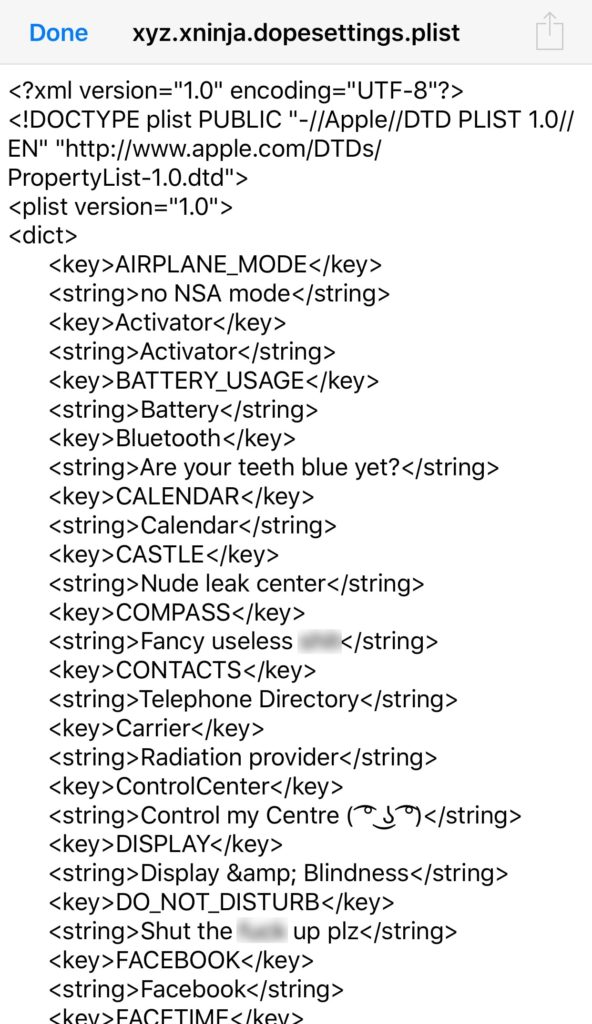
Once there, find the string field of the item you wish to change and simply rename it. Be sure to leave the key fields alone, because they are used to identify the specifier for each section by the tweak. Modifying the key field can cause DopeSettings to not function properly.
An example of what a key-value pair would be:
<key>net.whatsapp.WhatsApp</key>
<string>WhatsApp</string>
Change the string field to the text you want to be displayed as follows:
<key>net.whatsapp.WhatsApp</key>
<string>Put anything you want here</string>
To reset any changes, make the string field empty:
<key>net.whatsapp.WhatsApp</key>
<string></string>
Respring the device to ensure the changes take effect. If that doesn't work, force quit the Settings app and restart your device.
DopeSettings is available for free from Cydia's BigBoss repository and works on jailbroken iOS 10 devices.
Source: iDownloadblog









