TUTORIALS
iOS 11 Beta3 is Available in 3uTools
 07/12/2017
 9191
9191
Apple has released iOS 11 developer beta 3 for developers on iPhone, iPad, and iPod touch. You could flash the firmware in 3uTools.
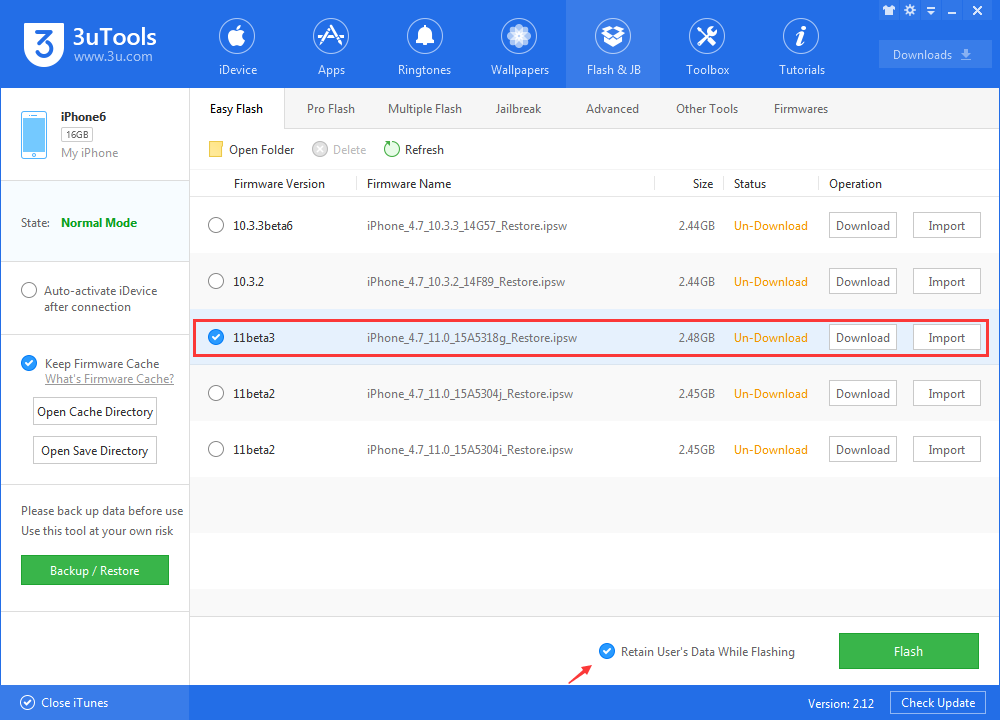
Step1: Make sure that you have the latest version of 3uTools. Before upgrading, you should backup your iDevice. Connect your device to your computer, click the button ”Flash & Jailbreak", click the button “Easy flash”.
If you want to retain the data, please select the option " Retain User's Data While Flashing".
Step2: Select the firmware iOS 11 beta3 , and then click the button “Flash”. (If you have downloaded the firmware, you need to import it to your PC first, and then flash your iPhone).
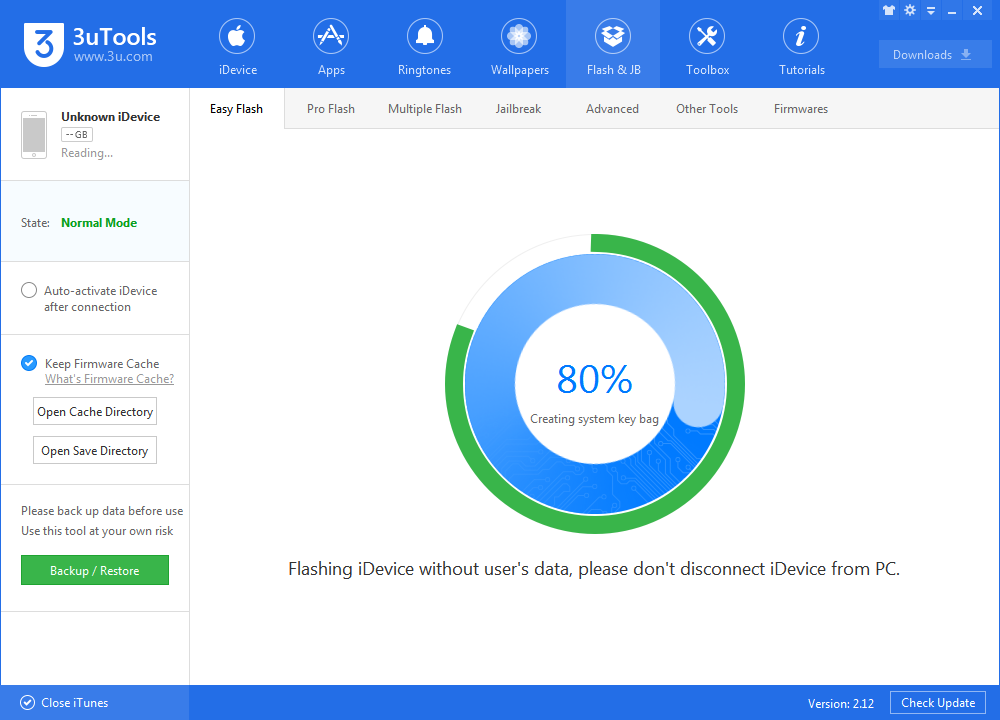
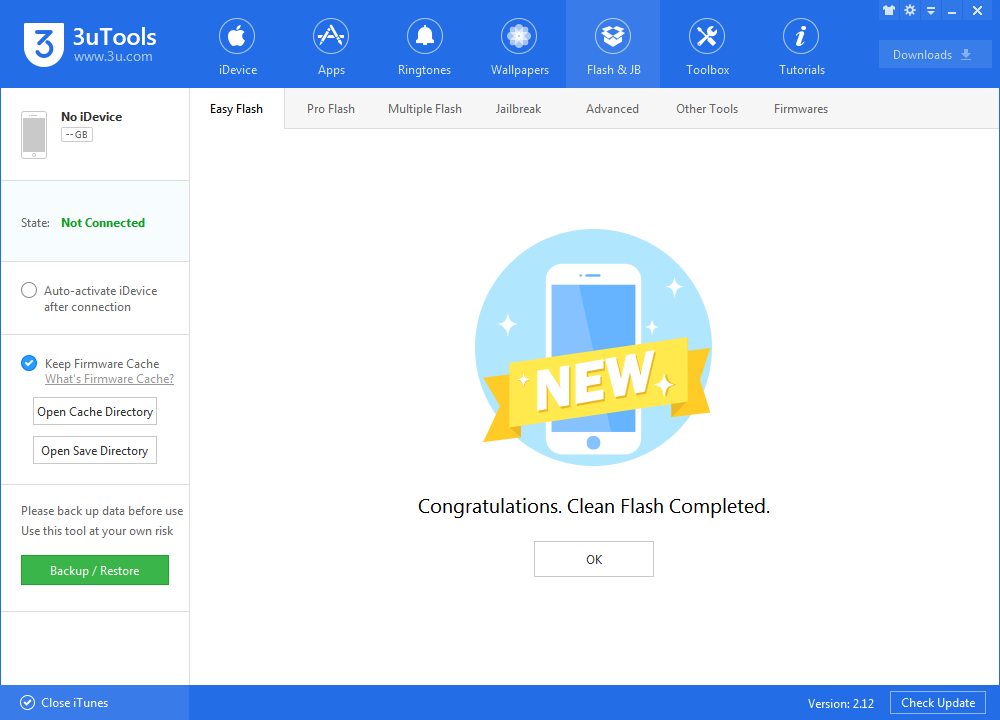
Step3: Keep a good connection between iDevice and PC, and then just wait until this process is finished.