 TUTORIALS
The Best Free Tweaks in Cydia for Notification Center of iOS 10
 04/14/2017
 9567
9567
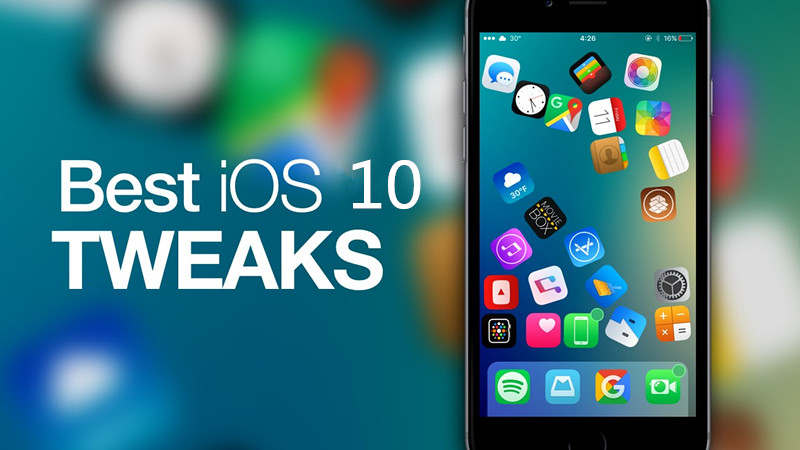
Those rocking the Yalu jailbreak for iOS 10 and who are looking for the best jailbreak tweaks to install on their devices have come to the right place. We're working on a series of roundups that cover the best tweaks for Notification Center that were released following the launch of the iOS 10 jailbreak.
1. 3DLight
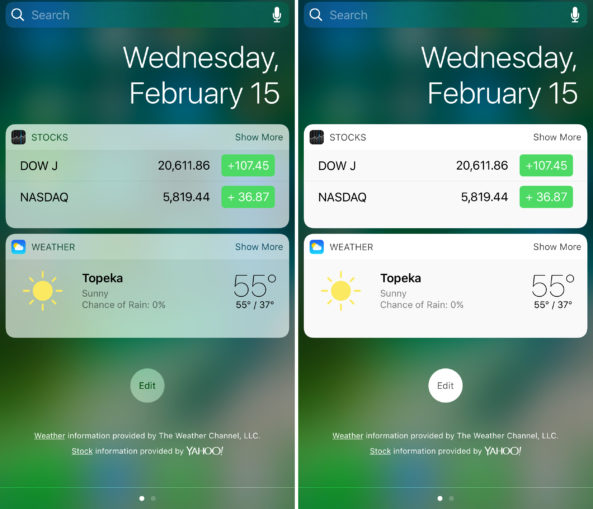
If you hate the way stock widget transparency looks in Notification Center, then a jailbreak tweak called 3DLight offers some options for changing things up.
While the tweak makes changes to your 3D Touch menus, it just so happens that the opacity effects also impact your Notification Center widgets.
Free to downloads from Cydia.
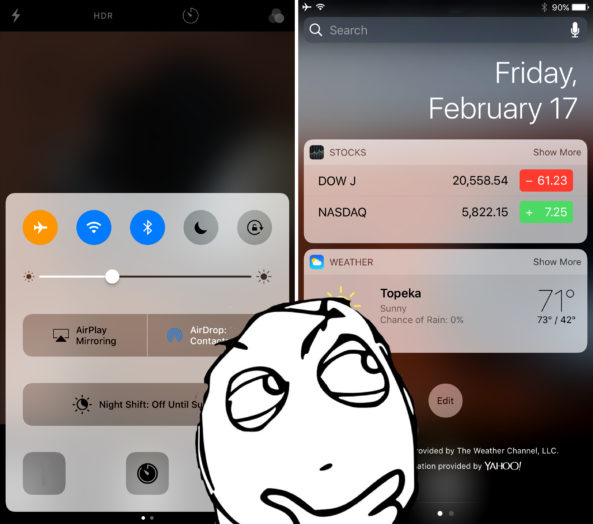
AccessWithinApps we have written in 3uTools Blogger site,which lets you disable access to these interfaces from any apps you choose. You can configure an application blacklist so you can't launch Control Center or Notification Center (or see their grabbers) in any of the enabled apps.
Free to downloads from Cydia.
3. BouncyNC10
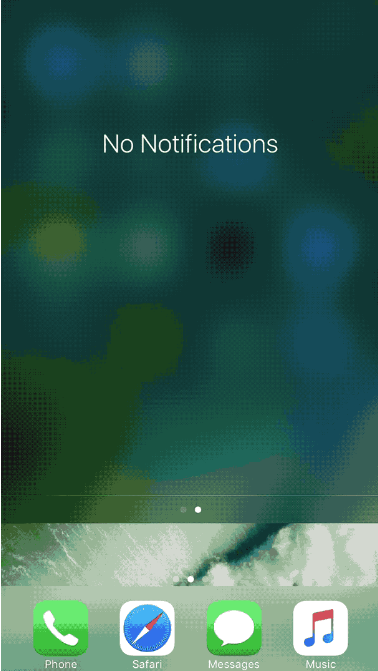
Any time you launch Notification Center, you're greeted with a mild bounce effect when the bottom of the interface slams down on the bottom of your display. If you don't like how this effect looks, BouncyNC10 can spice things up by making the animation more robust.
Even if you don't like the animation that much, the tweak includes an option for eliminating the animation altogether, so it's a tweak that can benefit both parties.
Free to downloads from Cydia.
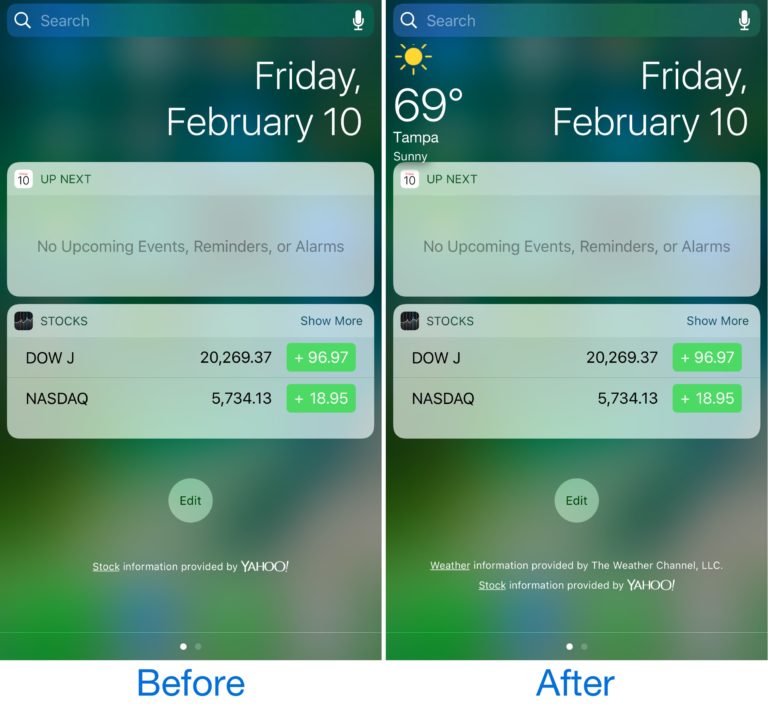
4. DisplayWeather 10
For some reason, iPhone and iPad users have an unhealthy fascination with weather information. DisplayWeather 10 can help with our marveling desire to always see this information.
It lets you disable the Weather widget so you can dedicate its space to something else, all while still seeing your weather information at a glance.
Free to downloads from Cydia.
5. NCNoPageBounce
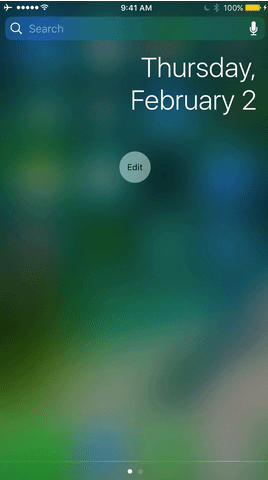
When moving between pages in Notification Center, you get a subtle bounce animation that lets you know you're at your paging limits.
NCNoPageBounce is a tweak that disables these bounce effects for those who don't like them.
Free to downloads from Cydia.
6. NoDots10
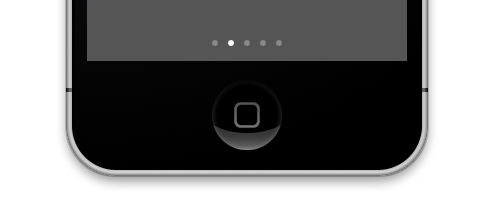
Lots of interfaces in iOS have dots in them for various reasons, and Notification Center just happens to be one of those. They're not only an eyesore, but they've been in iOS for so long that some people simply get sick of looking at them.
NoDots10 removes the dots from many interfaces of iOS, including Control Center and Notification Center. The tweak also hides dots from newly-installed apps and beta apps too. You can configure what dots appear and what ones don't from the tweak's settings.
Free to downloads from Cydia.
7. WidgeficationX
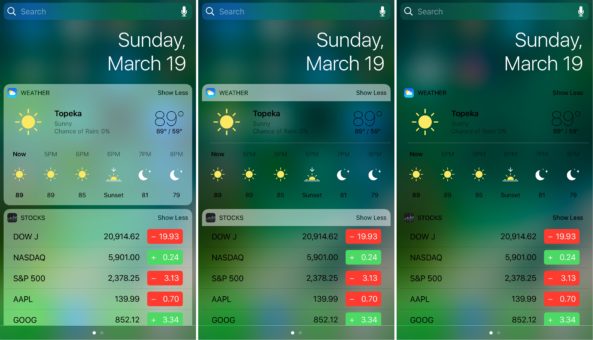
Since widgets are popular in Notification Center, it only makes sense to have a way to customize them if you're jailbroken.
WidgeficationX lets you control the transparency effects of your Notification Center widgets, from the backgrounds to their headers. You can create stunning visualizations or go full minimalist if you choose to.
Free to downloads from Cydia.
Join our Facebook User's Group, or visit our 3uTools Blogger Site for the latest iPhone and jailbreak news.









