 TUTORIALS
Cydia FAQ
 07/07/2017
 11221
11221
What is Cydia?
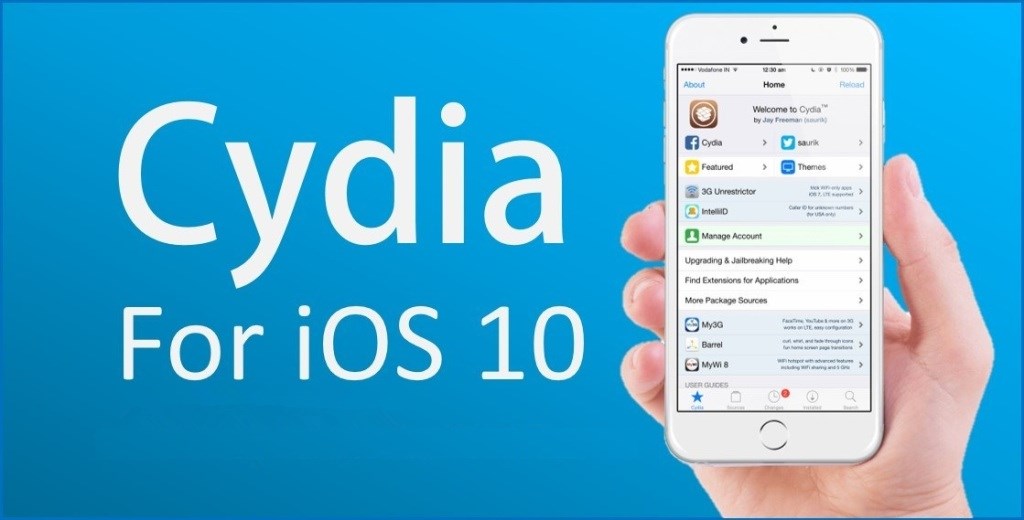
Cydia is a software installer that helps you exercise the freedom of your jailbroken device — letting you install any kind of software you want, and helping you make your device even more useful and fun by customizing it to look and work the way you like it.
Most of the packages available through Cydia are not exactly "apps". Instead, they are a more flexible kind of software: tweaks (extensions and modifications) and themes for your existing apps, or for the whole experience of using your device.
Cydia includes access to lots of free and paid software and themes by developers and designers from the jailbroken iOS community, and Cydia's decentralized structure means that anyone can also use it to distribute their own packages.
Is Cydia a App Store ?
Yes, this is alternative app store consist thousands of applications and themes. This store has much more free applications and also Paid apps. You can get unbelievable features with Cydia. Follow us and take Cydia for your device successfully.
Can Cydia install for my iPhone, iPad and iPod ?
Yes. Cydia can be installed on all iDevices like iPhones, iPads & iPods successfully. Follow our tutorial guides to get Cydia for your device..
Which iOS versions and Devices could be supported by Cydia?
Devices – iPhone, iPad and iPod Touch
At this moment Cydia can install on all devices which are running iOS 8.4 or lower versions.
Which iOS versions and Devices couldn't be supported by Cydia?
Cydia still not supports for Apple Watch and Apple TV devices.
At this moment Cydia cannot be installed on iOS 8.4.1 running devices.
Is Cydia in Apple's official App Store?
No. Cydia is not available in Apple's App Store. Also, it is not in a website to download.
How to download & install Cydia for my iDevice?
Cydia install process for idevice is different. I cannot download & install Cydia directly my iPhone, iPad or iPod. There is a special procedure is called Jailbreaking to install Cydia for any iOS device.
How can i select jailbreak software for my device?
Jailbreak software varies according to your device's iOS version. As well as the computer platform you use. Therefore you should consider your iOS version & computer use before select a jailbreak tool.
Can Cydia install without jailbreak ?
No. Cydia is only available with jailbreaking apps. If you use Cydia without jailbreak means you have installed faked apps to your er device.
How to delete Cydia ? Can jailbreak reversible ?
If you already installed Cydia with jailbreak application, Do not go to delete Cydia App. jailbreak is fully reversible. For unjailbreak your device, just you can restore your device with 3uTools/iTunes. Same as your jailbreak will be gone after update device into another firmware version. So, jailbreak is reversible.









