 NEWS
NEWS
Apple Will Use Recycled Rare Earth Metals
 09/19/2019
 2655
2655
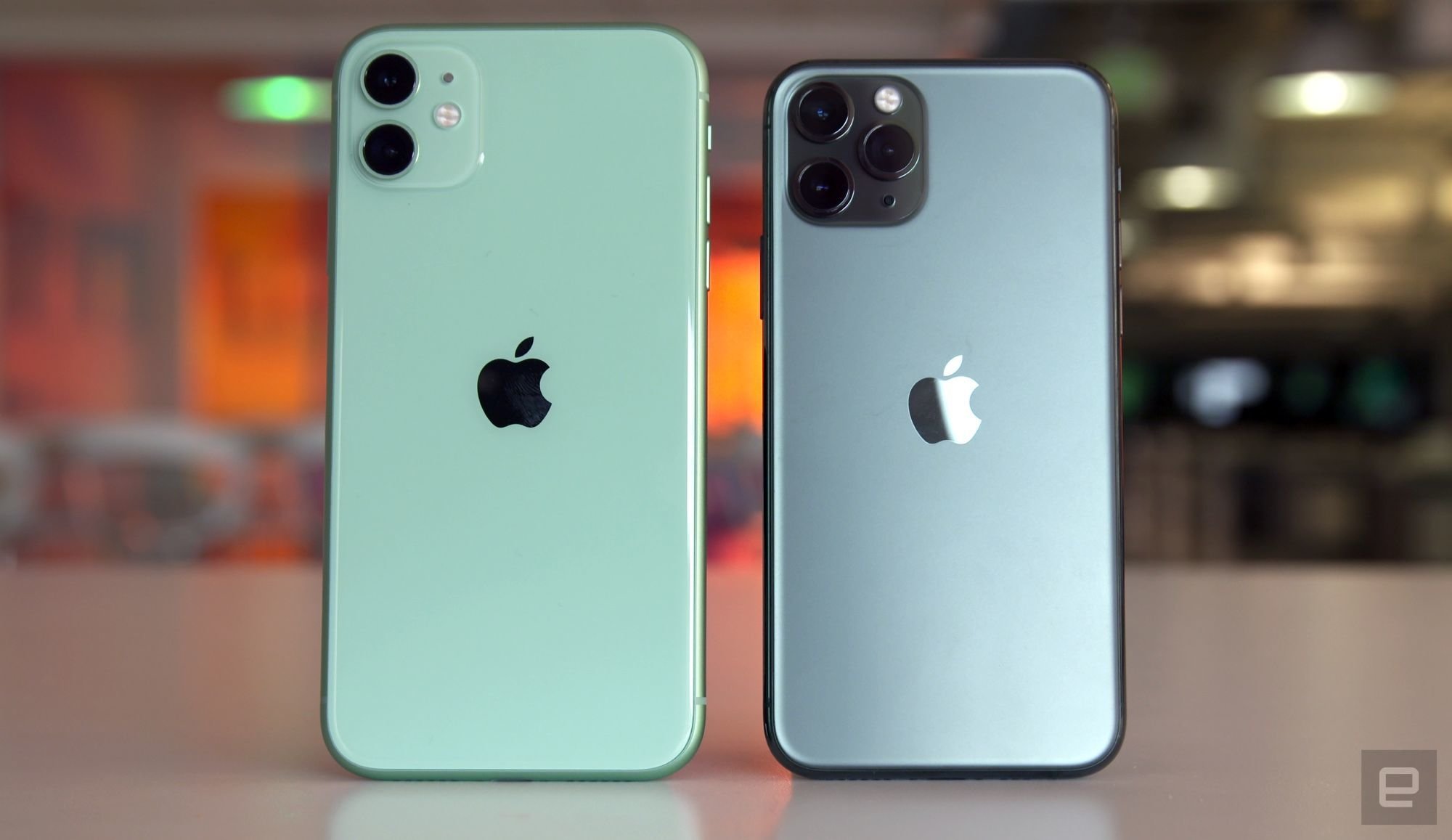
Apple has a new strategy to make its products more environmentally friendly. Moving forward, the company plans to source the rare earth metals needed to build the iPhone's Taptic Engine from recycled components. The Taptic Engine is the small linear actuator that generates the iPhone's signature haptic feedback. Apple introduced the component in the first-generation Apple Watch before bringing it over to its smartphone lineup with the iPhone 7. According to Reuters, the Taptic Engine accounts for about one-quarter of the rare earth metals used in the manufacturing of a single iPhone.
For the moment, the company will source the recycled materials from an outside supplier. However, Apple says it's also working on a way to use robots like the ones it already employes to recycle larger components, to recover rare earth metals. It's also exploring how to improve traditional recycling machines, which essentially shred a device down to its base materials, to make them capable of saving at least a small amount of rare earth metals. What makes recycling rare earth components challenging is the fact that they're typically tiny, making it easy to damage them in the process.
It's vitally important that we find a way to effectively reuse and recycle rare earth metals if we're to have any way of effectively fighting climate change. Besides being used in all manner of consumer electronics, the 17 minerals that make up the rare earth group are critical to making electric vehicles and solar panels. A recent study by the Dutch Ministry of Infrastructure found a shortage of rare earth metals is likely to limit the world's ability to meet the emission reduction targets set out by the Paris Climate Agreement. Reducing its dependence on mined rare earth metals is something Apple has been talking about since 2017.
Besides the environmental benefits, the move could help Apple weather a potential supply shortage if trade relations between China and the US continue to worsen. China currently mines 80 percent of the world's supply of rare-earth metals, and the country has threatened to limit exports to the US if the trade war between the two countries continues to escalate. Lisa Jackson, Apple's vice president of environment, policy and social initiatives, told Reuters the move to use more recycled materials isn't related to any trade tensions, but then went on to add, "this is one of those happy coincidences where what is good for the planet is really good for business at the same time."
Source: engadget










