 NEWS
NEWS
Apple WebKit Team Shares ‘Tracking Prevention Policy’ Detailing Anti-tracking Safari Features
 08/15/2019
 2920
2920
Apple’s WebKit team today has released its full “Tracking Prevention Policy.” This policy is an outline of WebKit’s tracking efforts and details what types of tracking WebKit will prevent, countermeasures, and more.
Here’s how the WebKit team explains the new breakdown of tracking measures detailed in the policy published today:
This document describes the web tracking practices that WebKit believes, as a matter of policy, should be prevented by default by web browsers. These practices are harmful to users because they infringe on a user’s privacy without giving users the ability to identify, understand, consent to, or control them.
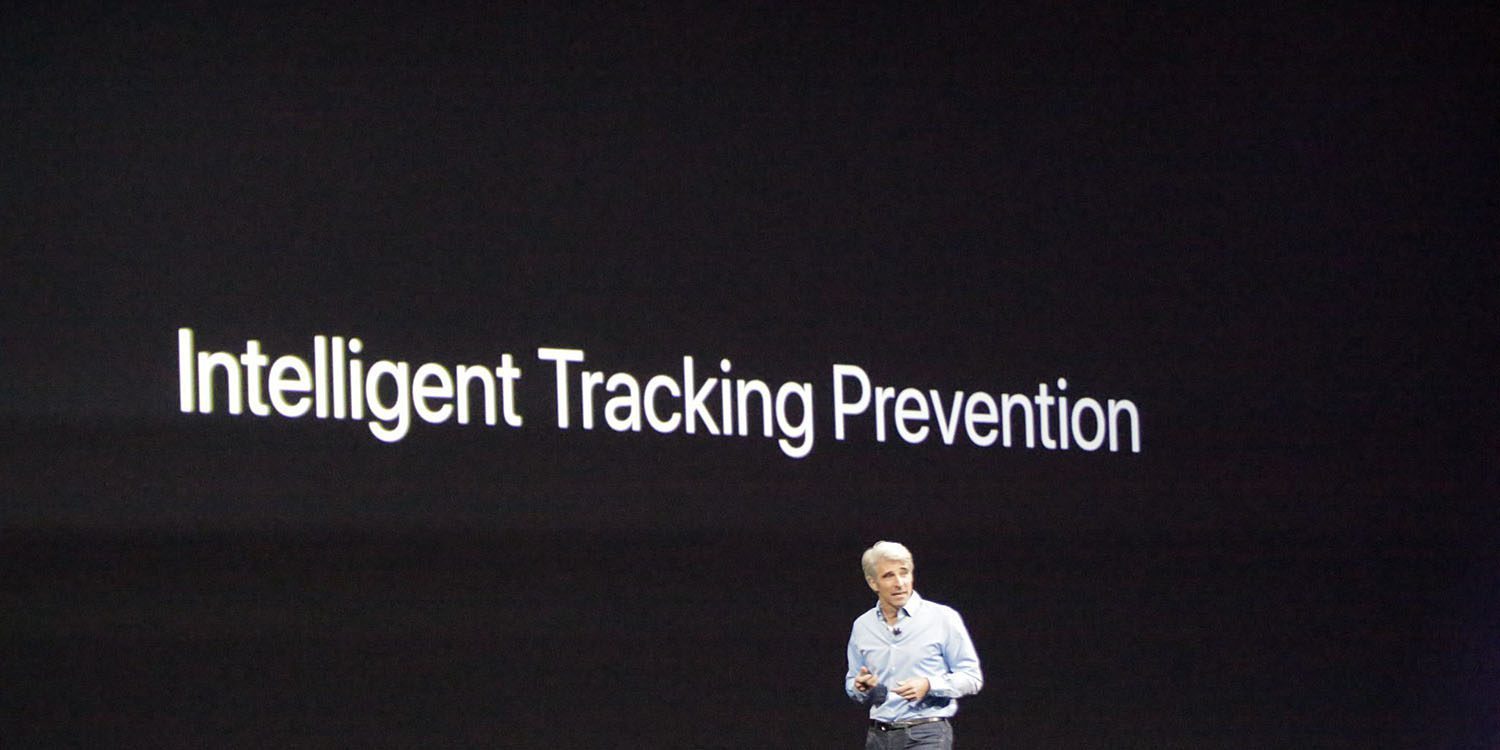
Apple and the WebKit team have doubled down on tracking prevention features in recent releases of iOS and macOS. For instance, iOS 12 and macOS Mojave last year included a new Intelligent Tracking Prevention functionality.
Apple has made a specific point to crackdown on cross-site tracking, as emphasized in the new policy posted today:
WebKit will do its best to prevent all covert tracking, and all cross-site tracking (even when it’s not covert). These goals apply to all types of tracking listed above, as well as tracking techniques currently unknown to us.
If a particular tracking technique cannot be completely prevented without undue user harm, WebKit will limit the capability of using the technique.
The policy also outlines a firm stance against someone trying to circumvent anti-tracking measures:
We treat circumvention of shipping anti-tracking measures with the same seriousness as exploitation of security vulnerabilities.
If a party attempts to circumvent our tracking prevention methods, we may add additional restrictions without prior notice. These restrictions may apply universally; to algorithmically classified targets; or to specific parties engaging in circumvention.
The full WebKit Tracking Prevention Policy can be viewed in full on the WebKit website. It dives into details on unintended impact, exceptions to the rules, and more.
Source: 9to5mac










