 NEWS
NEWS
User's Loyalty over iPhone Falls to All-Time Low
 07/18/2019
 2662
2662
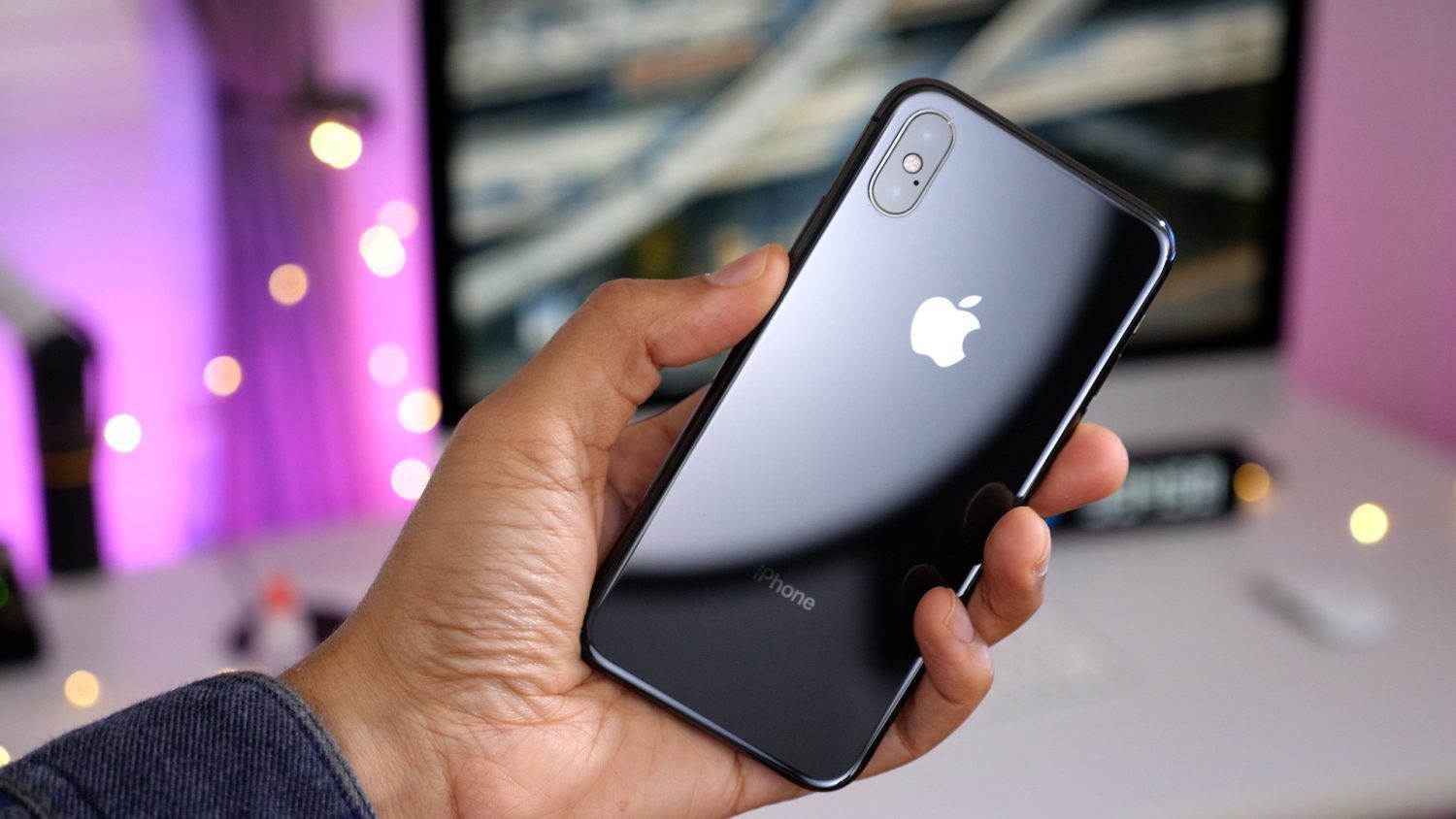
A new survey today claims that iPhone loyalty has fallen to an all-time low. The survey, conducted by BankMyCell, says that iPhone retention is down 15 percent over the last year.
As detailed by CNET, BankMyCell has tracked 38,000 people trading in their smartphones since October, focusing on Apple brand loyalty. According to that data, iPhone retention was down 15.2 compared with data from March 2018.
The report suggests that 26 percent of people trading in their iPhone X moved onto another brand, while just 7.7 percent of Samsung users switched to an iPhone. 92.3 percent of people who traded in an Android phone stayed in the Android ecosystem. In total, 18 percent of people who traded-in any model iPhone switched to a Samsung phone, the data suggests.
In total, using its own data and data from other companies, BankRoll concludes that iPhone loyalty has hit its lowest point since 2011, falling to 73 percent. This compares to loyalty in 2017 of 92 percent.
There are several things worth noting with this data. For one, the sample size is relatively small and seemingly comes almost entirely from customers using the specific BankMyCell service. Furthermore, other data from companies like CIRP has suggested that iOS loyalty has continued to hit new highs. In January, CIRP said that iOS loyalty was at 91 percent.
Meanwhile, Kantar and Gartner also today released new reports on the smartphone industry. According to Kantar, iPhones accounted for 36 percent of phone sales in the United States during the second quarter of 2019, which is down 2.4 percent year-over-year. Data from Gartner today suggests that global shipment so mobile phones will fall 3.8 percent during 2019 as a whole. In conjunction with this, the firm says device life spans will increase as upgrade rates slow:
“If mobile phones don’t provide significant new utility, efficiency or experiences, users won’t upgrade them, and will consequently increase these devices’ life spans,” Ranjit Atwal, research director at Gartner, said in a statement.
Source: 9to5mac










