 NEWS
NEWS
Apple Accused of Securities Fraud Over iPhone Sales
 04/18/2019
 2644
2644
Apple knew in November its iPhone sales were in trouble but painted a falsely rosy picture for investors that amounted to securities fraud, a new lawsuit claims.
The lawsuit seeks class-action status, to bring in everyone who bought Apple common stock between November 2, 2018 and January 2, 2019. The plaintiff estimated hundreds of thousands of investors who allegedly suffered economic loss could sign on.
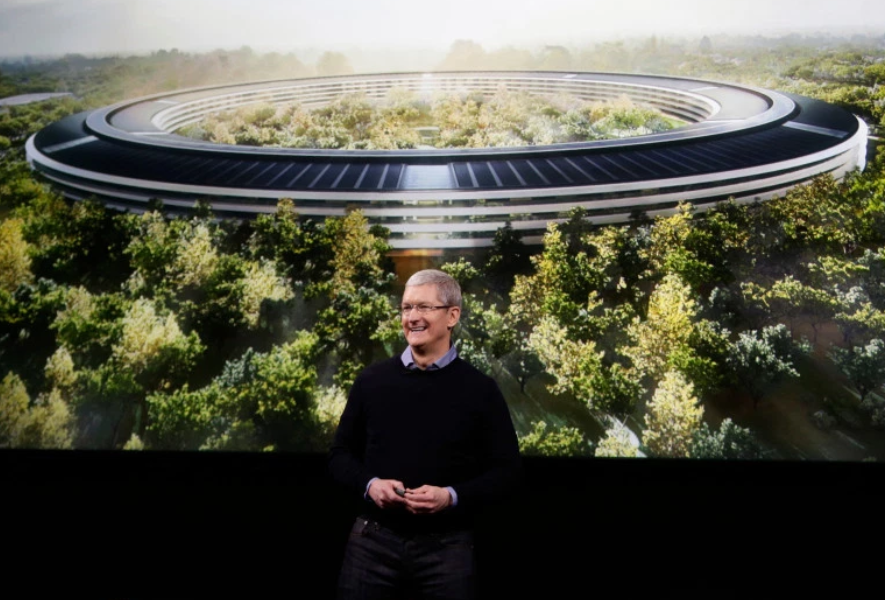
Apple did not immediately respond to a request for comment.
The Silicon Valley technology giant and its CEO Tim Cook were aware in November that the U.S. trade war with China was affecting iPhone demand there, the lawsuit by the City of Roseville employees’ retirement fund claims. The company and its leader also knew customers were replacing batteries in older iPhones instead of buying new iPhones, cutting sales growth, according to the suit, filed Tuesday in Northern California U.S. District Court.
Meanwhile, because of slowing demand for its phones, Apple had slashed production orders from suppliers for new models and lowered prices to reduce inventory, the suit alleged.
Apple, however, wasn’t telling investors what the company knew, the suit alleged.
Reporting financial results in November, Apple said it had gone into the holiday season with its “strongest lineup of products and services ever,” according to the suit.
In a conference call with investors and analysts the same day, Apple was asked whether trade U.S. and China tariffs and tariff threats were affecting iPhone demand in China, and Cook said the firm was facing currencies-related pressure from markets like Turkey, India, Brazil, and Russia but that he “would not put China in that category,” according to the suit.
During that call, Apple “surprised investors by announcing that Apple would no longer disclose unit sales for iPhones and other hardware, asserting that such data was no longer relevant for investors to evaluate the company’s financial performance, all the while assuring investors that despite the decision to withhold unit sales data … the company would still experience strong performance,” according to the suit.
“The decision to withhold such unit sales was designed to and would mask declines in unit sales of the company’s flagship product,” the suit claimed.
Apple and Cook’s “materially false and misleading statements” in November propped up the company’s stock, “which continued to trade at artificially inflated prices,” the suit alleged, characterizing the statements as “fraud or deceit.”
Then in January, Apple disclosed the “true state” of its first-quarter iPhone sales, according to the suit. The company revealed that it would, for the first time under Cook’s leadership, fail to reach its public revenue projections, missing by up to $9 billion, the suit said. Apple admitted that on top of struggling against economic slowing in China, its price cuts for battery replacements — announced in response to revelations it was “intentionally degrading” iPhone battery performance through software updates — had hurt its phone sales, the suit said.
Apple’s disclosures in January caused it is stock price to fall by more than $15 per share, or more than 9 percent, the suit claimed.
The suit claimed Apple, Cook and the company’s chief financial officer Luca Maestri violated the U.S. Securities Exchange Act. The plaintiff is seeking a jury trial and unspecified damages.
Source: murcurynews










