 NEWS
NEWS
Apple Will Payout $485 Million for Texture
 04/11/2019
 3145
3145
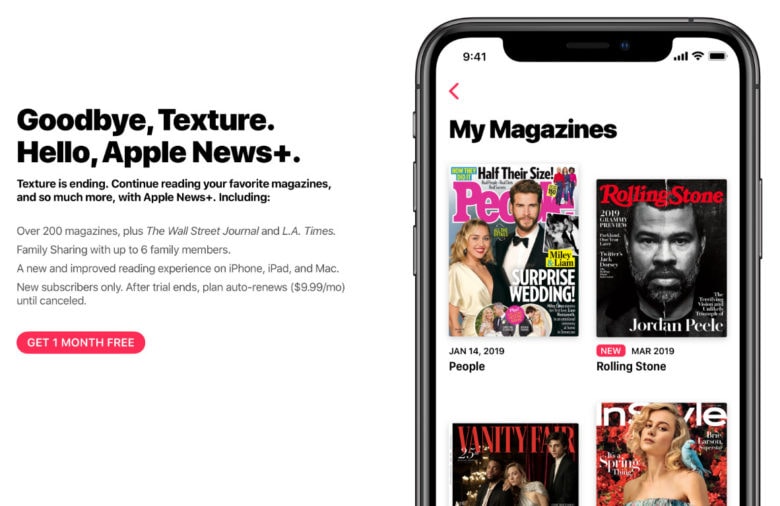
Apple’s total purchase price for Texture will come in at just under half a billion dollars, according to a new report that reveals details of Apple’s acquisition deal.
Texture, an online magazine subscription service, was bought by Apple in 2018 and serve as the foundation for Apple News+. Apple revealed that the Texture app will shutdown next month, but the four publishers who teamed up to launch the service are set to get some big pay days.
Apple paid a $100 million up-front payment to Texture’s founders — Condé Nast, Meredith, Hearst and Rogers — when it bought the service last year. The company also promised to pay out a minimum of $145 million in the first year. $240 million is guaranteed for the second and third years, putting the total payout at $485 million, reports the New York Post.
The deal gives publishers a reliable source for their premium content over the next few years. For Apple, it also locks them into the service so Apple News+ has some time to take off.
During its few years of existence, Texture only managed to secure about 240,000 subscribers. Apple News+ had over that amount within the first 48 hours of launch. The service charges $9.99 per month for unlimited access to over 300 magazines and paywall news sites.
Apple plans to use its enormous user base of nearly 1 billion active devices to create a giant pie of revenue for publishers to share. Some news organizations have sat out on the service due to concerns that it will devalue their content.
Apple News+ is currently only available in the U.S. and Canada. It is expected to launch in the UK and Australia by the end of the year.
Source: cult of mac










