
NEWS

Worldwide Apple Stores Will offer Livestreams of March 25th Special Event

03/22/2019

4150

Apple is offering visitors to its stores across the world an opportunity to watch March 25th’s Special Event with friends and other Apple fans on the big screen. Stores with Video Walls will host special Today at Apple sessions to live stream the keynote from Steve Jobs Theater.


Like last October’s event held at Brooklyn’s Howard Gilman Opera House, anyone can sign up for free to attend the keynote stream at a participating Apple Store. You can check if your local store will offer a stream by visiting Apple’s event page, or we’ve compiled a list of stores with Forums and Video Walls below. While some stores outside of English speaking countries will offer the livestream, the video feed will only be available in English.
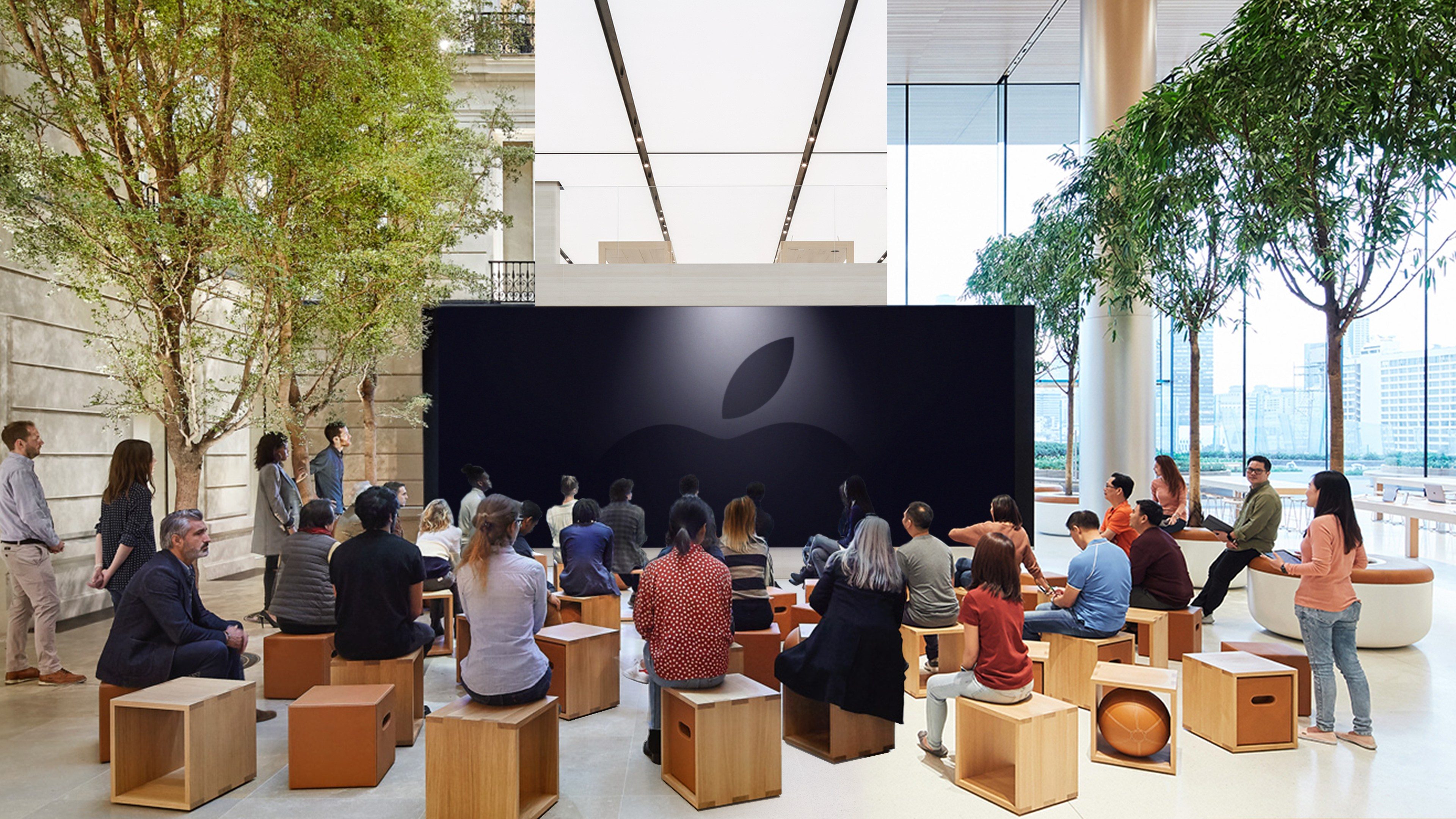

Worldwide Apple Stores Will offer Livestreams of March 25th Special Event


Under the marquee “It’s show time,” Apple is widely expected to announce video and news subscription services. 


Stores with Video Walls (live stream availability may differ on a store-by-store basis):



Windows
Mac OS
iOS
Linux
3uTools
Win 64-bit For this device
V9.01 2025-12-27
Download
Win 32-bit For this device
V9.01 2025-12-27
Download
3uTools
Intel Chip How to Identify Chip Type
V9.01 2025-12-31
Download
Apple Silicon
V9.01 2025-12-31
Download
How to Identify Chip Type
1.  Click the Apple icon in the top-left corner of the screen and select About This Mac.
2.  Check the Processor or Chip field to determine if it is "Intel" or "Apple".
Please use the 3uTools PC client to install the iOS client:
1、 Install either the Windows or Mac version of 3uTools on your computer
2、 Open the PC client and connect your device to the computer via USB cable
3、 After the connection is successful, wait for the computer to automatically install the mobile app for the device, or locate “Install Mobile App” on the computer and manually click to install.
3uTools
deb file
V3.01 2025-11-20
Download
rpm file
V3.01 2025-11-20
Download
Windows
Windows
iOS
iOS
Android
Android
TV
TV
3uAirPlayer
Win 64-bit For this device
V6.0.2 2025-11-19
Download
Win 32-bit For this device
V6.0.2 2025-11-19
Download
iOS Device Mirroring (No App Required)
1、 Install 3uAirPlayer on the Windows PC
2、 Open Control Center and select Screen Mirroring
3、 From the list, choose your PC to start mirroring
4、 Or connect your iOS device to the PC via USB to begin mirroring
Scan to get "3uAirPlayer" App
3uAirPlayer TV V1.0.18
2025-11-28
TV System Requirements: Android 7.0 or later
Download the TV installation package, copy it to a USB drive, insert it into your TV or set-top box, then select the file from the home screen to install.




