 NEWS
NEWS
Luca Todesco Released iOS Jailbreak Update to 10.1.1 Beta 4
 01/03/2017
 3670
3670
Just last week, Italian hacker and security researcher Luca Tedesco released an iOS 10 jailbreak, which was in Beta 1 - meaning it contains bugs and other problems that are yet to be discovered. It did not take him long enough to release a Beta 4 update.
According to NeuroGadget, the Beta 4 release comes with Substrate and stability fixes, but it is not yet designed to support any new device, and is only limited to 64-bit devices like the iPhone 7, iPhone 7 Plus, iPhone 6 and the iPad Pro. The update is still in Beta, so users may still encounter bugs and other problems which have not been identified yet, but compared to the first build, this one has lesser issues and better stability.
Similar to the first version, Beta 4 is designed for developers only. Todesco said that this jailbreak tool is prone to setbacks; mistakes may result to restoring the original iOS version of your phone. It is not yet fully tethered, so if the system is rebooted, jailbreak needs to be done again.
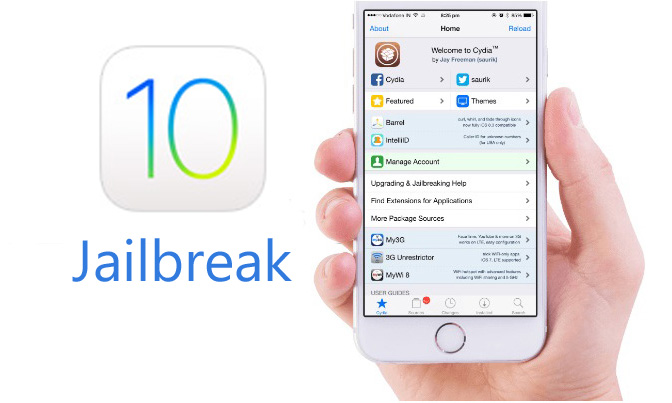
Todesco, along with Ian Beer, came up with the Yalu iOS 10.1.1 jailbreak tool. Initially, this build was available as an .ipa file which can eventually be installed on any Apple device. Meanwhile, Chinese programming team, Pangu, is still silent about whether they will be releasing their own version of an iOS 10 jailbreak.
As previously reported, Todesco's jailbreak version is not meant if your device is already on iOS 10.2, but according to Forbes, a jailbreak version may soon be available for you. German security researcher, Stefan Esser, announced on Twitter that iOS 10.2 jailbreak 'is about to hit soon'. If this is true, this would be the first time that back to back iOS versions have been jailbroken by different teams.
Source: traverlorstoday










