 NEWS
NEWS
Rioters Break Into Bordeaux Apple Store During Yellow Vest Protests
 12/10/2018
 2677
2677
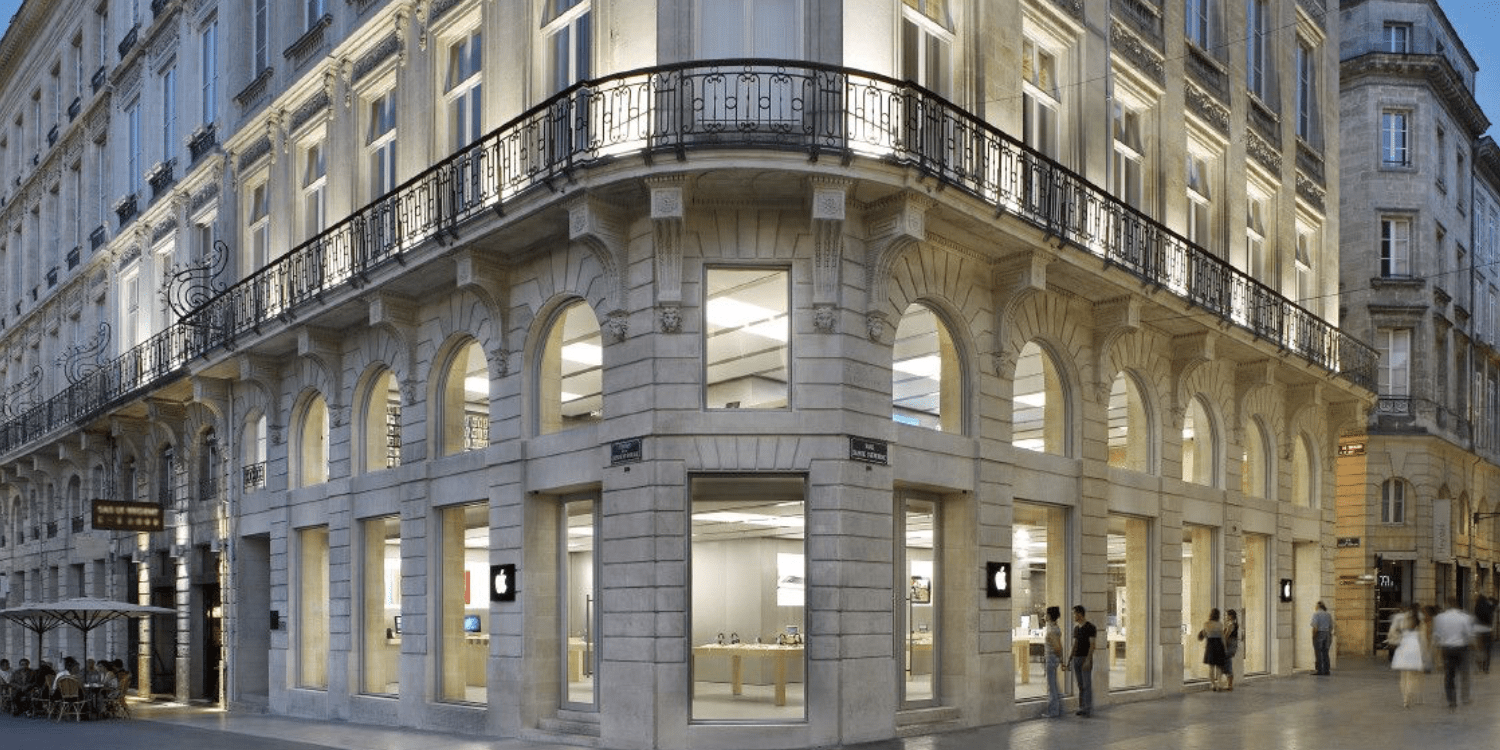
Apple Sainte-Catherine in Bordeaux, France was robbed and looted Saturday night by French “yellow vest” protestors. The vandals smashed the store’s windows before flooding through the building and ripping MacBooks, iPhones, iPads and more from product tables.
While the rioters refrained from completely destroying the property, the damage done will require extensive and time consuming repairs. By Sunday morning, plywood sheeting had been placed over the store’s windows to prevent further attacks.
Multiple video clips of the incident are circulating around French media outlets, and many have been posted to Twitter as well, as seen below.
Growing political unrest spawning riot groups such as these “yellow vests” have been the culprit for recent turmoil and civil clashes in the nation. More info on them can be found here.
Apple has not given an official statement on the incident at this time. Earlier riots in Paris caused damage to Apple’s Opéra store and it’s newest flagship location on Champs-Élysées. Both stores have been fortified and intermittently closed during the riots.
An Apple Store in Bordeaux, France was reportedly looted as approximately 125,000 people across the country participated in demonstrations against the cost of living and tax reforms.
— ABC News (@ABC) December 10, 2018
Police fired tear gas and arrested nearly 1,400 people. https://t.co/bWwxi0jw0m pic.twitter.com/pJjKkDC6BH
Source: 9to5mac










