 NEWS
NEWS
Best of 2018: Apple Reveals Most Popular Apps, Games, Movies and More
 12/04/2018
 3631
3631
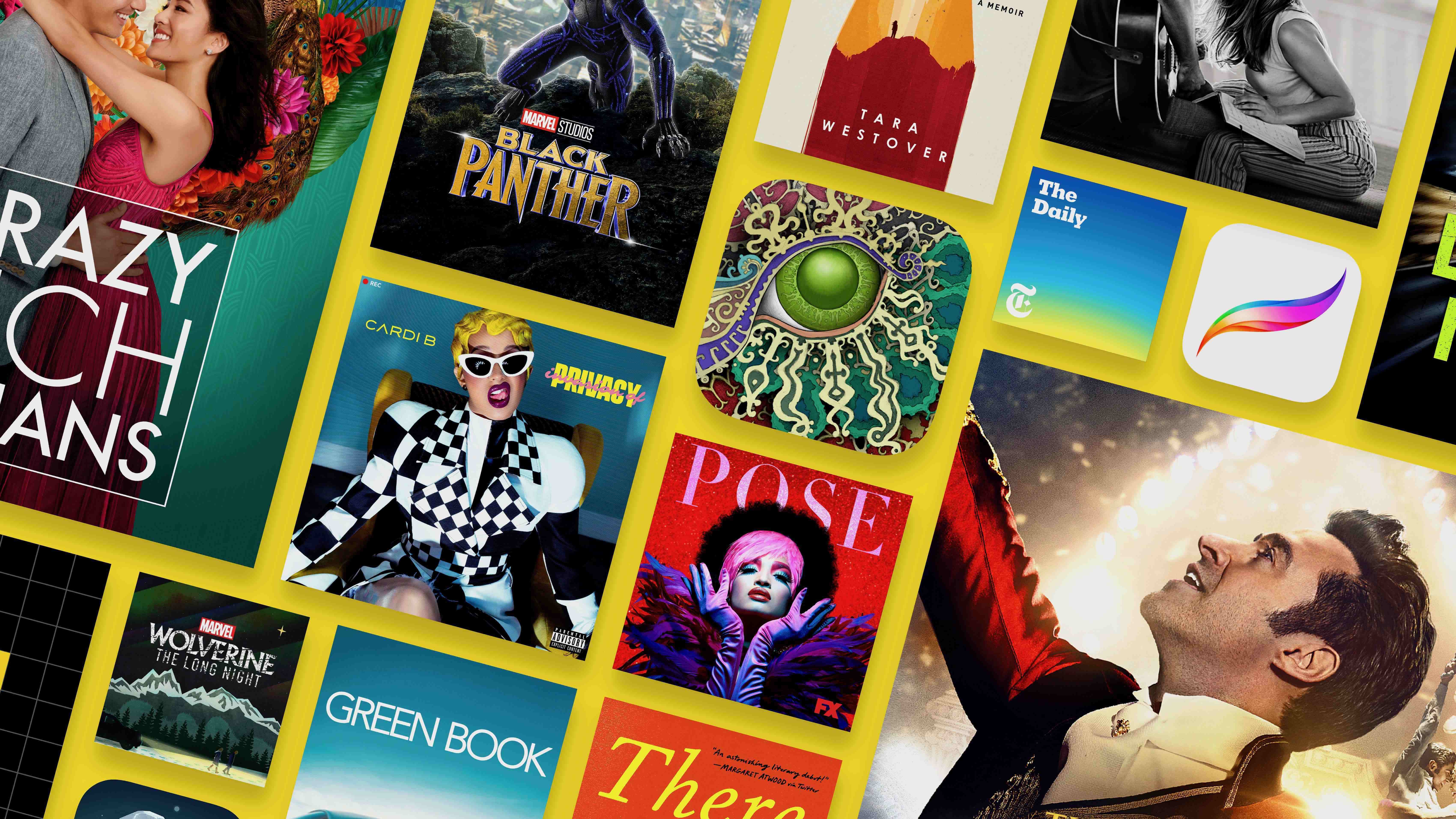
As it does at this time every year, Apple today announced its official Best of 2018 lists. These selections highlight the “best” app and game for iPhone, iPad, Apple TV, and Mac, as well as the top movies, TV shows, Podcasts, and more. Head below for all of the details.
This year, Apple is crowning Procreate Pocket as the best iPhone app of 2018. This is the iPhone version of the incredibly popular Procreate drawing app for iPad, allowing users to create while on the go with just their iPhone. As for the best iPhone game of the year, Apple is handing that award to Donut Country, a story-based physics puzzle game.
On the iPad side of things, Apple touts Froggipedia as the best iPad app of the year. This is an AR-based app that allows users to dissect a frog without having to actually having to do it in real life. The best iPad game of the year, according to Apple, is Gorogoa, another story-based puzzle game.
On Apple TV, Sweat has been handed the award of app of the year. Sweat is a fitness application that originally gained popularity on the iPhone. The Apple TV game of the year according to Apple is the popular Alto’s Odyssey title.
Last but not least is the Mac, where Apple is crowning Pixelmator Pro as the app of the year and The Gardens Between as the game of the year.
While the Apple Watch doesn’t see as much attention, Apple has highlighted a few of its “favorite” apps. These include Carrot Weather, Overcast, Lifesum, and more.
In addition to the awarded titles, Apple has also shared a rundown of the most downloaded free apps:
YouTube
Instagram
Snapchat
Messenger
Facebook
Bitmoji
Netflix
Google Maps
Gmail
Spotify
Amazon
Uber
WhatsApp
Pandora
Wish
TikTok
Cash App
Google Photos
Google Chrome
Twitter
Here are ether most downloaded games of 2018:
Fortnite
Helix Jump
Rise Up
PUBG Mobile
Hole.io
Love Balls
Snake VS Block
Rules of Survival
Roblox
Dune!
Subway Surfers
Episode – Choose Your Story
Word Link
Toon Blast
Color Road!
HQ Trivia
Twisty Road!
8 Ball Pool
Kick the Buddy
Sniper 3D Assassin: Gun Games
In addition to app awards, Apple has released its “best music of the year” picks. Artist of the year is awarded to Drake, breakout artist to Juice WRLD, song of the year to “I Like It” by Cardi B feat. Bad Bunny & J. Balvin, and album of the year to “Golden Hour” by Kacey Musgraves. View the top 100 songs and albums here.
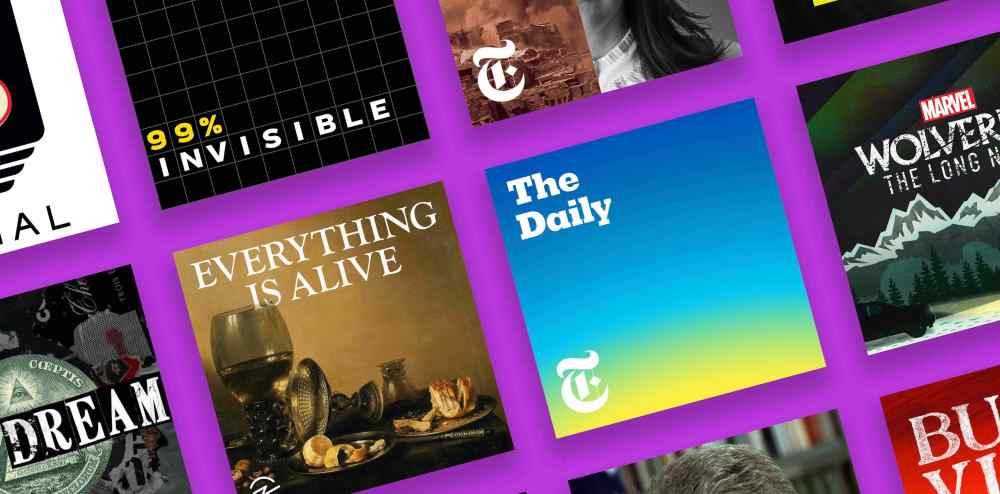
Apple’s top “best podcasts” go to titles including In The Dark, Slow Burn, The Daily, Serial, This American Life, and more. View the full charts here.
Apple’s “best movies” include Black Panther, A Star is Born, Crazy Rich Asians, and more. “Best TV shows” include The Good Place, The Americans, The Good Fight, and more. View the full charts here.
Lastly, Apple is celebrating the launch of its new Apple Books Platform by highlighting a handful of titles:
Book of the Year: American Marriage
Best Nonfiction: The Library Book
Best Mystery: The Witch Elm
Best Thriller: Light It Up
Best Bio/Memoir: Educated
Best Romance: Too Wilde to Wed
Best Science Fiction/Fantasy: Spinning Silver
Best Feel-Good Fiction: When Life Gives You Lululemons
Best Literary Fiction: There There
Best Young Reader Book: Harbor Me
View Apple’s full announcement here.
Source: 9to5mac










