 NEWS
NEWS
Tumblr was Removed from Apple’s App Store over Child Pornography Issues
 11/21/2018
 3751
3751
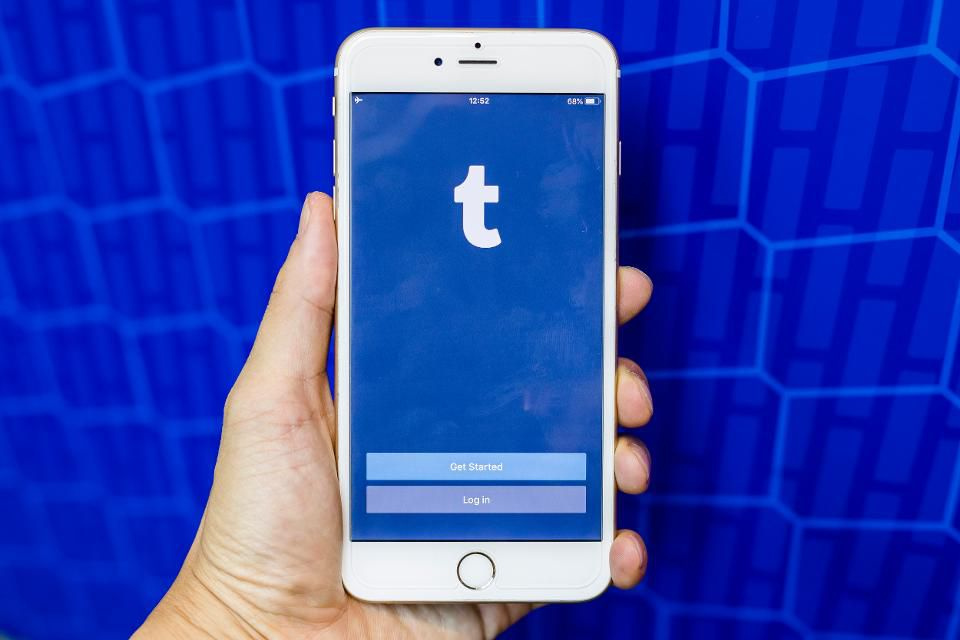
Tumblr says that child pornography was the reason for its app’s sudden disappearance from the iOS App Store. The app has been missing from the store since November 16th, but until now the reason for its absence was unclear — initially Tumblr simply said it was “working to resolve the issue with the iOS app.” However, after Download.com approached Tumblr with sources claiming that the reason was related to the discovery of child pornography on the service, the Yahoo-owned social media network issued a new statement confirming the matter.
In its updated statement, Tumblr said that while every image uploaded to the platform is “scanned against an industry database of child sexual abuse material” to filter out explicit images, a “routine audit” discovered content that was absent from the database, allowing it to slip through the filter. Although Tumblr says the content was immediately removed, its app continues to be unavailable on the App Store. It’s still available in the Google Play store for Android users, however.
Tumblr has been noted for having a permissive attitude towards NSFW and adult-orientated content on its service, which has previously caused it to be briefly banned in Indonesia. However, child pornography is a completely different matter. Apple’s iOS guidelines clearly state that all apps must have a content filter to screen out such material, and it seems Tumblr’s existing system wasn’t up to this standard. Although the company has said getting its app reinstated is its “top priority,” it was unable to give any clear timeframe for its return.
Source: the verge










