 NEWS
NEWS
Bank of America Says buy Apple Shares Because iPhone Upgrade Interest is Rising 'Significantly'
 10/10/2018
 3024
3024
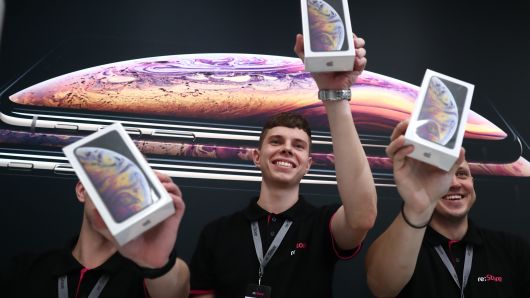
Bank of America Merrill Lynch says Apple sales will get a lot of momentum from people upgrading their iPhones, according to the results of a recent global survey of smartphone users.
The firm reiterated its buy rating on Apple shares, predicting the smartphone maker will report earnings above expectations next year.
"Our survey suggests interest in upgrading to an iPhone rose significantly in recent months, with steady growth following the announcements of the iPhone Xs and iPhone Xr," analyst Wamsi Mohan said in a note to clients Tuesday. The "survey shows demand for iPhones rising across markets."
Apple shares closed up 1.4 percent Tuesday.
Mohan reaffirmed his $256 price target for Apple shares, representing 14 percent upside to Monday's closing price.
The analyst said the firm's survey of nearly 91,000 consumers from March to September revealed rising interest in iPhone upgrades. He noted 33 percent of the respondents said they plan to upgrade to the iPhone versus 15 percent for Samsung. In addition, 70 percent of iPhone owners said they will stick with Apple for their next phone purchase.
"IPhone users stickiness is better than the competition," he said. "Our survey points to a significant opportunity for growth in both China and India."
Mohan estimates Apple will report fiscal 2019 earnings per share of $14.41 versus the $13.62 Wall Street consensus.
Apple shares are significantly outperforming the market this year. The stock is up 32 percent year to date through Monday versus the S&P 500's 8 percent gain.
Source: cnbc










