 NEWS
NEWS
Apple Seeks Hotshot Editor to Make Siri Great Again
 08/28/2018
 2567
2567
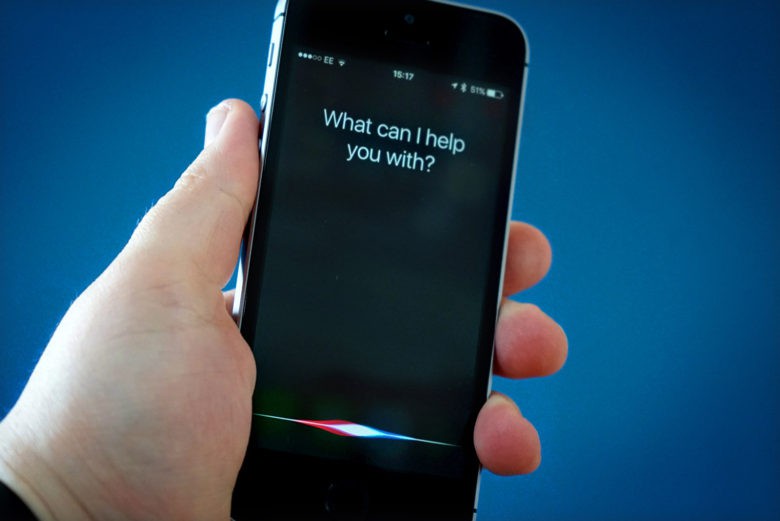
Siri is about to get a huge upgrade in the way it answers users questions and searches.
In a new job listing posted today, Apple says it is seeking a writer and editor who can help evolve Siri from one of the most-criticized digital assistants into a “distinct, recognizable character.”
The new role was posted on LinkedIn this morning searching for a Siri Editorial Manager. From the looks of it, Apple wants to completely change the way Siri responds to people. Hopefully, it also means Siri is about to get a lot smarter, too.
Evolving Siri
“In this role, you will lead a team of writers and editors to deliver polished and consistent dialog for Siri,” Apple says in the listing. “You will collaborate with international writers, designers, engineering, and Apple marketing staff to help Siri be more effective and delightful.”
Apple says the ideal candidate excels at the craft of writing and loves language and wordplay. The person hired will probably have a huge influence on how Siri interacts and converses with users by injecting more personality into the digital assistant.
On the technical side, Siri is set to get a couple of big upgrades with iOS 12. Apple’s new Siri Shortcuts app makes the assistant more versatile. Rumors of a Siri makeover have been floating around the internet for months now, but WWDC 2018 didn’t reveal any huge changes other than Shortcuts.
Apple has been on a Siri hiring spree over the last year, though. Over 142 Siri-related job listings were open in March of this year. That number has grown to 194 job listings this month.
Source: cult of mac










