 NEWS
NEWS
At Apple’s Request, Facebook is Removing its Spyware-like Onavo VPN App from App Store
 08/27/2018
 2942
2942
Update: In a statement to TechCrunch’s Matthew Panzarino, Apple says it is committed to protecting user privacy:
“We work hard to protect user privacy and data security throughout the Apple ecosystem. With the latest update to our guidelines, we made it explicitly clear that apps should not collect information about which other apps are installed on a user’s device for the purposes of analytics or advertising/marketing and must make it clear what user data will be collected and how it will be used.”
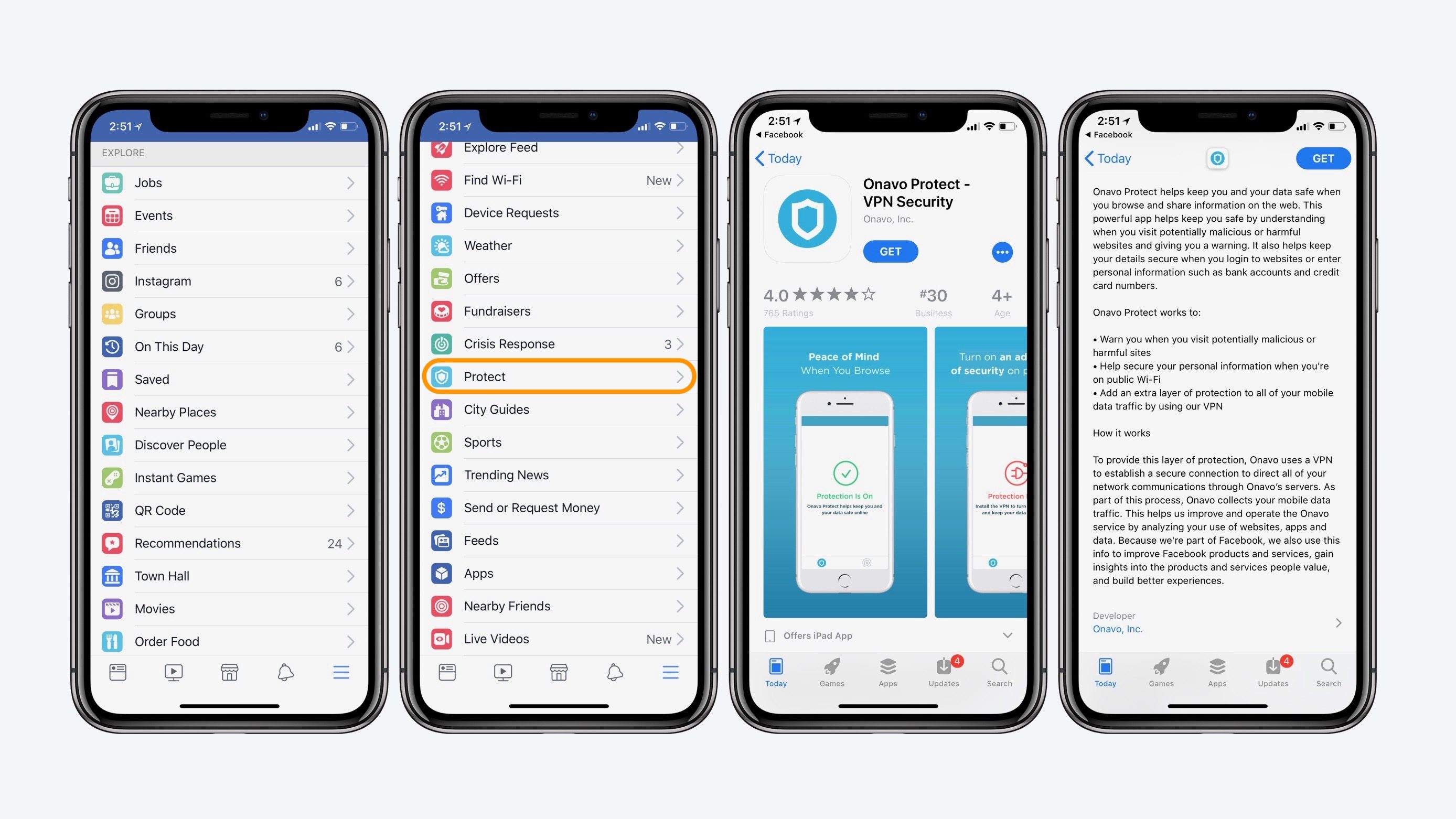
Facebook is removing its controversial and spyware-like Onavo Protect application from the App Store. The Wall Street Journal reports today that Apple has ruled the app as being in violation of its data-collection policies.
The report explains that apple informed Facebook earlier this month that Onavo Protect violated new App Store Guidelines. Following that communication, Apple and Facebook officials met several times last week, with at least one of those meetings taking place at Apple Park, sources said.
Ultimately, Apple reportedly suggested to Facebook that it “voluntarily” remove the Onavo Protect app from the App Store, to which Facebook agreed:
"The two sides discussed the issue in meetings last week, at least one of which took place at Apple’s headquarters. On Thursday, Apple officials suggested that Facebook voluntarily take down the Onavo app and Facebook agreed, said the person, who described the discussions as cordial."
Apple introduced new privacy rules as part of its App Store Guidelines back in June that specifically aim to limit collection of data by app developers. It’s these changes in guidelines that seemingly gave Apple grounds to push Onavo Protect off the App Store.
While Facebook touted Onavo Protect as a way for users to keep themselves and their data safe, what it actually did was create a VPN that directed user traffic through a Facebook-managed server:
"Onavo allows users to create a virtual private network that redirects internet traffic to a private server managed by Facebook. The app, which bills itself as a way to “keep you and your data safe,” also alerts users when they visit potentially malicious sites. Facebook is able to collect and analyze Onavo users’ activity to get a picture of how people use their phones beyond Facebook’s apps."
Facebook currently plans to remove the app from the App Store at some point this evening. While users who have already downloaded it will continue to be able to use it, Facebook won’t be able to push updates to the app. Facebook currently has no plans to remove Onavo from the Google Play Store.
Source: 9to5mac










