
NEWS

Apple Announces August 25th Grand Opening of New Retail Store in Kyoto, Japan

08/14/2018

2950

Today in Japan, Apple previewed the upcoming grand opening of their newest retail store. Located in the city of Kyoto, the store will be the company’s 504th location worldwide and ninth operating in Japan.
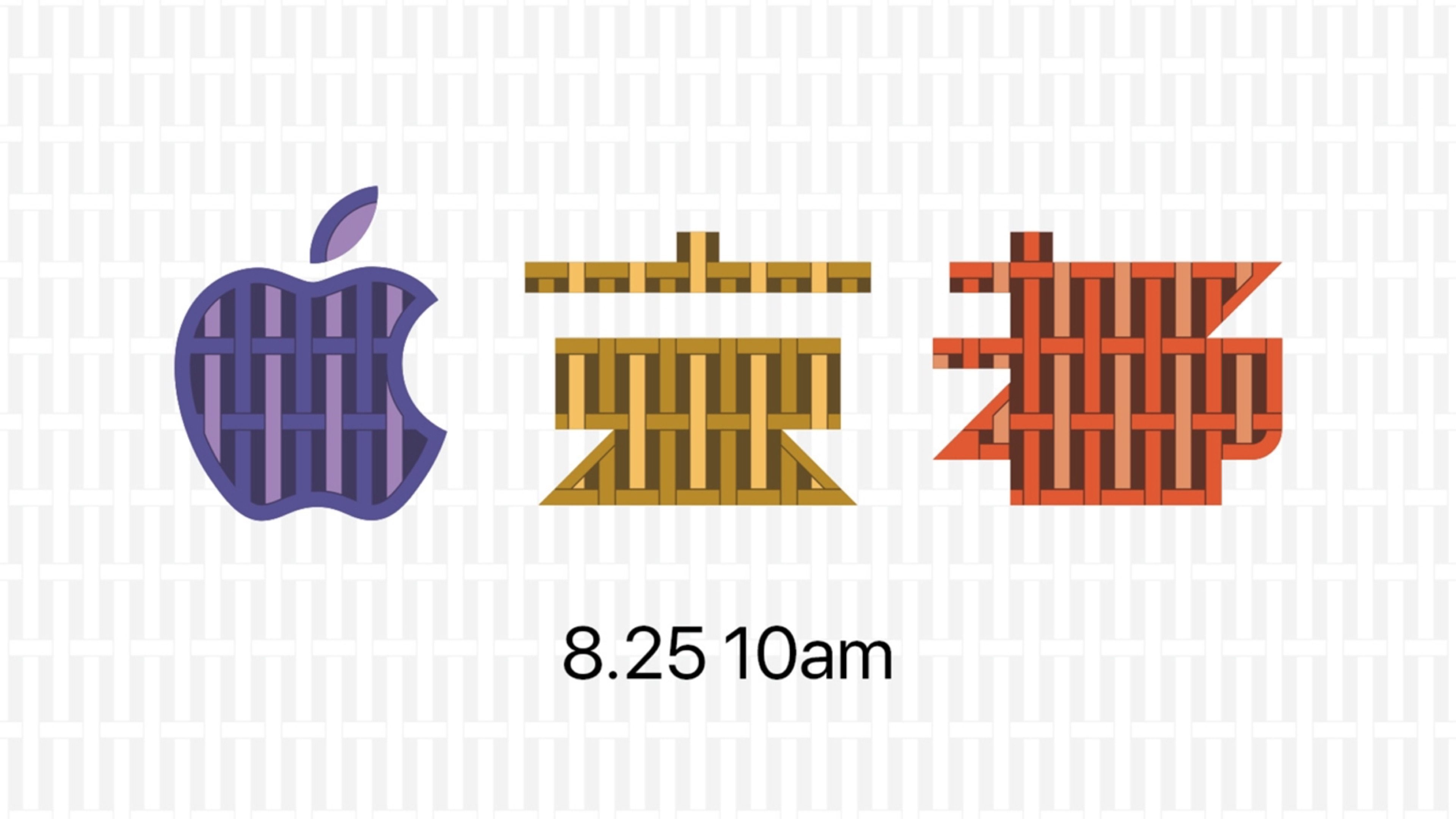

Apple Announces August 25th Grand Opening of New Retail Store in Kyoto, Japan


Kyoto’s Shijo Street is a commercial and retail center, home to many luxury shops and retailers including the upscale Daimaru department store. Steps from Daimaru is Kyoto’s Zero Gate, a branch of the shopping complex chain owned by retailer Parco. Apple will occupy a large space on the corner of the first floor of the building, which first opened in November 2017. A short distance from the Karasuma train station, the storefront will receive generous foot traffic directly below the Hankyu-Kyoto Line.


Overnight, Apple stripped construction barriers and scaffolding away from the building, revealing an Apple logo teasing the store’s arrival over a curved glass facade. An intricate pattern resembling woven bamboo – a traditional craft in Kyoto, covers the signage. We first saw hints of Apple’s Kyoto store in March, after an interview with retail SVP Angela Ahrendts shed light on Apple’s five-year plan for Japan. In conjunction with the opening of Apple Shinjuku, images on Apple’s retail site – one matching the design of today’s banners – indicated the arrival of two more stores before the end of 2018.


Source: 9to5mac

Windows
Mac OS
iOS
Linux
3uTools
Win 64-bit For this device
V9.01 2025-12-27
Download
Win 32-bit For this device
V9.01 2025-12-27
Download
3uTools
Intel Chip How to Identify Chip Type
V9.01 2025-12-31
Download
Apple Silicon
V9.01 2025-12-31
Download
How to Identify Chip Type
1.  Click the Apple icon in the top-left corner of the screen and select About This Mac.
2.  Check the Processor or Chip field to determine if it is "Intel" or "Apple".
Please use the 3uTools PC client to install the iOS client:
1、 Install either the Windows or Mac version of 3uTools on your computer
2、 Open the PC client and connect your device to the computer via USB cable
3、 After the connection is successful, wait for the computer to automatically install the mobile app for the device, or locate “Install Mobile App” on the computer and manually click to install.
3uTools
deb file
V3.01 2025-11-20
Download
rpm file
V3.01 2025-11-20
Download
Windows
Windows
iOS
iOS
Android
Android
TV
TV
3uAirPlayer
Win 64-bit For this device
V6.0.2 2025-11-19
Download
Win 32-bit For this device
V6.0.2 2025-11-19
Download
iOS Device Mirroring (No App Required)
1、 Install 3uAirPlayer on the Windows PC
2、 Open Control Center and select Screen Mirroring
3、 From the list, choose your PC to start mirroring
4、 Or connect your iOS device to the PC via USB to begin mirroring
Scan to get "3uAirPlayer" App
3uAirPlayer TV V1.0.18
2025-11-28
TV System Requirements: Android 7.0 or later
Download the TV installation package, copy it to a USB drive, insert it into your TV or set-top box, then select the file from the home screen to install.




